
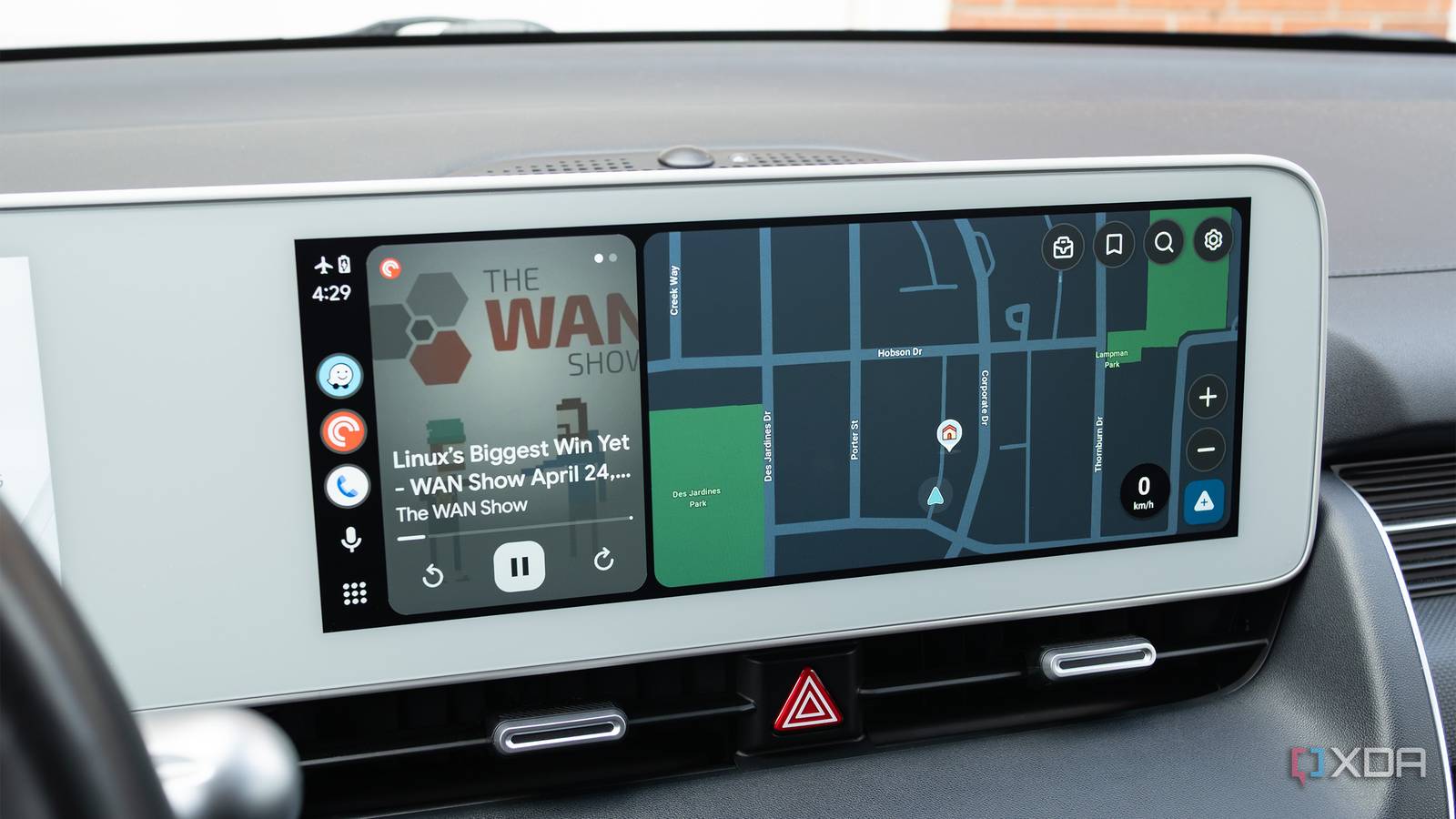
Published Aug 24, 2026, 12:27 PM EDT Patrick O'Rourke is XDA's News Editor and Entertainment Segment Lead. Previously, he was Pocket-lint's Editor-in-Chief, the Editor-in-Chief of Canadian tech publication MobileSyrup, and earlier in his career, he worked as the technology editor at the Financial Post and Postmedia. He's based in Toronto. Over the past 15 years, he's written thousands of articles. Patrick has also interviewed dozens of tech industry executives and covered GDC, E3, Gamescom, WWDC, Apple keynotes, Samsung Unpacked events and more. Patrick has a BA in journalism from Toronto Metropolitan University. Sign in to your XDA account Summary Traffic overlays are sometimes disappearing in Google Maps, especially on Android Auto. Google said it fixed the issue, but recent reports show traffic data is broken again. Clearing the cache or reinstalling usually doesn't help; the overhead view can briefly restore lines. Google Maps is a solid alternative to Waze, and if you prefer its UI and don't miss the latter app's crowdsourced community features, you could even argue it's actually better. However, over the past several weeks, users have started reporting traffic data not appearing in Google Maps, particularly in Android Auto (via 9to5Google). Similar to Waze, Google Maps uses green, yellow, and red lines to indicate traffic speed. As you likely already guessed, green means traffic is flowing smoothly, while yellow indicates that it's slow, and red means you're in a heavy traffic jam. If you commute in traffic a lot, it's a great tool for knowing what to expect ahead, especially in stop-and-go traffic on the highway. Google said it fixed the issue last month, according to Android Authority, but it appears to be back, with relatively recent reports on Reddit indicating that traffic data in Google Maps is still at least somewhat broken in Android Auto. Some users also state that this issue occurs directly on their phones, too. There doesn't seem to be a clear solution yet There's no timeline for a fix from Google There are some reports on Reddit that changing the view to overhead causes the traffic line to reappear in Google Maps. Clearing the app's cache and storage doesn't seem to do anything, and neither does uninstalling and reinstalling the map app. XDA has reached out to Google for comment on the issue. For what it's worth, I haven't encountered this issue with my Pixel 10 Pro, though I don't use Google Maps every day (I'm primarily a Waze user). Are you running into traffic issues with Google Maps in Android Auto? Let us know in the comments below.
Google Maps traffic data is disappearing in Android Auto, and there's no fix in sight
Full Article
Original Source
Read the full article at Xda-developers →KhanList aggregates and links to publicly available news content. We do not host full articles from third-party sources. Always verify important information with original sources.