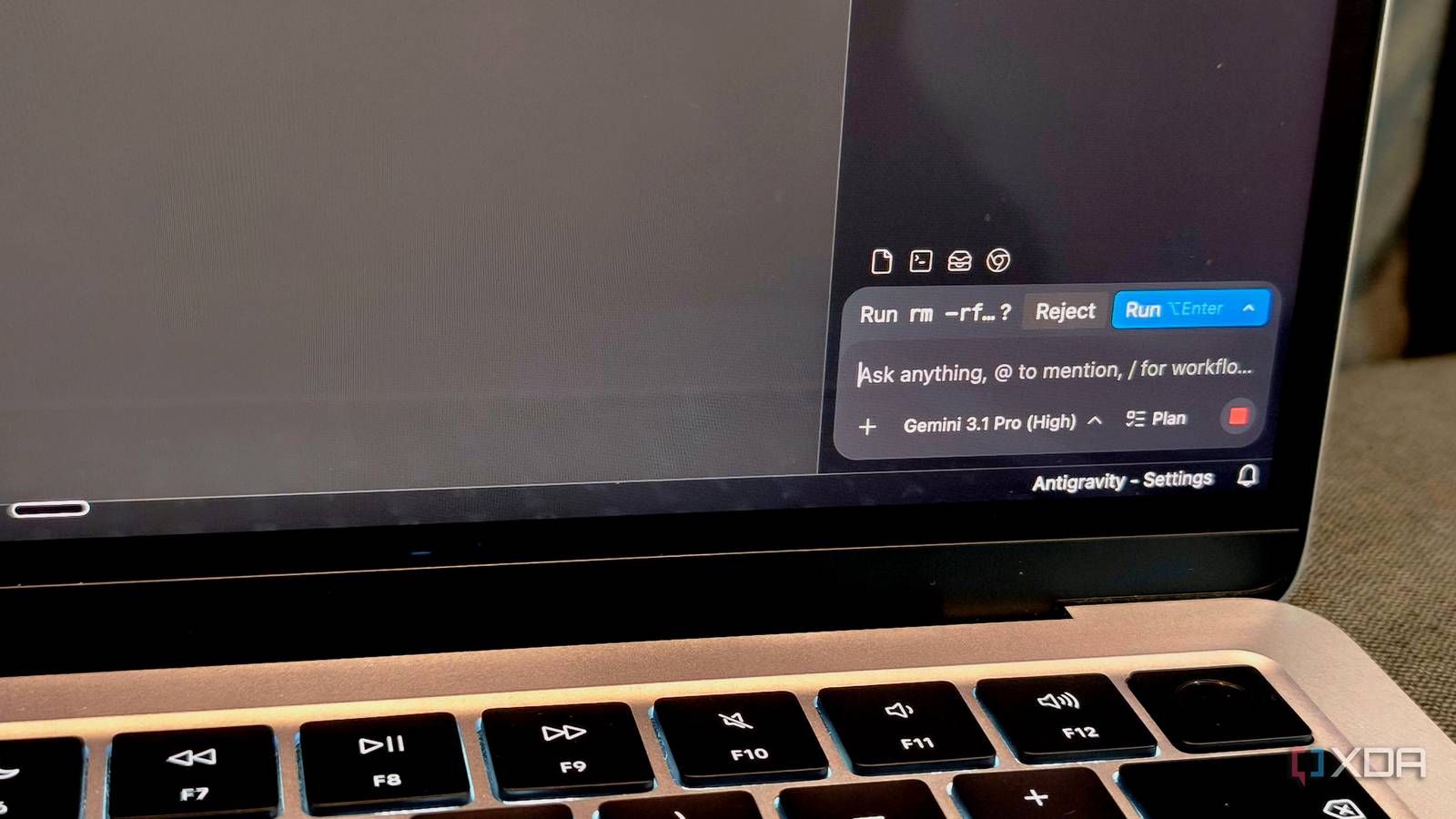
Published May 15, 2026, 2:30 PM EDT Anurag is an experienced journalist and author who’s been covering tech for the past 5 years, with a focus on Windows, Android, and Apple. He’s written for sites like Android Police, Neowin, Dexerto, and MakeTechEasier. Anurag’s always pumped about tech and loves getting his hands on the latest gadgets. When he's not procrastinating, you’ll probably find him catching the newest movies in theaters or scrolling through Twitter from his bed. Antigravity is Google’s IDE built on the same open-source project as VS Code. It’s essentially everything VS Code is, just without the extension ecosystem. Google describes Antigravity as an advanced, AI-powered integrated development environment designed for the “agent-first” era of software development. I had tried Antigravity on and off before, but I never used it as my primary IDE. That changed after the April update Google rolled out. The update fixed a bunch of issues many of us had with the IDE, but more importantly, it introduced updated agentic permissions. That one feature alone made me switch to Antigravity and ditch VS Code for good. At this point, I think there are very few reasons left to stick with VS Code instead of moving to these newer agentic IDEs. Related 4 VS Code forks built for specific tasks The classic VS Code is great and all, but these specialized forks are better for certain programming tasks Google Antigravity is a lot better now The April update has fixed a lot of things One of the biggest promises of these new AI-powered IDEs is that they are supposed to feel autonomous. You give them a task, explain what you want built, and let them work through it while you do something else. That is the dream, at least. In reality, most agentic coding workflows still need babysitting. I cannot count the number of times I gave an AI agent a prompt to build something, got up to make coffee, and came back expecting at least some meaningful progress, only to find the IDE sitting there waiting for me to click “Allow” on a permission pop-up it triggered two minutes after I left. The AI is technically capable of continuing, but it is stuck waiting for human approval every few steps. That was my experience with Antigravity for the longest time. I liked the direction Google was taking with the IDE, and I kept checking back after major updates, but I never fully switched to it because the experience was still unfinished. However, Google made things a lot better with the April update. The update completely overhauled how permissions work in Antigravity by introducing what Google calls a Unified Permission System. Antigravity now gives you proper control over how the AI agent interacts with your system. The system revolves around three permission tiers: Allow, Ask, and Deny. These tiers let you decide what the AI should handle autonomously and what actually requires manual approval. You can allow safe, repetitive actions like Git commands or project-specific file access, require confirmation for more sensitive tasks, and permanently block dangerous commands or directories you never want the agent touching. These permissions are split across terminal commands, filesystem access, network requests, and MCP tools. You can allow npm commands while blocking destructive shell operations, restrict the AI to a single project folder, whitelist specific domains, or tightly control how MCP servers interact with your workspace. Antigravity is not alone here. Similar permission systems already exist in Cursor, Claude Code, and to some extent in OpenAI’s Codex tooling as well, although implementation details differ. Cursor already supports allowlists and denylists for commands, MCP tools, browser access, and agent execution behavior. You can define which commands the AI is allowed to run automatically and which ones should always be blocked or require approval. Antigravity is generally better than VS Code It has everything you need and then some While Google Antigravity is based on VS Code, the actual product is a lot different and I would say better than what Microsoft's IDE has to offer. It doesn’t treat AI as a single assistant layered on top of the editor, but as a multi-agent execution model where tasks can be planned, assigned, and executed concurrently. Different agents operate within defined scopes and generate intermediate artifacts such as task plans, reasoning summaries, or proposed code changes before modifications are applied. This also changes where responsibility sits during development. Inside VS Code, responsibility for correctness largely falls on the developer, both during and after generation. Antigravity distributes that process across multiple stages that each produce inspectable output. While that does not guarantee better code, it does improve traceability. I can evaluate intent before evaluating implementation, which is much closer to how formal software engineering workflows are designed. As mentioned earlier, Google Antigravity has everything that you get with VS Code. The core editor behavior remains unchanged. The file explorer, integrated terminal, source control panel, debugger interface, task runner, settings system, and command palette all behave exactly the way they do in Visual Studio Code. Existing keyboard shortcuts carry over cleanly, including custom keybindings, while themes, layouts, split views, and multi-root workspaces work the same way as well. Since Antigravity relies on the same Language Server Protocol ecosystem, features such as syntax highlighting, IntelliSense, go-to-definition, diagnostics, and refactoring tools also behave the same way they do in VS Code. Extension compatibility remains one of the strongest reasons why I was able to switch to Antigravity. Most widely used VS Code extensions, including formatters, linters, Git integrations, container tooling, and testing frameworks, install and function normally. Google Antigravity Google Antigravity is an AI-powered Integrated Development Environment (IDE) designed for autonomous software development. Related
Google Antigravity's April update finally made it usable, and VS Code should be worried
Full Article
Original Source
Read the full article at Xda-developers →KhanList aggregates and links to publicly available news content. We do not host full articles from third-party sources. Always verify important information with original sources.