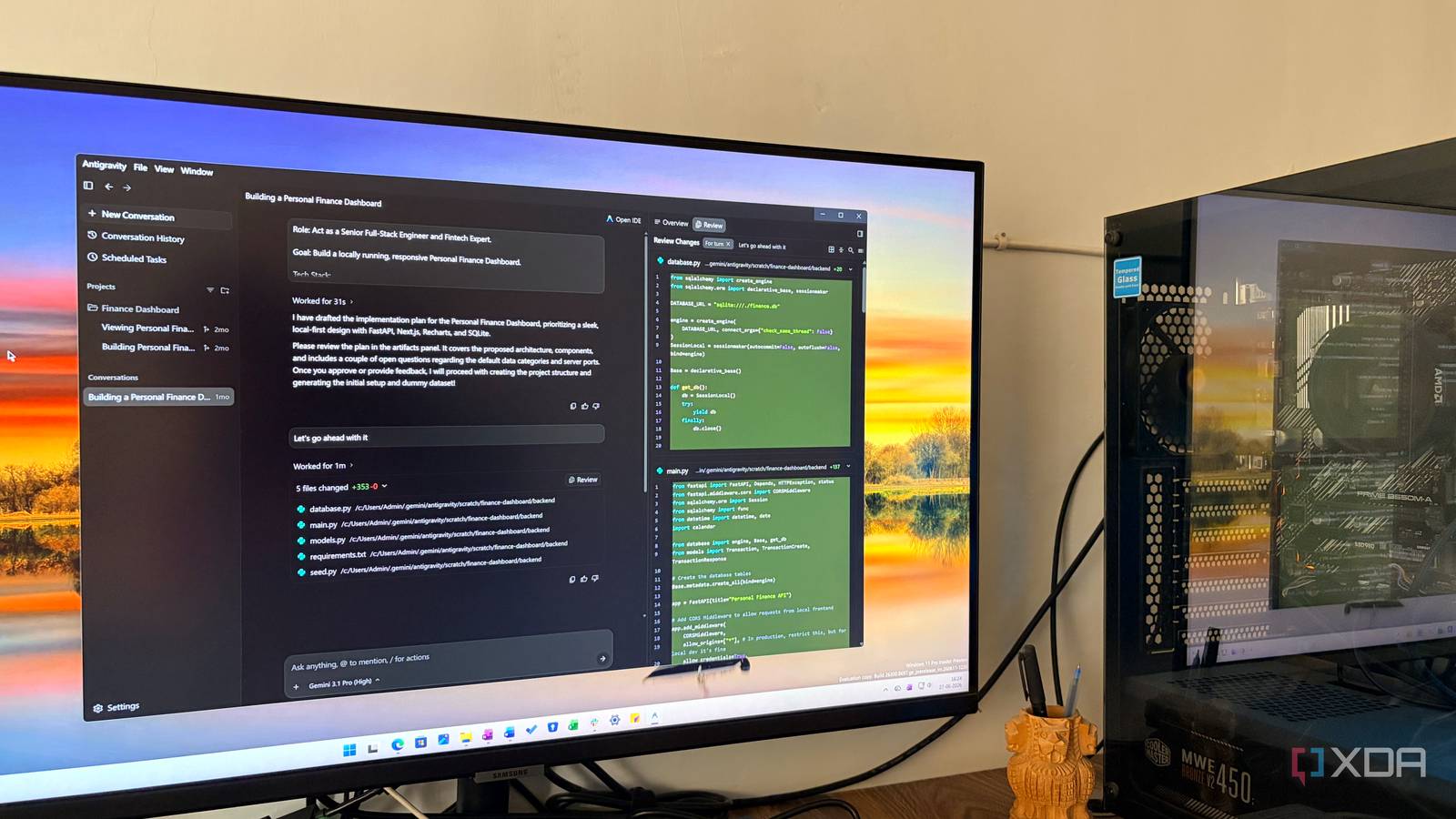
Published Jul 26, 2026, 6:00 AM EDT Parth, a seasoned tech writer, wields the keyboard (or pen) with finesse to unravel the intricacies of both Windows and Mac operating systems. He has covered evergreen content on mobile devices and computers for multiple publications over the last six years. You can find his work on AndroidPolice, GuidingTech and TechWiser. Whether it’s demystifying system updates, deciphering error codes, or exploring hidden features, Parth’s prose guides readers through the binary maze. When not immersed in tech jargon, you’ll find him sipping chai, pondering the next software review, and occasionally indulging in a friendly debate about mechanical keyboards. Most productivity tools promise to save time, but many of them simply give me another dashboard to manage. Google Antigravity feels different. Instead of helping me organize work, it helps me finish it. I initially treated Antigravity as another AI coding experiment, but it quickly became one of the most valuable tools in my daily workflow. It has become my secret productivity weapon, yet it still feels like one of Google’s best-kept secrets. I thought it was just for coding When I first came across Google Antigravity, I dismissed it as yet another AI coding tool trying to compete with Cursor, Claude Code, and Codex. I already had more than enough options for generating code, fixing bugs, and building quick prototypes, so I did not expect Antigravity to add much to my workflow. However, that assumption changed once I started using it for complete projects instead of isolated coding tasks. Antigravity could understand a broad request, inspect the project, create a plan, modify several files, test the result, and continue refining it with minimal guidance. That was when I realized Antigravity was not simply another coding assistant. It turns vague ideas into actionable plans My rough ideas finally gain structure One of the biggest reasons Google Antigravity has become so useful to me is its ability to turn a half-formed idea into a clear, actionable plan. I do not always begin a project with a detailed brief, a complete feature list, or a perfect structure in mind. Sometimes, I simply know the outcome I want. I can give Antigravity that rough direction, and it starts breaking the work into logical steps and identifies the files it needs to create or modify. That planning stage saves me a good amount of mental effort. Instead of staring at a blank project and wondering where to begin, I get a roadmap that I can review, adjust, and approve before any major changes happen. For example, I once wanted to build a simple personal budgeting app, but only had a vague idea of tracking expenses and viewing monthly summaries. I described this loosely to Antigravity, and it quickly outlined the core features, suggested a folder structure, spotted necessary components like a database and user interface, and even proposed how the data should flow between them. I can delegate entire projects I hand over entire workflows The real productivity gain for me comes from being able to delegate complete projects instead of asking Antigravity to handle one tiny task at a time. For example, when I asked Antigravity to build a detailed habit tracker dashboard, I did not provide a line-by-line technical specification. I shared the general idea, reviewed its proposed plan, and let it work through the implementation. It handled the project structure, designed the main interface, added the underlying logic, and tested the result as it moved forward. I only needed to step in later to refine a few visual details and adjust some interactions to match my preferences. Instead of acting like the person manually performing every task, I become the person directing the project. Antigravity removes repetitive work from my day The boring work disappears first Google Antigravity saves me the most time by taking repetitive, low-value work off my plate. Every project comes with dozens of small tasks that are necessary but hardly deserve my full attention. I may need to rename files, update the same component across multiple pages, fix inconsistent formatting, clean up duplicated code, add documentation, or replace an outdated function throughout the project. None of these jobs is particularly difficult, but together they can consume a large part of my day. For example, if I decide to change the design of every project card in a dashboard, I do not need to open each file and repeat the same edits. Antigravity can find every related component, apply the new structure consistently, update the styling, and check whether the changes have broken anything elsewhere. I use it beyond traditional development It does far more than code I now treat Antigravity as a general-purpose workspace for turning everyday ideas into practical tools, even when I have no intention of publishing them as proper apps. For example, I can use Antigravity to create a lightweight dashboard for tracking article ideas, deadlines, drafts, and publication status. I can even ask it to build a simple calculator for comparing subscription costs or home EMI. I also use it for rapid prototypes and visual experiments. When I have an idea for a new website layout, productivity system, or internal tool, I can turn it into something interactive instead of leaving it as a rough note or static mock-up. That makes it much easier to judge whether the idea actually works. I can click through the interface, test the workflow, identify what feels unnecessary, and refine the concept before investing more time. The AI workspace nobody talks about Google Antigravity has changed how I approach demanding projects. Instead of spending hours planning every step, juggling tools, and getting stuck on repetitive work, I can hand over the heavy lifting and focus on the parts that actually need my judgment. Of course, it still needs supervision, especially for design details and specific cases. But as a productivity tool, it has become one of my biggest advantages. Antigravity may still be flying under the radar, but it deserves far more attention than it gets. Google Antigravity Google Antigravity is an AI-powered IDE that rivals VS Code and Cursor.
Google Antigravity is my secret productivity weapon that everyone should know about
Full Article
Original Source
Read the full article at Xda-developers →KhanList aggregates and links to publicly available news content. We do not host full articles from third-party sources. Always verify important information with original sources.