
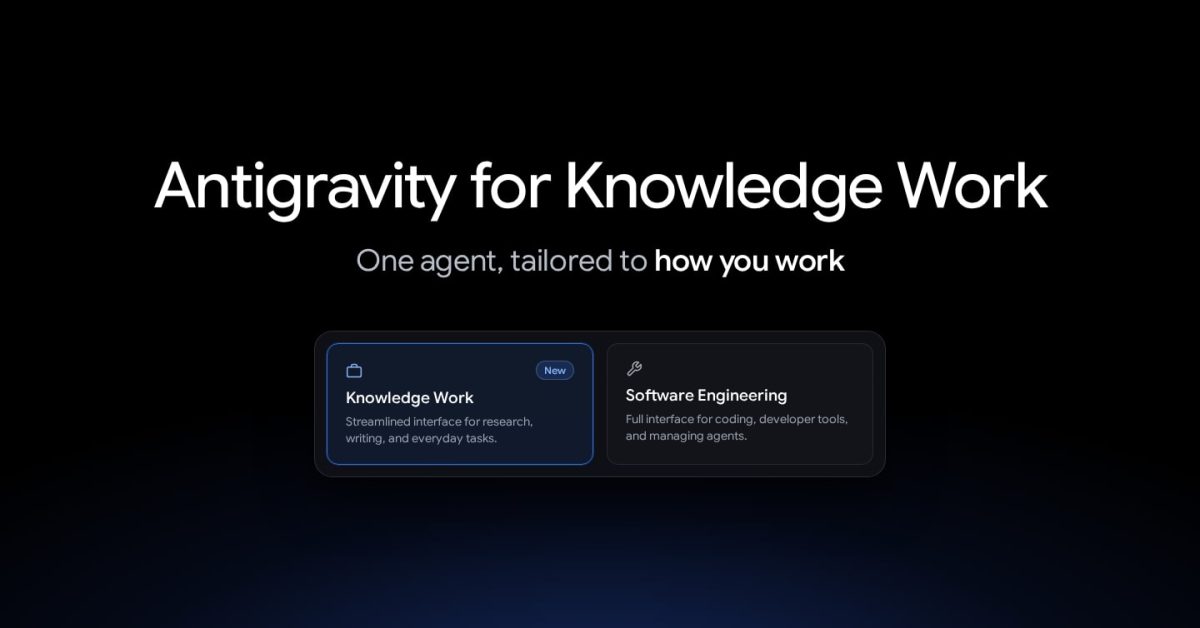
Following last week’s big update, Google Antigravity is rolling out a “Knowledge Work” user experience. Antigravity launched with a coding focus, but Google has seen how people, including employees internally, are using it for “far more than code.” Alongside software engineering, more and more daily sessions center on deep research, data analysis, drafting documents and presentations, prototyping designs, and automating everyday workflows. The company shared that “tens of thousands of Googlers outside software engineering (across sales, finance, legal, product, design, research, marketing, and operations) now rely on Antigravity every week alongside engineers to get their work done.” As such, Google Antigravity now has an optimized Knowledge Work experience that joins the existing Software Engineering interface. The underlying Antigravity agent is unchanged “with full access to frontier models, local files, plugins, skills, rules, custom agents, and MCP servers.” When Knowledge Work is enabled, you’ll see the following UI changes: AreaSoftware EngineeringKnowledge WorkProjects and foldersPrompts for Local or New worktree mode on Git repos; shows Git branch pickers, GitHub controls, and Open in IDE; forks can target a new worktree.Runs directly in your project’s folders without worktree or Git branch prompts; hides GitHub and Open in IDE controls; forks stay in the current folder (Fork conversation in this folder).Conversation and approvalsKeeps expandable Worked for tool groups, inline code diffs, line counts, and subagent cards in the thread; permission prompts include raw command-rule editors.Shows a live progress line while the agent works that clears once the response finishes, keeping focus on replies and artifacts; permission prompts present plain-language summaries.Side panel and Overview panelOverview includes Review, Files, Terminal, and Extensions rows, a Customize Sections menu, and sections for Subagents, Background Tasks, Goals, Documents, Artifacts, Links, Modified Files, and Uploads.Overview stays hidden until the conversation produces output, omits Review, Terminal, and Customize Sections, labels the Files sidebar tree Folders, and focuses on Documents, Artifacts, Links, Uploads, and Background Tasks.Customizations (Installed tab)Lists installed Plugins, Skills & Rules, Custom Agents, and MCP Servers.Lists installed Plugins only (installed skills, rules, custom agents, and MCP tools remain active in the background).SettingsDisplays developer subsections (Terminal, Workspaces, and Labs) and detailed permission rules directly.Tucks advanced permission rules and developer subsections behind Advanced Settings in Settings > General and project settings, and hides the Appearance > Conversation Steps toggle and code syntax preview. To enable, go to Settings > General > Interface Layout. On first launch, there’s a new onboarding flow. FTC: We use income earning auto affiliate links. More.
Google Antigravity adds ‘Knowledge Work’ interface for non-coding work
Full Article
Original Source
Read the full article at 9to5google →KhanList aggregates and links to publicly available news content. We do not host full articles from third-party sources. Always verify important information with original sources.