
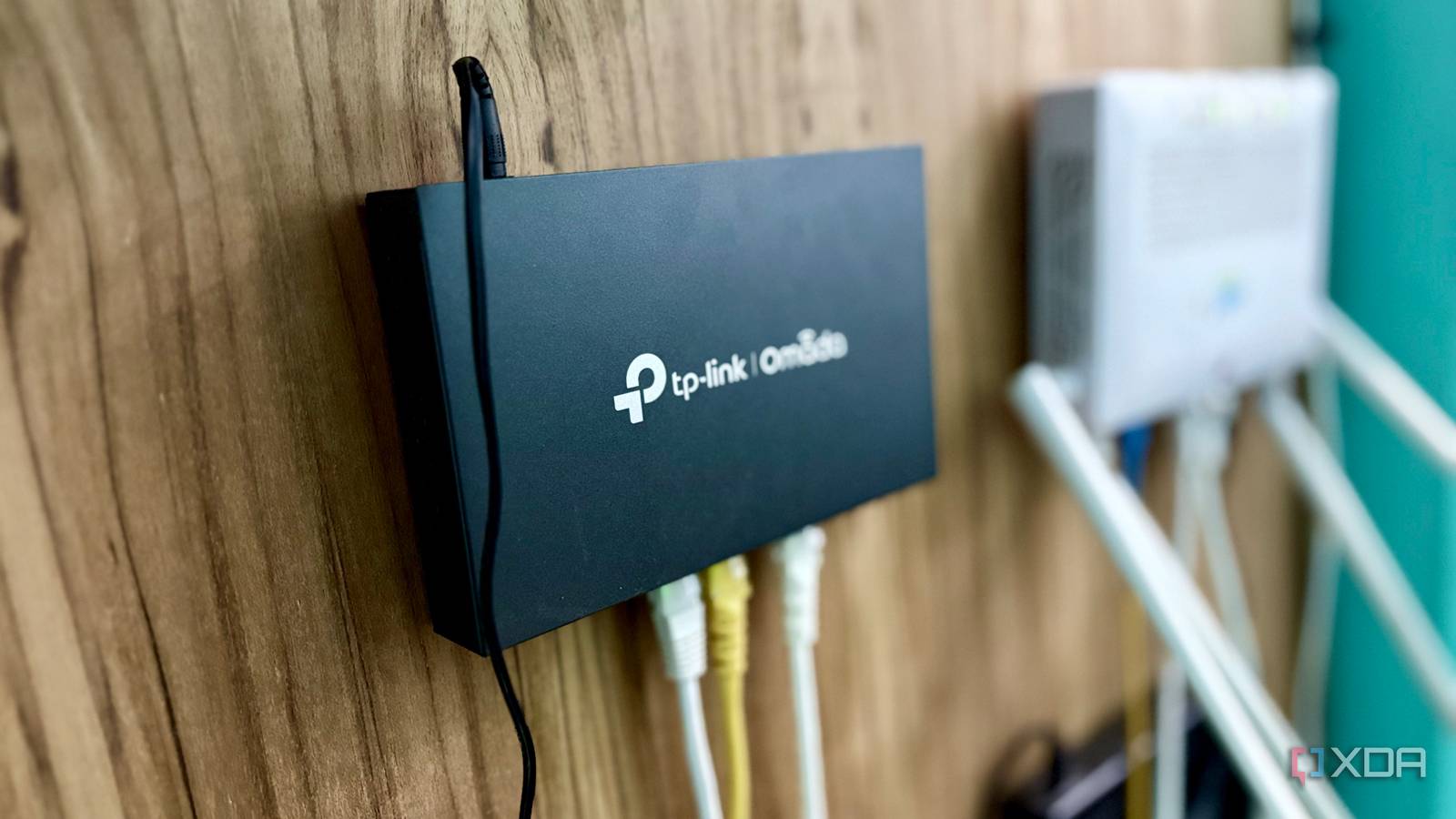
Published Oct 1, 2026, 2:30 PM EDT Shekhar Vaidya is a veteran technology journalist and computer science engineer. He is the founder of TechLatest, where he has spent years providing technical analysis on hardware and Windows ecosystems. Now a Computing Writer at XDA, Shekhar leverages his deep background in NAS, storage solutions, and PC internals to help readers master their tech. Carrier-grade NAT (CGNAT) in my home network was something that I didn’t get to negotiate. I found out about the limitation and started looking for a workaround. In more than a year of homelabbing, I tried many workarounds, and those worked. But the equation flipped when I got a public IP address from my ISP recently. In the transition, many components of that CGNAT-workaround infrastructure disappeared, and some tried to hold their ground. The stack CGNAT made me build It worked. Then it became permanent. The stack I am running today wasn’t carefully planned and built. My homelab started with just one service, Jellyfin. The need for remote access surfaced when I thought of using Jellyfin while I was away. And while setting up remote access, I learned that my connection was behind CGNAT. After that I started trying one workaround after another, and today the stack feels like a mountain, but it does whatever I think of. Like most of the new homelabbers, I also started with Tailscale. It felt perfect for me. But when I shared my Jellyfin with one of my friends, and for it to work on his device, he had to install Tailscale, log in, and then open Jellyfin. The whole process started looking like an unnecessary hassle. That was when I moved all the services that were intended for public exposure to Cloudflare Tunnel. For a few months, it became a perfect setup again. But then I came to know about Cloudflare’s policy on hosting a streaming service through their tunnel. On top of that, a few more reasons I'd been ignoring, like dependency and control, all stacked up and felt big. Then I started looking for alternatives. I came across Pangolin, a self-hostable Secure Access Service Edge based on WireGuard. I deployed it on a VPS I already rented and moved all Cloudflare Tunnel services to it. In the meantime, I was testing several other self-hostable Tailscale alternatives as well. I hosted Headscale, and it replaced Tailscale’s cloud infrastructure. I even hosted NetBird, an open-source zero-trust networking platform built on WireGuard. In the end, I stayed with Pangolin and NetBird and eventually moved both of them to a separate new cheap VPS. I added another ISP (again under CGNAT) to help with my homelab’s uptime. Until recently, my homelab was seamless and reliable. Both my ISPs were there to give my homelab internet access. My 8-year-old business laptop turned home server was handling the compute part. My old Synology NAS was used as bulk storage for services like Jellyfin, Immich, and Nextcloud. And a cheap VPS as a front door to my homelab. A limitation I'd treated as temporary had become a permanent design constraint. Everything changed the moment my ISP put out an offer for a public IP address, and I took it. What the public IP actually changed One port forward later, I hit a wall I didn't build. Because of me residing in the countryside, I have a limited number of ISPs to choose from. Whenever I asked my ISPs for a public IP, the quoted cost always made me pass on it. For context, I have a 300 Mbps primary and a 100 Mbps secondary connection. And the cost for a public IP was always more than half of my monthly connection cost. So, when my primary ISP ran an anniversary offer for a public IP at one-tenth of the monthly bill, I couldn’t resist and got one. Once I got the IP address assigned, the first thing I thought was, “I can now access my home server directly.” But as soon as I started port forwarding on my dual-WAN ER605 gateway, I hit the first wall. The port forwarding didn’t work because the connection type was set to Dynamic on ER605, so the public IP was terminating on the ISP-provided ONT. My first instinct was to remove the second NAT layer and move the PPPoE session to the gateway itself via bridge mode. But it didn’t establish a connection. I even tried to clone the MAC of the ONT — still nothing; mostly probably the ISP had put a restriction. Finally, after hours of experimenting, I discovered that the ISP’s ONT already exposed the DMZ and virtual servers. DMZ was already enabled, so I didn’t touch it, and I mirrored the virtual servers that I added in the ER605 earlier. Finally, I could access the service on my homelab directly via the public IP address. The first successful access after hours of troubleshooting. Since virtual servers were working fine, I figured I should disable the DMZ. But as soon as I disabled it, the public access stopped working. I restored it, and I was able to access everything again. So it turned out DMZ was carrying the traffic, not the virtual servers. After that, the first thing I did was deploy Nginx Proxy Manager (NPM) and port forward 80/443. My workaround ended up like this: ONT DMZ -> ER605 (forward 80/443) -> home server (NPM). But now I had all the previous stack with its recurring bill and a new public IP bill. The public IP bill was one-fifth of the VPS cost. I started thinking, if I removed the VPS altogether, I could save a good deal on the monthly bill. The half I kept, and the risk I took The IP was cheap. The exposure wasn't. When I sat down and started thinking about the VPS and its purpose, it became a tough call to eliminate it. The VPS was being used for two major roles in my homelab: public ingress and private access. Pangolin, along with CrowdSec, was handling the public access part, and NetBird was handling the private access to my admin-only services. Removing the VPS came with both pros and cons. If I moved without it, I would save a good amount each month, but without it, I would lose certain self-hosted benefits like less dependency on third-party cloud and control over the path. But I settled midway. I removed the VPS but kept half of what it did. The services Pangolin was fronting moved behind NPM, and instead of switching back to Tailscale, I relocated NetBird to my older VPS, which I was already renting and had enough room for NetBird. The public IP itself was cheap, but removing the layer that came with the tunnel changed the exposure model. Previously, my home network wasn’t directly exposed to the internet. Pangolin was keeping my home network hidden, and CrowdSec was filtering the traffic. But now my ER605 has become the main gate between the LAN and the internet. There was another important trade-off I didn’t account for until after the cutover. I previously added a second ISP for better uptime, but now that the public access via NPM is dependent on my primary ISP, if it goes down, my public services will go down as well. Private access would still be there because of NetBird, so I accepted the trade-off. The problem left, the fixes stayed CGNAT made me build a setup that I could depend on, but as soon as I got a public IP, half of that infrastructure became obsolete. A public IP came with a few trade-offs, but it solved a real problem in my setup. Now, both public availability and private access have different failure modes, and that is worth it. CGNAT built a whole stack, but it was still a workaround; whatever I now build with the public IP will be an enhancement.
Getting a public IP undid a year of CGNAT workarounds I'd built to survive it
Full Article
Original Source
Read the full article at Xda-developers →KhanList aggregates and links to publicly available news content. We do not host full articles from third-party sources. Always verify important information with original sources.