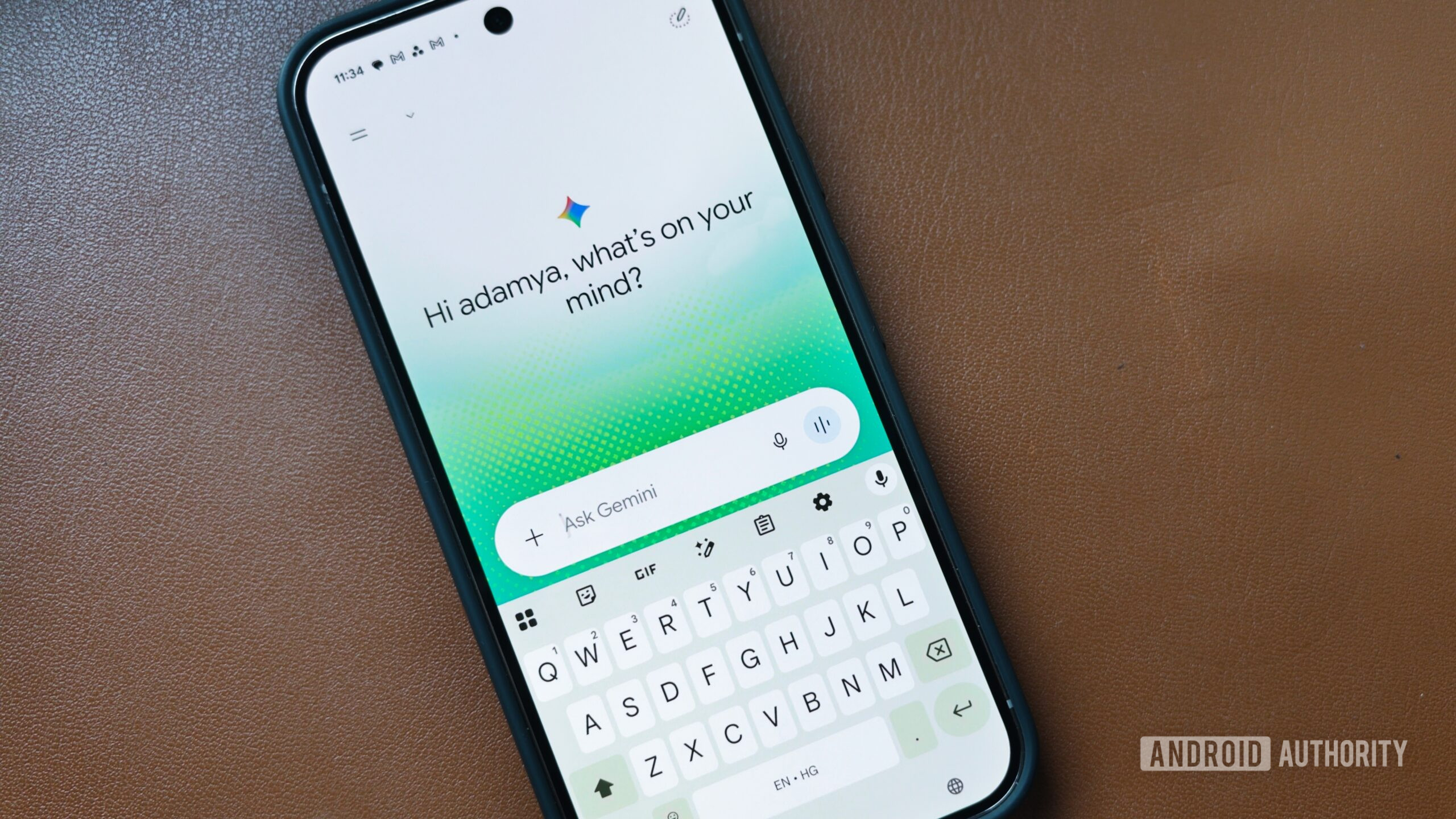
Adamya Sharma / Android AuthorityTL;DR Google recently introduced the neural design for its Gemini launcher on Android, and it’s now being tested across other parts, including the floating overlay. These elements include a flowy overlay rather than a solid shape, with colorful dots sprinkled in the background. The redesign also brings new buttons for the Live interface, with a similarly flowy design. Around two months ago, Google introduced Gemini’s new neural design with 3D visual effects and spatial animations, almost gesturing at its transformation for the upcoming Android XR visual interface. The effects were largely limited to Gemini’s homescreen on Android, as well as regular (non-Live) chats. Now, however, we’re seeing these changes spill over to the Gemini overlay, the floating bar that appears when you hail Gemini from outside the Google app, as well as in the Gemini Live interface.You’re reading an Authority Insights story. Authority Insights brings you all the latest exclusive reports, app teardowns, leaks, and in-depth tech coverage from the Android Authority team that you won’t find anywhere else.Google now appears to be testing extensive neural design elements across more parts of the Gemini launcher on Android. These changes are being tested as part of version 17.43.11 of the Google app, which includes Gemini. While they aren’t live yet, we were able to tweak the app to activate them on our end.The first big change appears in the only-recently-updated Gemini overlay, which now looks more gauzy, ethereal almost, with edges that blur slightly when you’re communicating with Gemini. It’s almost as if Google is trying to portray that Gemini is alive. The floating overlay also dons colors appropriate to the design and appears slightly slimmer than its existing, widely available form. These colors, along with floating dots, are sprinkled on the edges of the overlay, and some highlights can also be seen on the periphery of the floating output window.Additionally, we notice a fundamental change to how Gemini launches. The launch animation feels intentionally slowed to give it a somewhat hypnagogic appearance. It’s not truly transparent, but it gives the impression of a glowing element.We also notice a Talk Live button appear in the Gemini overlay that lets you shift the conversation to Gemini Live instead of a regular chat, so you can interact more freely with natural pauses.Along with the overlay, the Gemini Live interface also gets a neural treatment. The floating button in the middle is now more compact and less defined compared to the existing implementation. It also gets the airy glow with a misty, ever-changing shape.Needless to say, since all of these changes are just being tested, there’s no certainty of when it could go live for users.⚠️ An APK teardown helps predict features that may arrive on a service in the future based on work-in-progress code. However, it is possible that such predicted features may not make it to a public release.Thank you for being part of our community. Read our Comment Policy before posting.
Gemini’s glowy makeover appears headed for the floating overlay and Live screens
Full Article
Original Source
Read the full article at Androidauthority →KhanList aggregates and links to publicly available news content. We do not host full articles from third-party sources. Always verify important information with original sources.