
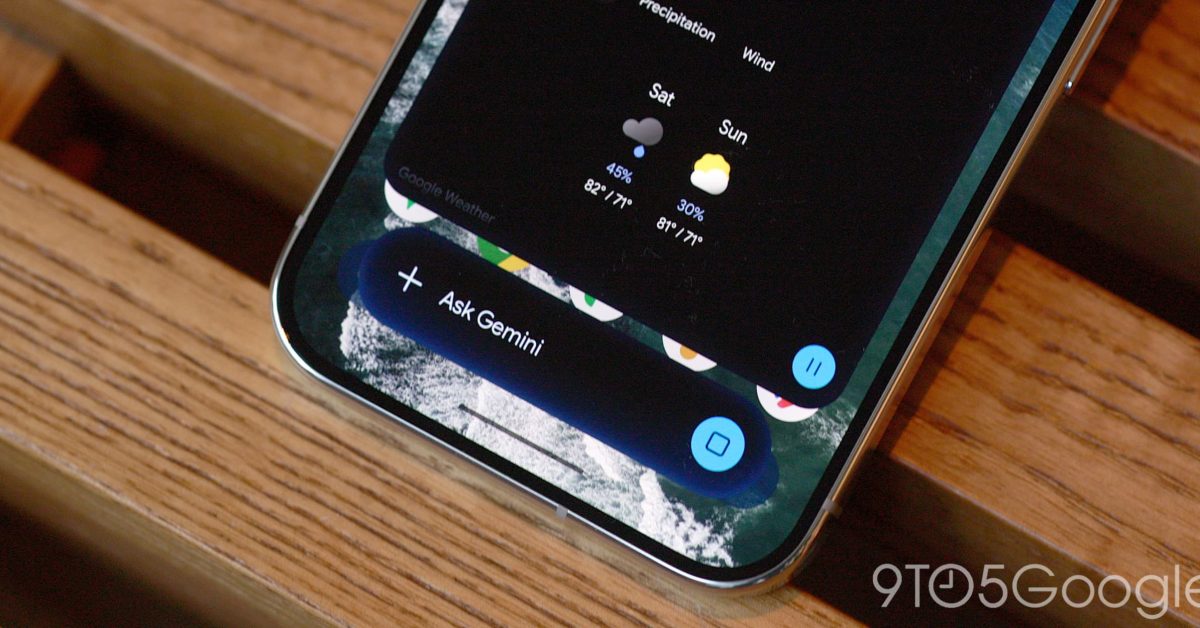
The Gemini overlay on Android now has a multitasking option that gives you a floating bubble shortcut when you Minimize. The Gemini overlay now shows a “Minimize” button above the container. It’s centered immediately after you enter a prompt, while the pill-shaped container appears at the right after the response. This collapses the overlay into a bubble with the spark logo. Google explains how: “Gemini is still available while you multitask. Tap to expand. Drag to move or dismiss.” That said, the Gemini bubble is fixed to one of six positions and cannot be placed anywhere. Additionally, a bug appears to reset the bubble to the bottom-right corner after every minimization. After the response has loaded, you can tap outside the sheet to get back the bubble. Using the system back gesture will close the entire overlay, while you can also drag to dismiss. This shortcut is a bit faster than opening the Gemini app and then the side panel to return to a conversation. Another way to use it is asking a question and then minimizing to do something else instead of having to wait for the response. Alternatively, you could use Android 17’s system Bubble option with the Gemini app for a richer experience. The Minimize button and Gemini bubble are widely rolling out on Android today. More on Gemini app: Gemini Spark rolling out Google Photos control for automated editing, sharing, & more Gemini 3.8 Flash rolling out three weeks after last release Gemini Live gets productivity upgrade with Spark, Gmail, and other integrations FTC: We use income earning auto affiliate links. More.
Gemini overlay gets bubble minimization and multitasking on Android
Full Article
Original Source
Read the full article at 9to5google →KhanList aggregates and links to publicly available news content. We do not host full articles from third-party sources. Always verify important information with original sources.