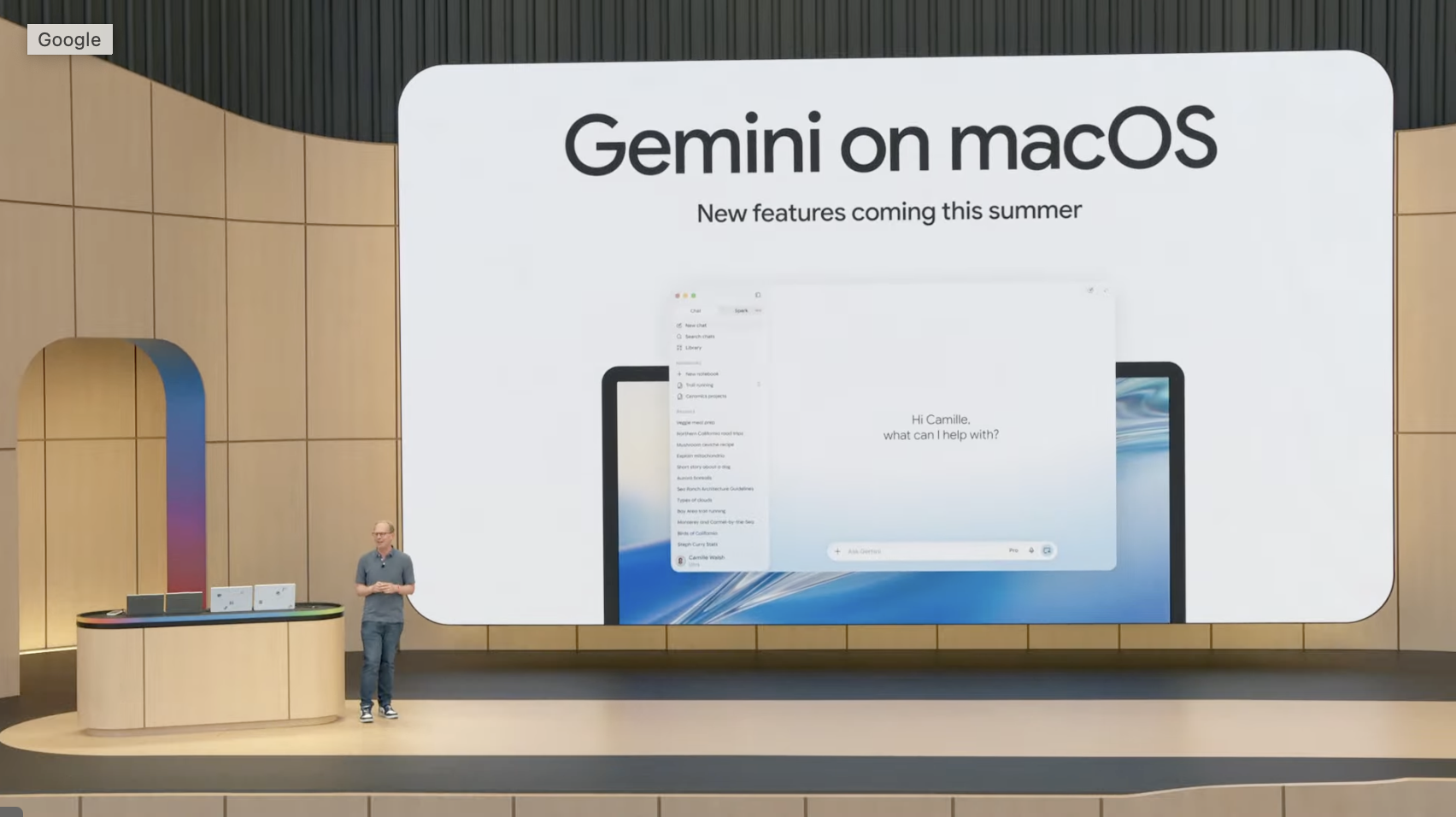
Gemini users on MacOS are getting new voice capabilities, Google announced Wednesday. The app was released earlier this year and the tech giant has consistently added new features since its launch. The latest release will give you new ways to interact with Gemini using just your voice and a new screen awareness mode. The Gemini app for MacOS is fairly feature-rich considering it’s only a couple of months old, and Google is continuing the feature push with the latest release. Pro and Ultra models have access to Gemini Spark, which can clean up your folders or reorganize things autonomously. You can also use them to create images or videos with just a couple of clicks. One of the two new features in this release is intelligent dictation, which will transcribe words into polished text wherever your mouse cursor is and automatically remove your “ums” and “ahs.” The feature isn’t unlike what we saw with Android 17’s Rambler feature, which will automatically clean up text on the fly as you speak. Text dictation isn’t anything new at this point, but now there’s a Gemini AI-powered option that may make it more useful than ever. The other new feature rolling out is a new Screen Awareness mode. This opt-in feature will allow Gemini to get a better understanding of what you’re working on by “seeing” what’s on your screen and active windows on your computer, so it can execute tasks on your behalf. Google gives the example of highlighting text inside a document and telling Gemini, “Turn these notes into an executive summary.” Gemini will then replace the highlighted text with the requested output. The new voice capabilities are rolling out globally to all users of the Gemini app in English, with more languages to become available later this year. Blake has over a decade of experience writing for the web, with a focus on mobile phones, where he covered the smartphone boom of the 2010s and the broader tech scene. When he's not in front of a keyboard, you'll most likely find him playing video games or watching horror movies. See full bio
Gemini for MacOS Gets New Voice and ‘Screen Awareness’ Features
Full Article
Original Source
Read the full article at Cnet →KhanList aggregates and links to publicly available news content. We do not host full articles from third-party sources. Always verify important information with original sources.