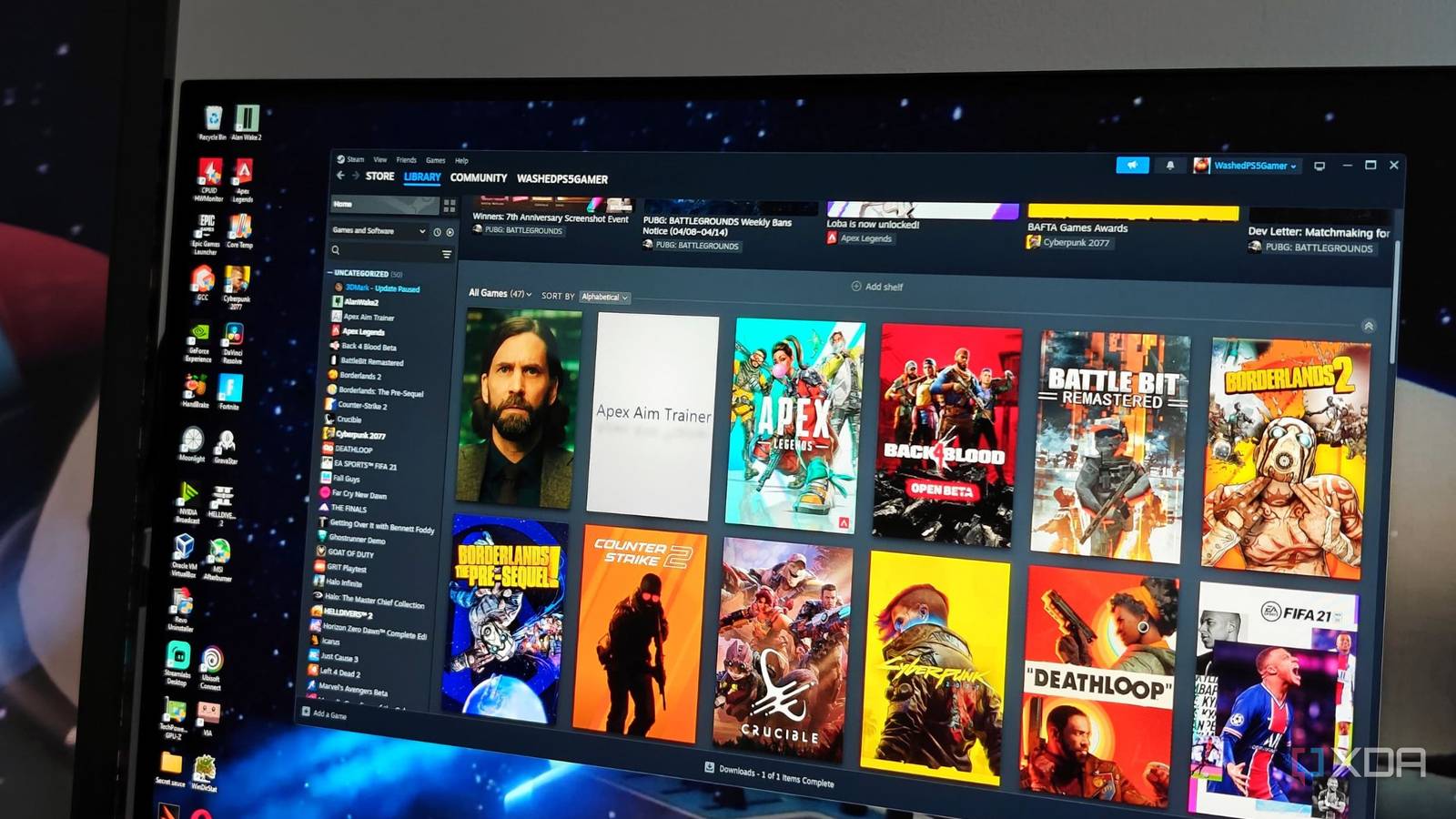
Published Aug 13, 2026, 6:00 AM EDT Korbin is a Linux system administrator who spends most of his time in a terminal figuring out how things actually work. Over the last decade he's written hundreds of articles about Linux configuration, troubleshooting weird problems, and using open-source tools in the real world. He also works a lot with Windows systems and networking, especially in mixed environments where things don't always behave the way the documentation says they should. Writing things down is how he makes sense of it all and hopefully saves someone else a few hours. The average installation size of a modern game has become absurd. It's not uncommon now for a single AAA title to consume 100GB or more of storage space, so just a handful of games can quickly push a drive to its limit. Buying a new SSD isn't the easy answer to the problem like it was a couple of years ago, now that AI has caused NAND prices to skyrocket. Most people probably have the same solution as me, which is to delete games they haven't played in a while to make room for other titles. It's far from convenient, though, because I'll get the itch to play a game I recently removed, and downloading hundreds of gigabytes on my shared connection can take a couple of hours or longer. Instead of continuing the cycle of deleting and reinstalling, I've started using Game Compressor on Steam. It's a $5.99 utility available on the Steam Store that compresses your installed games. Across my library, it freed up a little over 300GB without requiring me to delete any of my games. Plus, I can still launch the games exactly as I did before, without needing to decompress anything first. Using compression already built into Windows NTFS natively supports LZX compression Game Compressor uses LZX, a lossless compression algorithm that ships with Windows and supports NTFS-formatted drives. Nothing gets packed into an archive, and nothing needs to be extracted before you play a game. Steam doesn't even have any idea that anything changed. Windows stores data compressed on disk and decompresses it in memory whenever it's read. Many games are especially easy to compress because many of their hefty assets aren't optimized for space savings in the first place. Things like uncompressed textures, shader caches, and localization files can all shrink dramatically. It varies in success, though, because some game studios ship their assets already tightly packed, so it depends a lot on the developer. Game Compressor will estimate the savings for each title, giving you an idea of how much space you can save. I was worried about the compression ruining performance of some demanding games, given that the CPU must now decompress data on every read. After experimenting with a few titles, I really don't notice any difference in how they run after the compression. Modern processors can handle on-the-fly decompression without breaking a sweat, and since the compression pass is a one-time write, my SSD doesn't have to take repeated abuse either. What makes Game Compressor easy to use Estimates, queues, and auto-compression after an update Game Compressor scans drives and detects installed libraries across Steam, Epic, Xbox, and other launchers. I was surprised it even found some old game executables I had tucked away on a separate drive — seemingly because the directory was named "Games." After the scan, the app presents you with a sortable list of games and their estimated savings. I picked the worst offenders first: titles that take over 100GB. Compressing smaller installs and older games won't help as much, but there's no reason not to queue them up, too. My results skewed heavily toward big open-world titles, like ARK: Survival Evolved. Some installs were compressed to half their size, which is a crazy amount of space savings that I can't believe I'd been missing out on all this time. Be prepared to wait, though. Working through a large queue took my system hours. Fortunately, the app pauses itself whenever you launch a game. Whenever a new update lands for a game, the files arrive uncompressed, which basically undoes a big portion of the space savings. Game Compressor has an Updates tab that lists all games that need another compression pass due to patches, making it easy to re-queue them all. There's also an option to auto-compress if you'd rather not think about it at all, which I toggled on immediately. You can also achieve this without paying anything The utility is really just a wrapper for a Windows tool Microsoft already includes compact.exe with Windows, and has done so for over a decade. Game Compressor is simply a graphical frontend for that tool. CompactGUI is a free and open-source option that does essentially the same thing as Game Compressor: it provides a user-friendly frontend while using compact.exe underneath. With alternatives like CompactGUI available, I debated about whether or not forking over six bucks for Game Compressor was worth it. What really sold me was the maintenance. I also like that the app is already in my Steam menu, right next to all the games it's compressing. Once I went through the initial compression for every title, I haven't needed to think about it since. It just keeps everything compressed across all my game libraries without any involvement from me, and the dashboard is always ready if I want to see what it's up to. If you only have a few titles or would like to compress other directories on your NTFS drives, Game Compressor isn't worth the cost; try CompactGUI instead. The space was there the whole time I hadn't realized that Windows could squeeze all this extra storage out of my SSD, and it keeps me from buying a new one for a while. At least until NAND prices stabilize. In the meantime, Game Compressor ensures that my titles don't take up more space than they're supposed to, and it's become a permanent staple in my Steam library. Game Compressor Game Compressor is software that scans and compresses your game library to save storage space without impacting performance.
Game Compressor freed up 300GB on my SSD without deleting a single game
Full Article
Original Source
Read the full article at Xda-developers →KhanList aggregates and links to publicly available news content. We do not host full articles from third-party sources. Always verify important information with original sources.