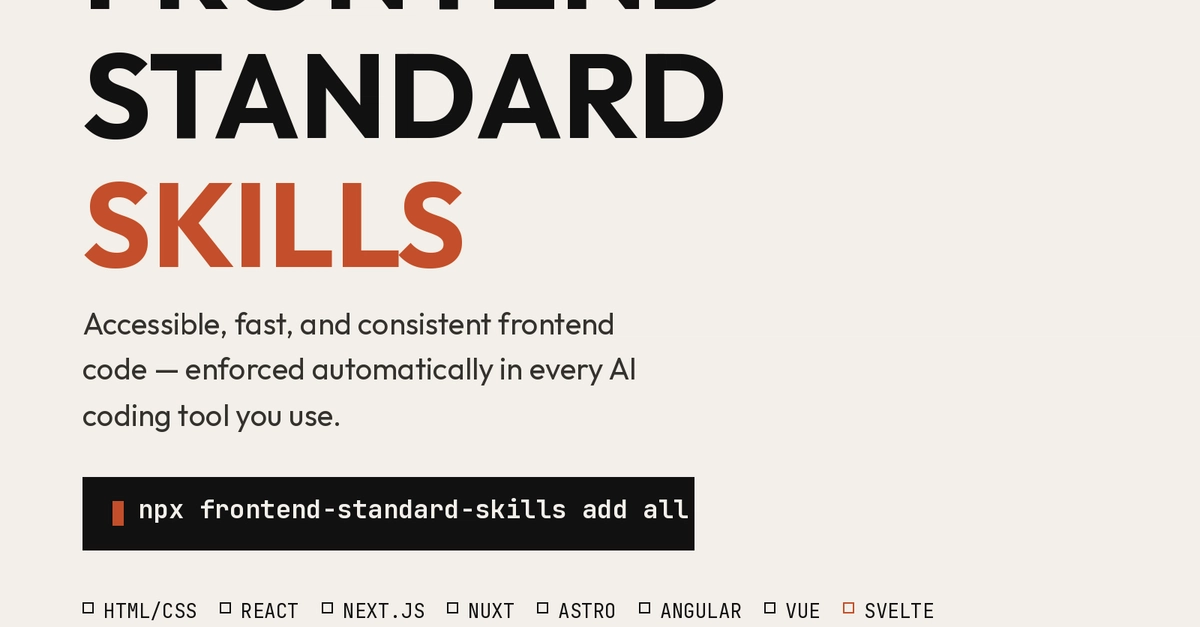
If you've used Claude Code, Cursor, or Copilot for any real amount of frontend work, you've probably noticed the same thing I did: the code is fast to produce, but it's inconsistent. One component has a proper aria-label, the next one doesn't. One image has explicit dimensions, the next one causes a layout shift. One PR follows your folder convention, the next one invents a new one. You can fix this one prompt at a time: "make this accessible," "optimize this for Core Web Vitals", "follow our conventions", but that only works if you remember to ask, every time, for every file. So I turned it into a rule set the AI reads automatically instead. What it is frontend-standard-skills is an open-source collection of installable AI skills — one per frontend stack — that make Claude Code, Cursor, and any other AI coding tool produce accessible, performant, and consistent frontend code without you having to re-prompt for it every time. Point it at a project and it installs a strict, opinionated, enforceable rule set covering: Accessibility — WCAG 2.1 AA, full keyboard operability, semantic HTML over div-soup, correct ARIA usage, focus management Support for visually impaired users — descriptive alt text, color-independent state, rem/em text scaling, prefers-reduced-motion, VoiceOver/NVDA-aware patterns Core Web Vitals — LCP / (a real Claude Skill), .cursor/rules/-frontend-standards.mdc, and marked sections in CLAUDE.md and AGENTS.md — re-running it updates those sections in place instead of duplicating them. Claude Code plugin marketplace: /plugin marketplace add abayomijohn273/frontend_standard_skills /plugin install nextjs Enter fullscreen mode Exit fullscreen mode Claude Skills, manually — they're just folders, so you can cp -r the one you want straight into .claude/skills/ or ~/.claude/skills/, no install step at all. Global npm install: npm install -g frontend-standard-skills fss add nextjs Enter fullscreen mode Exit fullscreen mode What it looks like in practice Once installed, you just work normally and the AI reads the rules as part of its context: "Review ProductCard.tsx against our frontend standards, flag accessibility and Core Web Vitals issues." "Why is our PageSpeed score low on the homepage? Use our performance standards to diagnose it." "Set up Lighthouse CI in our pipeline per our testing standards." No re-explaining what "accessible" or "fast" means to you every single time. Links npm: npmjs.com/package/frontend-standard-skills GitHub: github.com/abayomijohn273/frontend_standard_skills It's MIT licensed and open to contributions. Adding a new stack (Solid, Qwik, Remix, whatever you're using) is just a matter of following the structure of an existing one. I will be updating it with more stacks. If you try it, I'd genuinely like to know if something went wrong in the output on your codebase because that's exactly the kind of feedback that makes the rule files better. Also, don't forget to leave a Star on GitHub.
Frontend Standards Into an Installable AI Skill — for React, Next.js, Vue, Angular, Svelte, Nuxt, Astro, and Plain HTML/CSS
Full Article
Original Source
Read the full article at Dev →KhanList aggregates and links to publicly available news content. We do not host full articles from third-party sources. Always verify important information with original sources.