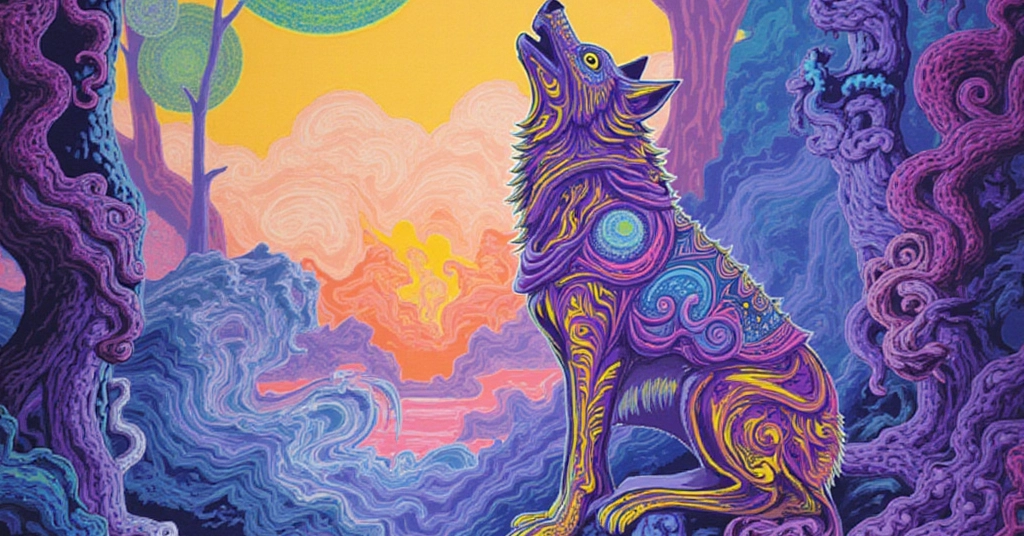
Preliminary In the past, I have tried a few things to get local video and image generation to work to my satisfaction. I was irritated for a while that my older macbook didn’t have an M chip because I know you can do some cool stuff with Ollama. But I am not buying a computer every year. That’s unrealistic and wasteful. One of my recent stunts involved trying to get fable to setup a workflow on comfyUI. While that’s novel and impressive-looking, the output was poor at best and I was not amused. Node confusion, half of them in languages I cannot read. I already have too many projects, I’m not about to decipher foreign languages on the fly or watch 30 node handling videos on Youtube over the course of 3 months. Time is a real factor here. With the 3rd extension of free fable use I’m squeezing every last drop out of it. I’m not wasting it either - I’ve got it dropping all kinds of notes to my vault so I can reproduce things on my own later. And honestly, that’s serious real world value for my workflow. Before I ramble, I must give credit to Youtuber Richard Aragon for sharing his magnificent google colab notebook. I stumbled into this whole process on accident looking for videos about quantization in an effort to know more about what the eff is quantization really. Little did I know this attempted deep dive would lead me down a path to resolve a personal problem of local generation. By the way, he mentions being able to do this on a 4060, so guys, all is not lost if you have a little bit of patience and good timing. I have come to find out that as developers we have unparalleled patience. So then, this post is for you. If I can save a single person from massive frustration, then I have done my job. It is better to share than to hoard. Because, like Richard Aragon, I would much prefer to share and help. <3 Start Your Own Workflow Here is Richard’s Youtube link and the google colab is in the notes: AI Quantization Easily Explained What is really amazing is that I discovered I can use a quantized model locally and train it on my own content. As an artist, I was extremely curious to see how AI might create images for me in my art style. Mission accepted! Here is EXACTLY what I did with no shame: ❤️ I gave Fable the link to the google collab notebook, explaining what I was trying to accomplish. Fable fetched the data from the notebook and created it locally - a private copy of the workflow for me to modify as I wish. 🧡 Using the 34GB base model from Hugging Face, I am now able to train it on my own images to create my own style. This is accomplished by using a LoRA file which acts as a “lense” that attaches to the base model. This means that you can train it to have many lens (styles!) on your local workflow. In his video, Richard uses pieces from the late Alphonse Mucha (Famous artist if you haven’t heard) to train the model. The results were on point, and even after quantization they still held enough data to hold onto most defining characteristics. Using this knowledge, I ran the same tests as him for a control. One test without training. One test with training. 💛 After testing, I knew the structure was in place for experimentation. The first thing I needed to do was to create a folder with my artwork, 14 images, and a metadata.jsonl file. (made my first jsonl file from scratch yesterday, cool haha). This metadata pairs the description of the image to the actual image so FLUX can interpret it for training. Demystification Here is essentially how we get a 12GB card to handle a 24 GB model. I’ve simplified the terminology for learning and demystification purposes: 💚 Shrink/Quantization Specifically 4-bit NF4 quantization (NormalFloat4), done by the bitsandbytes library. "8-bit" and "4-bit" refer to how many bits store each model weight. 🩵 Freeze/Parameter-efficient fine-tuning (PEFT), specifically LoRA (Low-Rank Adaptation). The base model's parameters are frozen, so you train small low-rank adapter matrices instead. 💜 Precompute/Embedding caching and and latent caching. 🩷 Right-size/No single fancy word Memory footprint management: lower training resolution, batch size 1 with gradient accumulation, gradient checkpointing (recompute instead of store), and an 8-bit optimizer. Each trades a little speed or precision for a lot of memory. No fancy UI at the moment (...already have plan die that 😂) but using the terminal and running the python script afterwards with optional parameters offers additional flexibility of image generation. Here are the generations from my first local tests Control 1 - untrained Control 2 - Alphonse Mucha Training 1 - 100 step artwork (fast, minutes) Test 1 - 100 step artwork (EVERFLUO style) Training 2 - 700 step artwork (over an hour) Test 2 - 700 step artwork (EVERFLUO style) Much closer resemblance to style. Test 3 - Ran EVERFLUO style with very custom prompt to see limitations, needs work/additional training to be extra fancy. Pushing model outside of training to see what happens. What about video? I was able to piggy-back off of the pre-existing image generation setup to build a video generation workflow. I am currently taking a stab at a 5 second video on the 4070 on one of my paintings. It's going to be at least an hour and I will update this post. On that note, I'll survive another year without a 5090, maybe XD.
FLUX on a 4070 Graphics Card 🖼️
Full Article
📰 Original Source
Read full article at Dev →KhanList aggregates and links to publicly available news content. We do not host full articles from third-party sources. Always verify important information with original sources.