
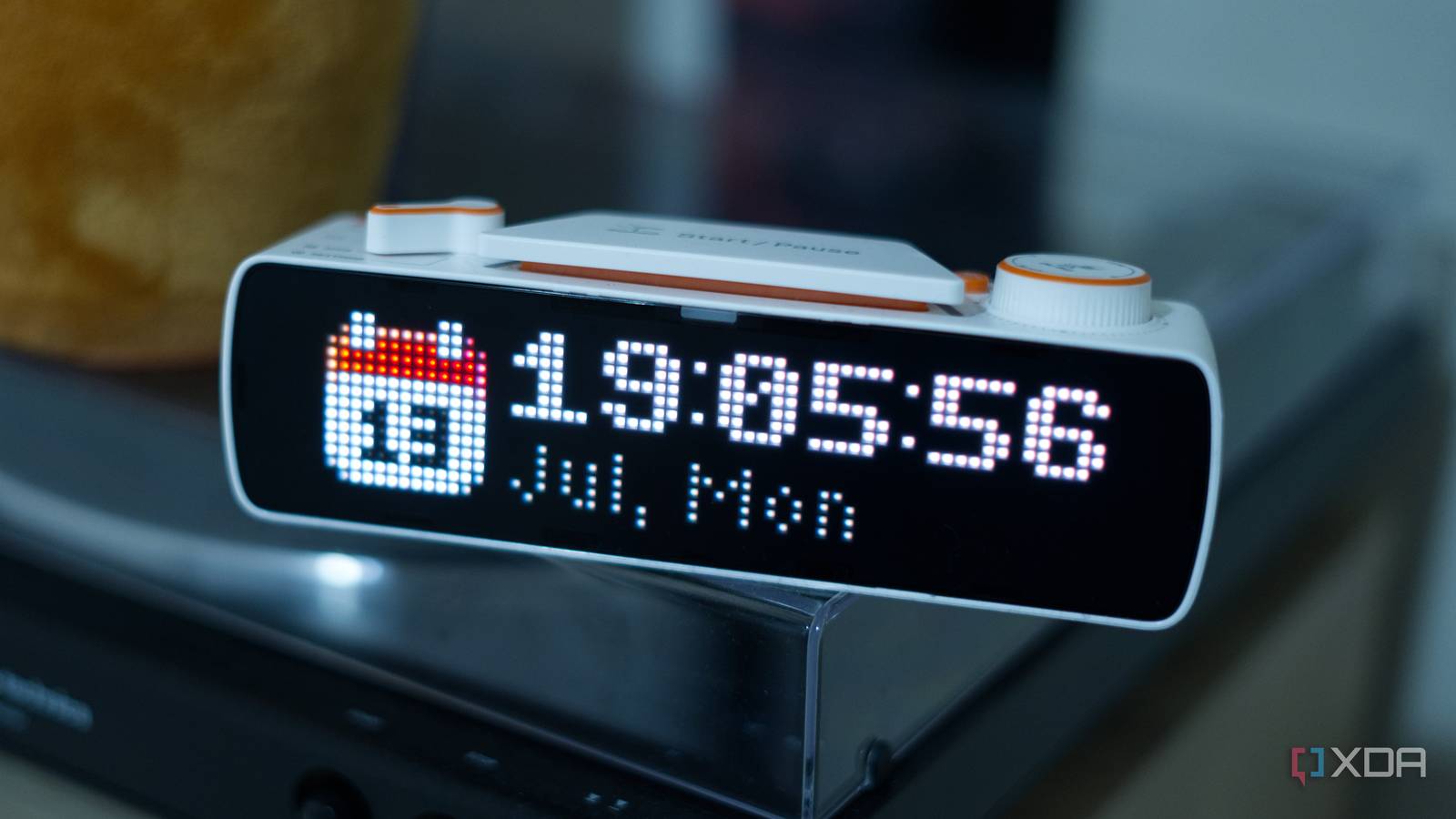
Published Nov 3, 2026, 7:00 AM EST I’m Adam Conway, an Irish technology fanatic with a BSc in Computer Science and I'm XDA’s Lead Technical Editor. My Bachelor’s thesis was conducted on the viability of benchmarking the non-functional elements of Android apps and smartphones such as performance, and I’ve been working in the tech industry in some way or another since 2017. In my spare time, you’ll probably find me playing Counter-Strike or VALORANT, and you can reach out to me at adam@xda-developers.com, on Twitter as @AdamConwayIE, on Instagram as AdamConwayIE, or u/AdamConwayIE on Reddit. I reviewed the Busy Bar back in July, a device that hails from the same creators of the Flipper Zero. One of the biggest drawbacks at the time was that a JavaScript runtime for standalone apps was still a promised feature rather than something anyone could use on day one. Now, with firmware 1.3.1, this little productivity tool supports custom apps that run directly on the hardware, fulfilly what it the company says was its most requested feature. Up until now, if you wanted to extend the Busy Bar's functionality, you had to run the code somewhere. My own example was a Spotify now-playing widget driven by a Python script running on my Mac, and it sent text to the Bar's local HTTP API. These JS apps reside on the Bar instead, so once installed, it can draw on both screens, react to buttons and scroll wheel inputs, and pull data from the internet over Wi-Fi. There are still some limitations, and the official app catalog won't be here for a few more weeks, but it was definitely the biggest missing piece. Apps run on the Bar itself, using the same local API No cloud needed Credit: Busy Bar // Flipper Devices JS apps on the Bar run with JerryScript, a lightweight JavaScript engine aimed primarily at microcontrollers. In contrast, the Flipper Zero uses a modified version of mJS. As for what an app is, it's more or less just a sandboxed client for the Bar's own HTTP API. If you want to draw on the screen or play a sound, a request is sent to the device's web server at localhost, and it can reach an approved list of endpoints for drawing, audio, brightness, volume, the BUSY timer, device status, and its own settings. Apps also get fetch for remote requests, a listen function for the buttons and wheel, timers, and localStorage, and settings declared in a JSON file will have their own screens generated by the firmware. Alongside this change, the built-in Clock app has been rewritten as a JS app, and it comes with an all-new Weather app, too. Both projects are open source on GitHub, and Flipper Devices say that the Weather app was built to use most of the device's capabilities to give developers a base to fork from. For building your own apps, an npm-based toolset can scaffold a TypeScript project before building it, installing it over USB, and running it. Flipper is giving developers as much as possible to enable them to lean on AI for help, and the documentation tells you to open Claude Code, Codex, Cursor, or GitHub Copilot in an empty folder and paste a prompt that starts with "Read https://go.busy.app/agents and follow it," followed by a description of what you want. Follow that link and you'll find an AGENTS.md file in the firmware repository that outlines scaffolding, building, and installing an app. I don't hate this approach, as there is "normal" documentation for developers, too, and the Bar is a good fit for this kind of workflow. The API is already simple, and the front screen is only 72*16 pixels, so most apps are a line or two of text. Pavel Zhovner, Flipper Devices' co-founder and CEO, said that "thanks to AI agents, building an app takes a single prompt." There are still some limitations And an app catalog is a few weeks away Credit: Busy Bar // Flipper Devices On the Busy Bar, only one app can run at a time, and setting a BUSY or CUSTOM focus will take over the screen until that session ends. Apps can claim up to 512KB of memory, defaulting to 128KB, and WebSockets aren't supported. There are already some quirks too; one issue reported on the firmware's GitHub says that fetch sends HTTP/1.0 requests, which gets rejected by some services. This issue was still open at the time of writing with no reply from Flipper. Installing an app from someone else is also a bit of a manual process. Because there's no app catalog just yet, all apps are installed with a .tgz file in the Bar's local web interface. The Busy Apps Catalog is due to arrive at the end of November alongside a community app contest, and until then, apps are primarily being shared shared on the Busy subreddit and the Busy Discord. The Bar's API always lived on the hardware rather than in a cloud, and now apps can do the same. If Busy disappeared tomorrow, the apps on your Bar would carry on doing what they do today.
Flipper's Busy Bar finally runs your own JavaScript apps, and they no longer need a computer to work
Full Article
Original Source
Read the full article at Xda-developers →KhanList aggregates and links to publicly available news content. We do not host full articles from third-party sources. Always verify important information with original sources.