
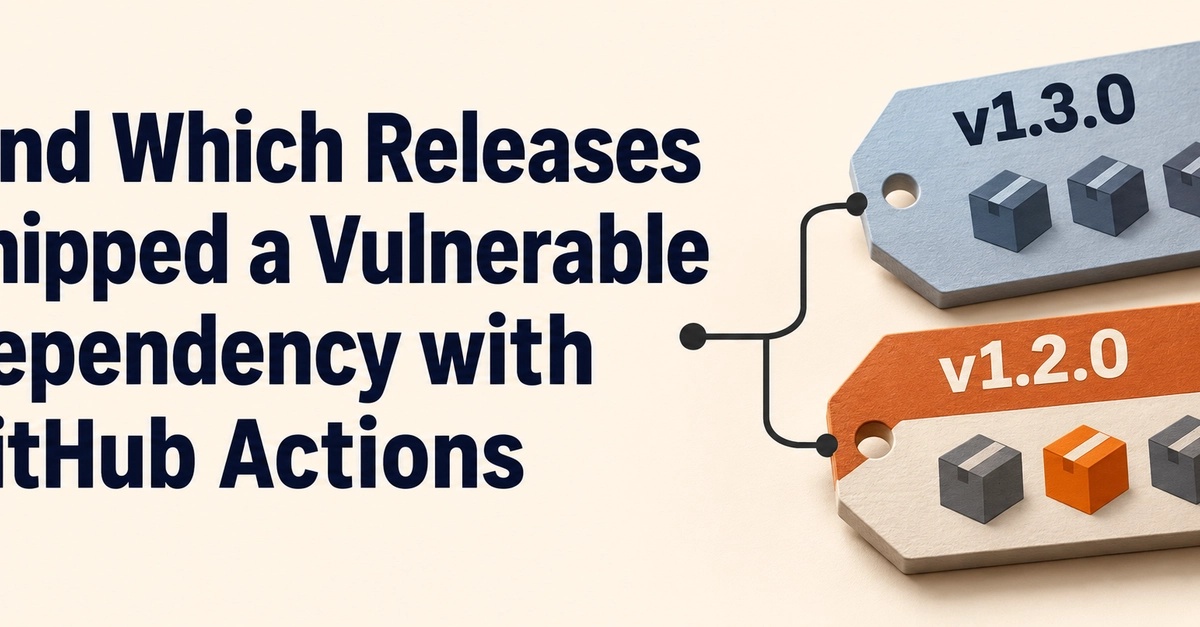
An advisory lands at 9 a.m. Your main branch has the fix. A customer is still running version v1.2.0 and wants to know whether to patch. Can you tell them which version of the dependency that release shipped? This walkthrough attaches a software bill of materials (SBOM) to each GitHub release, then checks those SBOMs against an affected version range. Here’s the result we’re after. v1.2.0 | is-number 6.0.0 | Affected version found (6.0.0) v1.3.0 | is-number 7.0.0 | Outside affected range The demo uses a fictional advisory for is-number with the affected range >=6.0.0 > .gitignore cat > index.cjs "$asset" git add .gitignore index.cjs package.json package-lock.json git commit -m "Prepare demo release $tag" git tag "$tag" git push --atomic origin HEAD "$tag" gh release create "$tag" "$asset" --verify-tag \ --title "$tag" --notes "CycloneDX SBOM for the demo release" } publish_demo_release 1.2.0 6.0.0 publish_demo_release 1.3.0 7.0.0 Open the two releases on GitHub. Each should have an asset named sbom.cdx.json. If publishing fails after a tag was pushed, retry that release’s gh release create command with the SBOM already saved in the printed directory. 2. Match the dependency against the advisory Run npm install --save-dev --save-exact --ignore-scripts semver@7.7.2 on the default branch to install the checker’s version-matching library. Save this as scripts/check-sbom.cjs. It reads the CycloneDX components, identifies the package by its npm package URL, and checks each recorded version with npm’s semver library. Checking every version matters when a dependency tree includes the same package more than once. const { readFileSync } = require('node:fs'); const semver = require('semver'); const [file, tag, packageName, affectedRange] = process.argv.slice(2); if (!file || !tag || !packageName || !affectedRange || !semver.validRange(affectedRange)) { throw new Error('Usage: node check-sbom.cjs '); } const bom = JSON.parse(readFileSync(file, 'utf8')); if (bom?.bomFormat !== 'CycloneDX' || !Array.isArray(bom.components)) { throw new Error(Expected a CycloneDX SBOM with components for ${tag}); } const packagePrefix = pkg:npm/${packageName}@; const components = bom.components.filter(({ purl }) => typeof purl === 'string' && decodeURIComponent(purl).startsWith(packagePrefix) ); const versions = [...new Set(components.map(({ version }) => version))]; if (versions.some(version => !semver.valid(version))) { throw new Error(Found an invalid version for ${packageName} in ${tag}); } if (versions.length === 0) { console.log(- ${tag} | ${packageName} | Absent from SBOM); } else { const matches = versions.filter(version => semver.satisfies(version, affectedRange)); const status = matches.length ? Affected version found (${matches.join(', ')}) : 'Outside affected range'; console.log(- ${tag} | ${packageName} ${versions.join(', ')} | ${status}); } 3. Run the comparison in GitHub Actions Save this as .github/workflows/check-release-sboms.yml. The workflow reads the assets attached to the two releases and writes both results to the job summary. If an asset is missing or unreadable, the job fails before publishing a summary. name: Check release SBOMs on: workflow_dispatch: permissions: contents: read jobs: match-advisory: runs-on: ubuntu-latest steps: - uses: actions/checkout@v6 with: persist-credentials: false - uses: actions/setup-node@v6 with: node-version: '24' package-manager-cache: false - run: npm ci --ignore-scripts - name: Match a sample advisory to release SBOMs shell: bash env: GH_TOKEN: ${{ github.token }} run: | work="$(mktemp -d)" for tag in v1.2.0 v1.3.0; do mkdir -p "$work/$tag" gh release download "$tag" --repo "$GITHUB_REPOSITORY" \ --pattern sbom.cdx.json --dir "$work/$tag" node scripts/check-sbom.cjs "$work/$tag/sbom.cdx.json" \ "$tag" is-number '>=6.0.0 > "$work/results.md" done tee -a "$GITHUB_STEP_SUMMARY" < "$work/results.md" Enter fullscreen mode Exit fullscreen mode Commit the checker, the workflow, and the updated package.json and package-lock.json. Push them to the default branch, then open Actions → Check release SBOMs → Run workflow. The job summary should show a range match for v1.2.0 and an out-of-range result for v1.3.0. A range match appears as a finding in the summary. A failed job tells you the check could not complete. GitHub documentation on running workflows manually To check a different advisory, change the release tags, npm package name, and affected version range in the Bash step. Where this fits in the Cyber Resilience Act Annex I, Part II of the EU Cyber Resilience Act includes a machine-readable SBOM covering at least the product’s top-level dependencies. The main requirements apply from 11 December 2027. Article 14 reporting duties for in-scope manufacturers began on 11 September 2026 and cover actively exploited vulnerabilities and severe product security incidents. A package match gives product security a starting point to verify the affected builds and assess whether reporting is triggered. CRA text on EUR-Lex • European Commission reporting guidance For a production rollout, generate the SBOM from the artifact you distribute. Store it with the release tag and artifact digest. When a real advisory arrives, pair the release match with your deployment inventory to see which environments are running the affected version. Prepared for the Cyber Resilience Act practice at VISTA InfoSec. AI was used to draft this tutorial, and the example was tested locally.
Find Which Releases Shipped a Vulnerable Dependency with GitHub Actions
Full Article
Original Source
Read the full article at Dev →KhanList aggregates and links to publicly available news content. We do not host full articles from third-party sources. Always verify important information with original sources.