
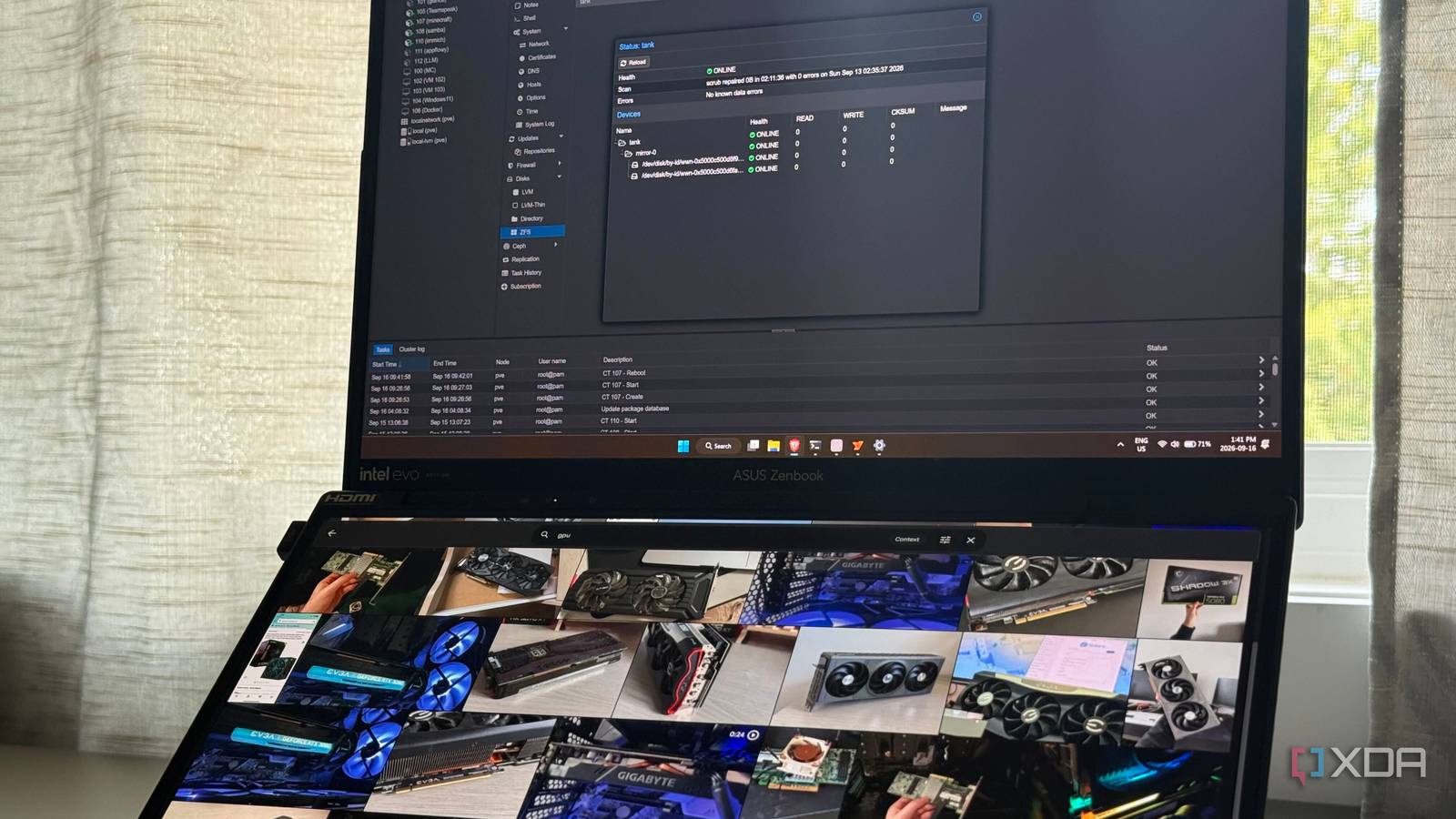
Published Sep 17, 2026, 12:00 PM EDT His love of PCs and their components was born out of trying to squeeze every ounce of performance out of the family computer. Tinkering with his own build at age 10 turned into building PCs for friends and family, fostering a passion that would ultimately take shape as a career path. Besides being the first call for tech support for those close to him, Ty is a computer science student, with his focus being cloud computing and networking. He also competed in semi-pro Counter-Strike for 8 years, making him intimately familiar with everything to do with peripherals. When I first set up my NAS, I did so with the primary intention of replacing my cloud photo storage. My first instinct was to do so with flash storage—large, fast, SSDs that could give me and my family instant access to any photo and video without any delay. If I had it my way, it'd be NVMe, but I would've settled for a SATA drive at that time as well. After settling for spinning platters, I realized after that drive speed was possibly one of the least important parts of the entire equation when it came to photo library access. Running Immich off of 2 mirrored SAS drives taught me that the filesystem mattered far more, and choosing native ZFS through Proxmox was one of the best choices I had made. Why drive speed isn't the bottleneck that most people assume Flash is mostly wasted on photo libraries Day-to-day usage of something like Immich barely touches the actual files you store in the database at all. Immich generates and stores separate, smaller thumbail images for use as previews, so every asset you're served while scrolling through is a much smaller file. The full resolution image or video only gets pulled when you open or download it. This allows the access to be full of small, repetitive reads of files that are much softer on the drive than multi-megabyte originals, and that keeps the raw drive throughput needed as an afterthought. What actually affects the pipeline is upstream of the storage entirely: the face detection, smart search indexing, and thumbnail generation are primarily GPU and CPU-bound jobs that have almost nothing to do with the disks. Swapping in the fastest PCIe Gen 5 NVMe drive does nothing to speed up those operations. The real risk to a photo and video library is silent corruption I'll take slow loads over this Drive speed doesn't affect the access speed much, and it also doesn't prevent or fix corruption. This is where filesystem choice comes in. A filesystem like ext4 or NTFS writes your data and basically trusts that it did so correctly. It doesn't do anything to verify that the block it just wrote still matches what you gave it in the first place, and it has no way of catching a bad sector, firmware hiccup, bit flip, or other extraneous event that could affect the storage medium. If any of that were to happen to a video or a video, the filesystems in question would just serve you the corrupted data without any indication that anything went wrong, until you finally open it, that is. ZFS treats files entirely differently, and it's why I chose it for my NAS. On a two-drive mirror like mine, a checksum mismatch means ZFS has a second copy to compare against, and in the case of any corruption, it can fetch the good copy, give it to the application in question, and then rewrites the bad block for me, all without any intervention from my end. Periodic scrubs that run automatically do the same checks proactively across the entire storage pool, which covers anything that might've degraded, not just my photos. Drive speed can matter when working in bulk Sustained and editing workloads can get special treatment One of the only scenarios where you might be genuinely limited by drive throughput is when doing any kind of bulk transfer or editing high-resolution video straight off of the drive. Spinning drives have a very real performance ceiling, and I do hit mine when performing bulk transfers or downloads—on a 2.5GbE NIC, I hit a maximum transfer speed of around 220-230MB/s, which is decent, but if I were to try and edit 8K video straight off of those disks, I'd start to see some problems. Faster drives and checksumming aren't mutually exclusive ZFS can be used on SSDs, but they're just not worth using in this instance The good news is, ZFS can be used on fast drives. You can have your cake and eat it too, but how fast you need to eat the cake depends entirely on you and your use case. For an Immich photo library that, at an absolute maximum, 3 people will need to concurrently access at any given time, a couple of 7200RPM SAS disks can absolutely handle that load. I don't mind the cap on throughput because it's not being used in a way that requires me to push to flash storage-levels of speed, and ZFS doesn't take even the fastest disks outside of their known operating window. The filesystem was a far bigger choice than the type of storage When I first began to part-out what it would look like to add a NAS to my home lab, I thought that drive choice was going to make or break the experience. The truth is, I was worried about the wrong thing entirely. I had settled on ZFS far before I had installed a drive, but if I had gone with an ext4 or NTFS, I'd be in a far worse position. Going with flash and choosing a filesystem like that could have serious consequences for the integrity of my data, and I'm glad I went with ZFS from the start.
Filesystem choice mattered far more than drive speed for my photo library
Full Article
Original Source
Read the full article at Xda-developers →KhanList aggregates and links to publicly available news content. We do not host full articles from third-party sources. Always verify important information with original sources.