
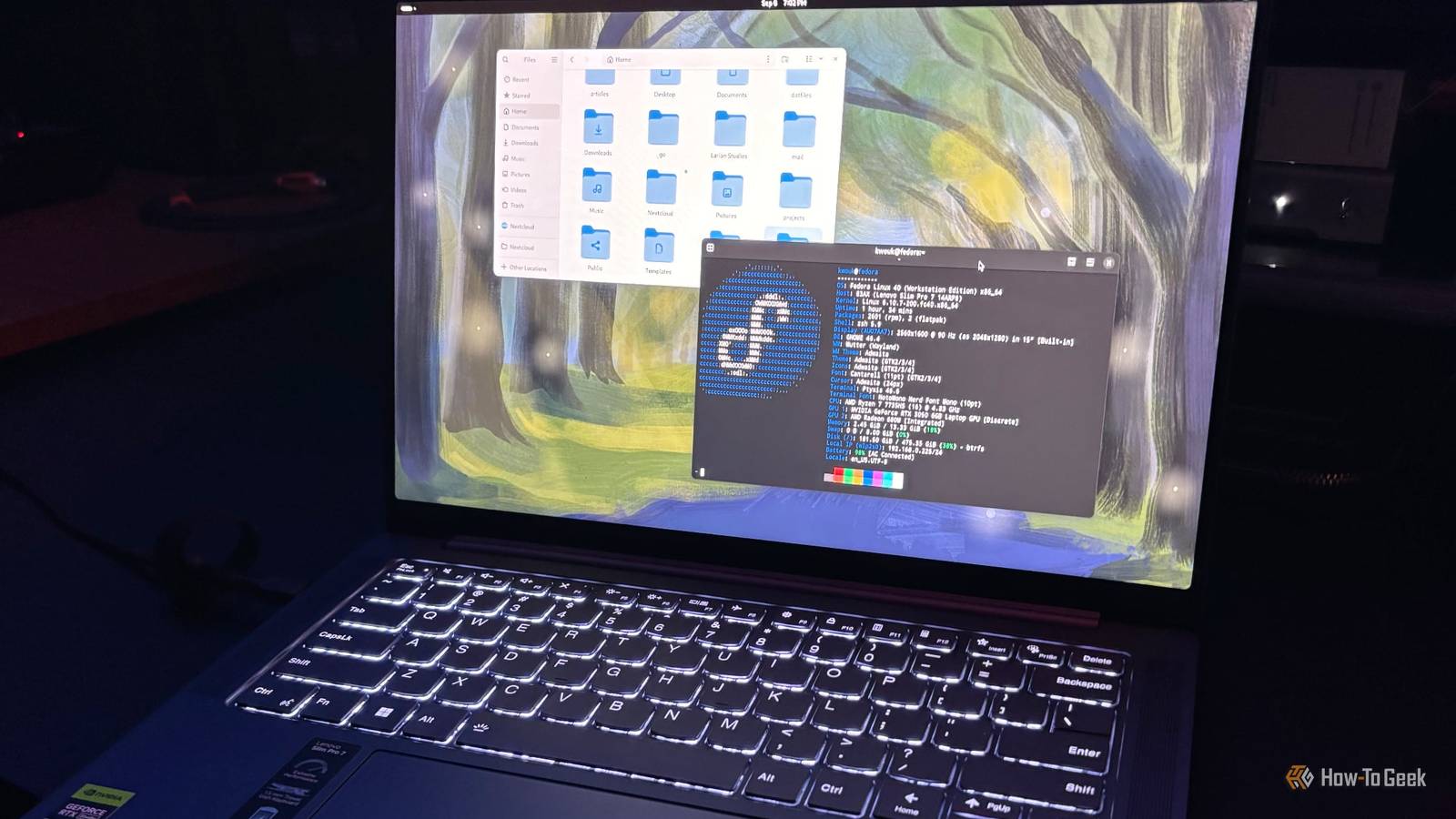
Published Nov 3, 2026, 12:42 PM EST Jefferson Mangubat is an experienced technology journalist who has reported on consumer electronics, software updates and big stories in the industry. He's now a Reporter at How-To Geek, and has built a solid reputation for delivering accurate, accessible, and insightful tech journalism. Prior to that, he was a tech reporter for Neowin, where he extensively covered hardware developments from Apple and Google, in addition to digital trends and application updates. The Linux ecosystem has had a busy few months, with Linux 7.4 development getting attention for its unusually active testing cycle, growing use of AI-generated contributions, and continued hardware support improvements. Meanwhile, desktop Linux distributions have been pushing ahead with Wayland adoption, stronger security, and more modern desktop experiences. Fedora Linux 45 is the latest chapter in that evolution. Fedora Linux 45 is now officially out, after two delays from the original target of October 20. The latest version of the popular Linux distribution is here with GNOME 51, KDE Plasma 6.8, and Linux kernel 7.2. There’s plenty here for developers and power users, but existing Fedora users may want to resist the urge to upgrade immediately. Fedora 45 brings desktop improvements to both GNOME and KDE A fresh batch of desktop upgrades with GNOME 51 and KDE Plasma 6.8 If you’re running Fedora Workstation 45, you get GNOME 51 by default. This means smoother display animations, faster screen capture, and smarter power settings — like automatically turning off your laptop’s touchpad the second you plug in an external mouse. GNOME Software now highlights abandoned apps and shows more detailed Flatpak permissions. Fedora also adds offline map downloads to GNOME Maps and a revamped file previewer. KDE users get to enjoy Plasma 6.8.2 with per-monitor virtual desktops, improved remote desktop support, microphone testing, and a system tray option to switch between light and dark themes. Also the release marks the end of KDE's move away from native X11 desktop sessions, although older X11 applications may still be used via XWayland. Better security and a more capable installer Fedora tightens system protections and makes storage configuration easier Besides the desktop changes, Fedora 45 brings several useful improvements under the hood. Default enforcement of RPM package signature checking is now in place, along with ptrace restrictions for unprivileged users accessing other processes. The traditional in-kernel virtual console, fbcon, is also replaced by kmscon, a userspace alternative with better Unicode rendering and keyboard layout handling. Anaconda is getting an especially interesting upgrade with integrated Stratis storage support for installation. Storage pools, snapshots, encryption, and dynamically sized filesystems can be configured through the installer. Kickstart can also be used by administrators to automate Stratis configurations. Fedora Atomic Desktop editions (Silverblue and Kinoite) are also switching to this new WebUI installer, gaining support for secure remote installation over HTTPS and PIN pairing. Updated development packages arrive alongside a few compatibility warnings Fedora 45 ships a massive stack upgrade with Python 3.15, Rust secret management via oo7, RPM 6.1, and Podman 6. On the security front, package signature verification is now strictly enforced by default. Fedora CoreOS also enables systemd-oomd and zram swap by default. But there’s one compatibility issue that existing users should check out before upgrading: NetworkManager-vpnc and NetworkManager-fortisslvpn are being dropped and will no longer be maintained. Users of either VPN plug-in should switch to alternatives such as OpenConnect or Libreswan. The launch has already generated some discussion on Fedora’s subreddit, with a number of users suggesting holding off for a week or two to see what early bugs pop up. Some prefer to be one version behind for stability. Fedora 45 is available for Workstation, KDE, Server, Cloud, IoT, CoreOS, Atomic desktops, and community Spins. Existing users can follow Fedora’s upgrade documentation, but it’s still a wise move to back up important files before making the jump. Source: Fedora Magazine, Fedora Project Wiki
Fedora 45 makes the Linux desktop better with new features and tighter security
Full Article
Original Source
Read the full article at Howtogeek →KhanList aggregates and links to publicly available news content. We do not host full articles from third-party sources. Always verify important information with original sources.