
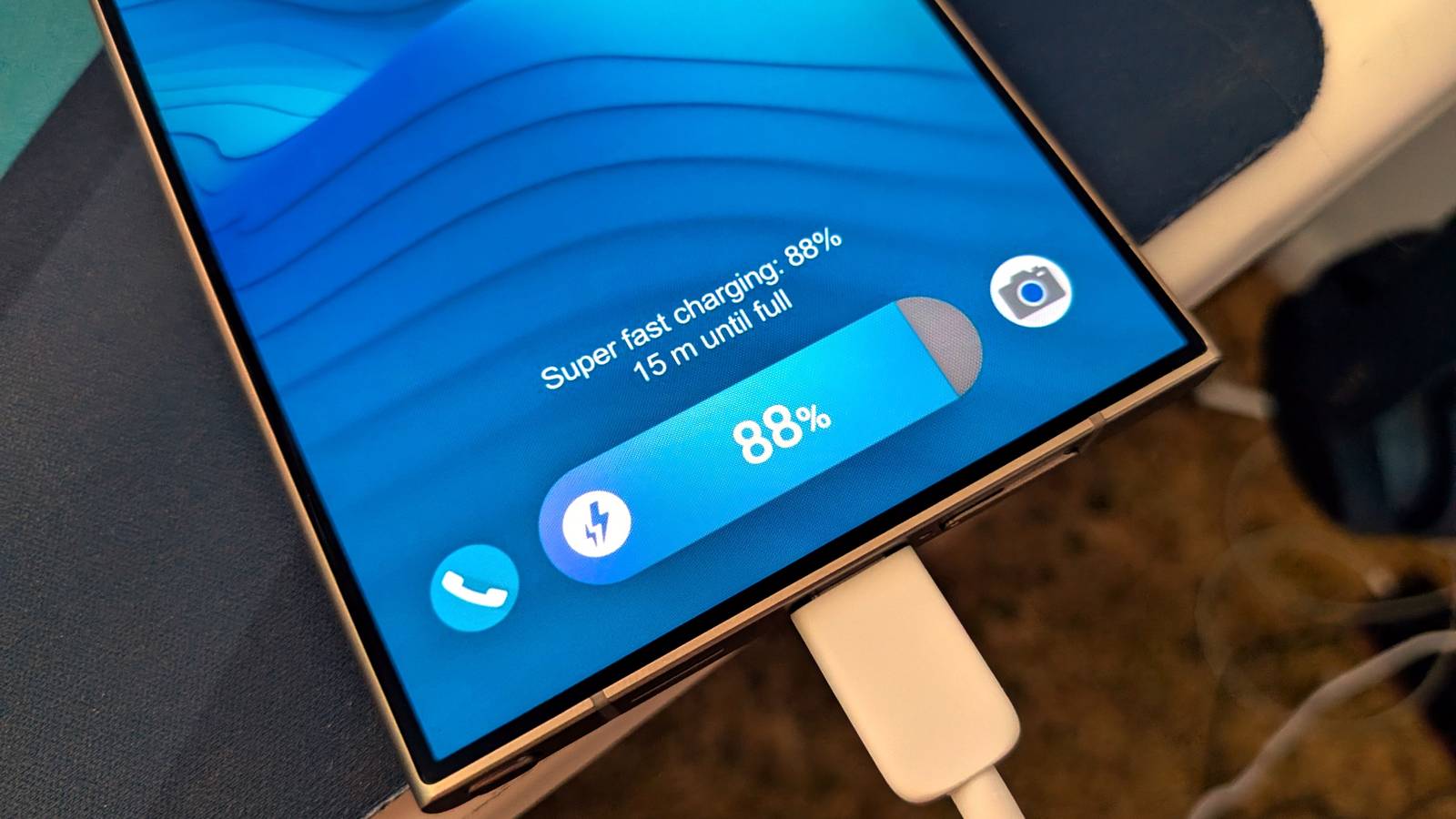
Published Jul 29, 2026, 8:00 AM EDT Joe Fedewa has been writing about technology for over a decade. Android and the rest of the Google ecosystem have been a focus for years, as well as reviewing devices, hosting podcasts, filming videos, and writing tutorials. Joe loves all things technology and is also an avid DIYer and food blogger. He has written thousands of articles, hundreds of tutorials, and dozens of reviews. Before joining How-To Geek, Joe worked at XDA-Developers as Managing Editor and covered news from the Google ecosystem. He got his start in the industry covering Windows Phone on a small blog, and later moved to Phandroid where he covered Android news, reviewed devices, wrote tutorials, created YouTube videos, and hosted a podcast. From smartphones to Bluetooth earbuds to Z-Wave switches, Joe is interested in all kinds of technology. After several years of jailbreaking and heavily modifying an iPod Touch, he moved on to his first smartphone, the HTC DROID Eris. He's been hooked ever since. Certain things in this world don’t follow our natural logic. A Galaxy phone charges from 0-100% in less than 60 minutes, and we’re supposed to believe that’s healthy for the battery? In reality, it is, but there are other things to worry about. Why fast charging is safer than you think Logically, it would seem to make sense that fast charging is bad for a phone’s battery. Heat causes batteries to degrade, and if a battery if getting a ton of wattage pumped into it, that surely must make the battery hotter. That’s not completely how fast charging works, though. Take the Samsung Galaxy S26 Ultra, for example—it supports 60W fast charging. However, the battery is not taking the full brunt of 60W during the entire charging cycle. Instead, the phone is designed to pull the full wattage when the battery is very low, and then it starts taking less and less after it passes the 70-80% mark. By the time it reaches 90-100%, it’s barely sipping on watts. This is important because, when a battery is empty, it has room to absorb energy efficiently. When the battery gets closer to being full, it can’t absorb energy as efficiently. That inefficiency is what leads to heat, and—as mentioned—heat is what harms batteries. Constantly letting it run down to 0% Your battery doesn’t like to die Credit: Hannah Stryker / How-To Geek There’s a common misconception that it’s best for a battery to run its full course of 100% all the way down to 0%. At one time, that had a bit of truth to it, but not with modern lithium-ion batteries found in Samsung Galaxy phones. First of all, you should know that 0% in the status bar isn’t the same as 0% in real life. Phones are designed to shut down before they truly hit rock bottom. Still, it takes more work for the battery to recover when it’s below 20%. Imagine getting a car up to full speed from a complete stop vs one that’s already moving. That extra work equates to more stress and heat—remember what I said about heat? In addition, battery lifespans are measured in charge cycles. Constantly going from 0-100% burns through these cycles much quicker than occasionally topping it off. Always keeping it near fully charged Your battery also doesn’t like to feel full On the flip side to letting your Galaxy phone constantly die, it’s also not great to keep it near 100% all the time. I mentioned in the first section that batteries are less efficient when they’re close to full. Your phone has protections against this, but it can only do so much. At peak efficiency, most of the power going into a battery is being stored as energy—like water from a hose into an empty bucket. However, when the battery is nearly full, and that efficiency drops, power gets wasted—like water dripping over the edge of a full bucket. In the case of a battery, wasted power becomes heat. Fully charged batteries are simply under more stress. Think about your phone charging to 100%, it stops pulling power, drops to 99%, then charges back up to 100% again. If you keep it plugged in, this happens over and over again. That’s why most Galaxy phones are now designed to learn your habits. “Adaptive battery” is a Samsung feature that essentially aims to keep the battery in the “safe zone” most of the time. What’s the safe zone? As you may have guessed, if it’s not good to let your phone die or be full all the time, somewhere in the middle is the best—20-80% to be precise. So, Adaptive Battery attempts to keep it there until you need your phone. If you charge overnight, it won’t charge up to 100% until right before your alarm. Pretty cool. However, that doesn’t work if you’re always plugging your phone in at 90% throughout the day. You can let the battery deplete—just not all the way. Leaving it out in the sun or a parked car Heat is bad, remember? Credit: Lucas Gouveia/How-To Geek | Pixel-Shot/Shutterstock If there’s one thing to remember, it’s that heat is bad for batteries. Almost everything that shortens the lifespan of a battery comes down to heat. And it’s not just heat from the battery itself that you should think about. The enemy of a battery is heat of all forms. That includes the heat from being left in the cup holder of your car for an hour in the middle of summer. The heat from lying on a patio table in direct sunlight while you have drinks with friends. The heat from running turn-by-turn navigation in Google Maps on a four-hour road trip. The heat from long gaming sessions in a heavy-duty, thick case. You get the idea. You may think anything you do will hurt your Galaxy phone’s battery, but it’s not as scary as it sounds. Keep it in that 20-80% sweet spot as much as you can, enable Adaptive battery, and take notice when your phone feels hot to the touch.
Fast charging won't hurt your Galaxy phone's battery, but these 3 things will
Full Article
Original Source
Read the full article at Howtogeek →KhanList aggregates and links to publicly available news content. We do not host full articles from third-party sources. Always verify important information with original sources.