
Published Nov 4, 2026, 6:00 PM EST Gaming has been Samarveer’s greatest passion, and the Literature graduate in him takes immense joy in dissecting games for their themes, messages, and impact. Samarveer holds a deep appreciation of gaming, and considers the platform to be the most immersive and impactful across all media. He can be found engaging with gaming communities online, always ready to debate the finer points of ray tracing or itching to write an 8-page collegiate thesis on any game that impacts him emotionally. After a full year of self-hosting, jumping between Plex, Jellyfin, and Emby before finally selecting Jellyfin, I absolutely love having a self-hosted media server. However, there's one piece of the puzzle I've never managed to get right, and I'm sure millions of users will agree with me on this: subtitles. If I had a dollar for how many times I've had my immersion broken midway through an episode or movie before opening a separate website and hunting down a subtitle file, I'd be halfway to paying for the Lifetime Plex Pass. Jellyfin offers a solution with a plugin, but my experience with it has been less than stellar. So I finally stopped hunting for subtitles manually and looked for a way to automate the whole process. In doing so, I've fundamentally changed how I maintain my media library. Jellyfin’s built-in subtitle fetching was never going to cut it Finding the right subtitle every time isn't easy Nothing is more frustrating than having to pause something on Jellyfin just because the subtitles are missing. Jellyfin lets you fetch subtitles manually, but that interrupts playback and forces you through plenty of menus. In the end, you still have to hope the downloaded subtitle file matches your release. Nothing quite kills the momentum of a good show like playing subtitle roulette. Naturally, the first solution most Jellyfin users reach for is the OpenSubtitles plugin. It's perfectly serviceable for grabbing an occasional subtitle, and I have nothing against it as a manual tool. In fact, it's practically frictionless, since it's an official plugin that you simply have to enable. However, you can't expect it to maintain an entire library without your intervention. Jellyfin's scheduled subtitle downloads are surprisingly opaque, offering little visibility into what it fetches, which providers it queries, or why certain episodes remain untouched. That's because downloading one subtitle and maintaining subtitles across an entire media library are two very different problems. I needed something considerably more dependable. Bazarr's unconventional approach helped me out The tool that fixes Jellyfin's subtitles never actually talks to it Bazarr, the application that finally solved my subtitle woes, doesn't actually integrate with Jellyfin at all. In fact, it doesn't even scan my media folders on its own. Instead, it relies on Sonarr and Radarr to keep track of your TV shows and movies, respectively, and then uses that information to find matching subtitles. Once Bazarr finds a suitable match, it simply downoads the subtitle file alongside the video, usually as an SRT sidecar file. Jellyfin then detects the file during its regular library scans and makes it available for playback. This entire process doesn't require any plugins, API integrations, or special Jellyfin configuration. At first, I scoffed at the idea of a subtitle provider that never even talked to my media server. However, I've realized that it's actually a rather clever design choice. Since Bazarr operates at the filesystem level, it doesn't care which media server you use. Jellyfin, Plex, and Emby can all benefit from the same subtitle automation without dedicated integrations. There is, however, one small catch. To get Bazarr running, you must also have Sonarr and Radarr running. These are both TV show and movie managers, and Bazarr connects to the media library on your PC through them. That's three applications instead of one, but the resulting architecture is considerably more flexible than another media-server-specific plugin. My subtitle pipeline is now pretty hands-off The real magic happens after you've finished configuring everything A single Docker Compose file contains Sonarr, Radarr, and Bazarr for me. All three use named volumes for their configurations and identical bind-mounted media paths. Since my Jellyfin installation runs natively on Windows, the *arr apps live in Docker while accessing the same media folders. Getting these working is only half the job, though. With my existing libraries imported, Sonarr and Radarr maintain their respective catalogs. This gives Bazarr a continuously updated picture of everything on your media server. Bazarr takes that information and periodically checks for missing subtitles using your configured providers. When it finds a suitable match, it downloads the file directly alongside the video. Every time Jellyfin scans my library, the subtitle file is already there, and I just select it. What makes this entire automation even sweeter is that Bazarr doesn't just give up when it can't find a subtitle immediately. It schedules more searches if the initial attempts fail. Furthermore, it also regularly looks for better matches to replace your existing subtitles. I'll admit there was a little elbow grease involved in getting everything working. However, with everything talking to each other, I've never had to bother with a subtitle-related chore to my routine. Months later, I haven't had to think about subtitles once A home-lab automation works best when you forget about it Every new episode that lands in my library now gets its subtitles automatically, without me having to open a browser, compare release names, or interrupt playback to hunt for an SRT file. There's one caveat, though. I've pointed Bazarr at OpenSubtitles.com, and its free tier imposes daily download limits. As such, my initial library backfill took a few days. That wasn't really a dealbreaker for me, especially when the alternative is manually downloading subtitles indefinitely. I could also pay for an anti-captcha service and then use it with another subtitle provider for Bazarr, but nothing ever beats free. I've learned that reliable self-hosting isn't about installing every available integration or provider. Instead, it's more about properly harnessing dependable services to do the tedious work for you. A little automation goes a long way In the first weeks and months of self-hosting my media server, I loved having complete control over every moving part of the process. Now, however, I've grown to appreciate services that quietly do their job and don't demand my attention every single day. Of course, no amount of automation can make unreliable subtitle providers disappear overnight, and occasional maintenance is part of the self-hosting bargain. But I'd much rather spend an afternoon getting something working properly than keep repeating the same mundane task for months. My media server has become considerably more enjoyable to use, and that's ultimately what all this tinkering should accomplish. Docker Docker Desktop is a one-click-install application for your Mac, Linux, or Windows environment that lets you build, share, and run containerized applications and microservices. It provides a straightforward GUI (Graphical User Interface) that lets you manage your containers, applications, and images directly from your machine. Docker Desktop reduces the time spent on complex setups so you can focus on writing code. It takes care of port mappings, file system concerns, and other default settings, and is regularly updated with bug fixes and security updates.
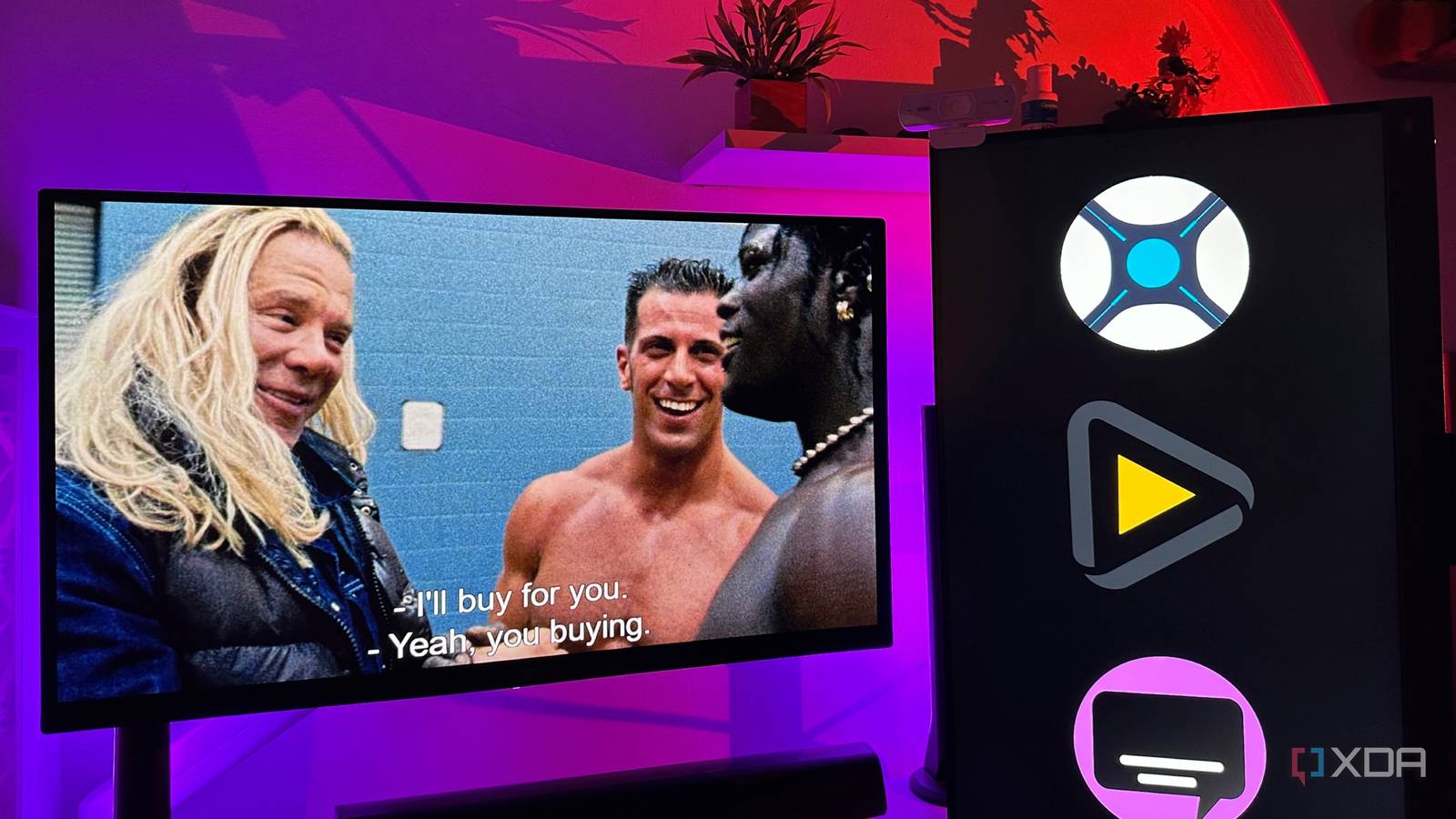
Every show on my media server gets subtitles automatically now, and I haven't searched for one in months
Full Article
Original Source
Read the full article at Xda-developers →KhanList aggregates and links to publicly available news content. We do not host full articles from third-party sources. Always verify important information with original sources.