
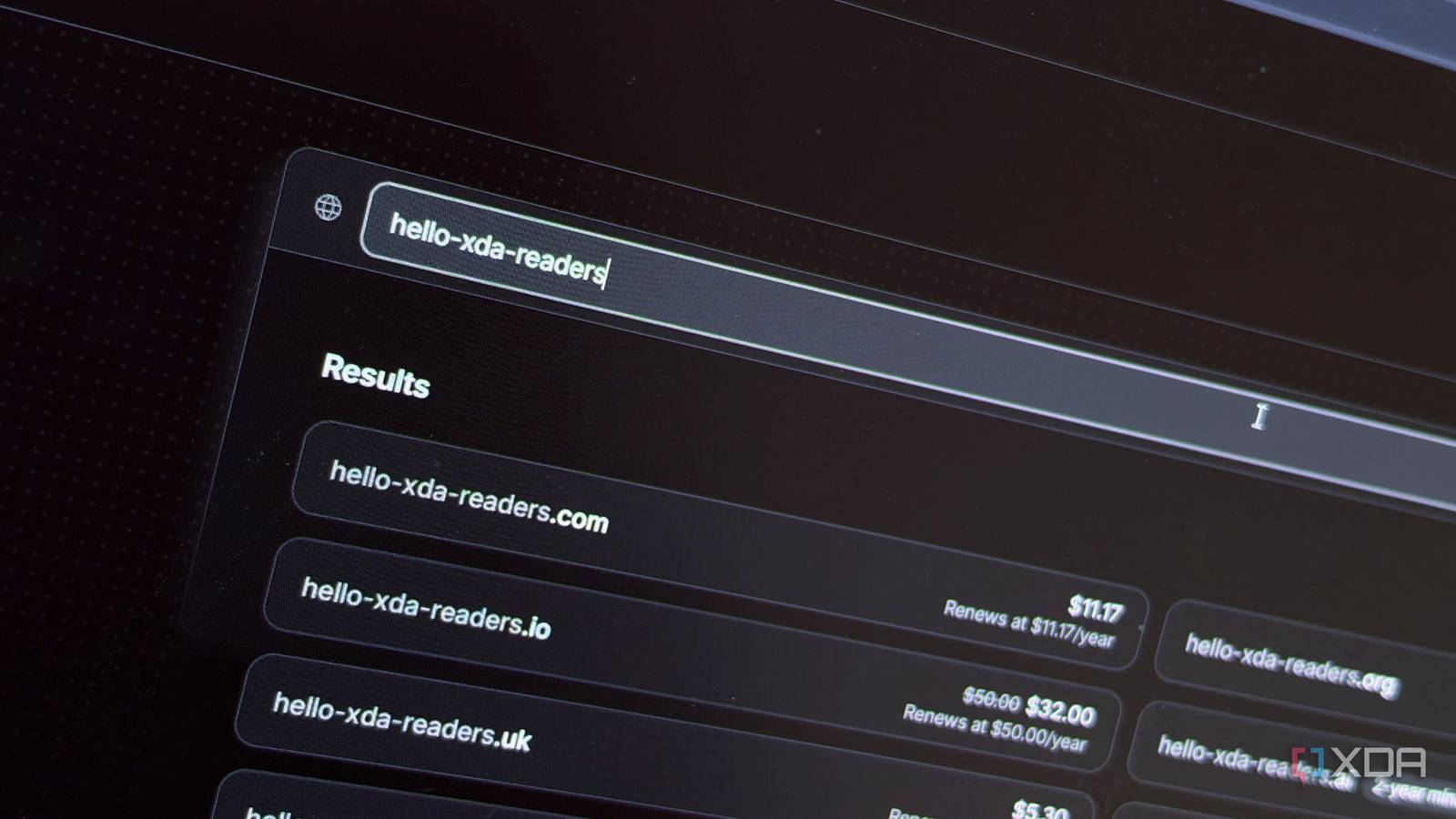
Published Nov 24, 2026, 1:00 PM EST His love of PCs and their components was born out of trying to squeeze every ounce of performance out of the family computer. Tinkering with his own build at age 10 turned into building PCs for friends and family, fostering a passion that would ultimately take shape as a career path. Besides being the first call for tech support for those close to him, Ty is a computer science student, with his focus being cloud computing and networking. He also competed in semi-pro Counter-Strike for 8 years, making him intimately familiar with everything to do with peripherals. Many people get into home-labbing to escape from paying for subscriptions, usually in the form of storage, photo libraries, password managers, and backup schemes. So when someone suggests adding one to their home lab, that might sound counter-intuitive. I think every home lab should carry at least one recurring bill, and it isn't for some kind of software, cloud storage, or VPN. It's simply for a domain name. I've rented a domain for as long as my home lab has existed, and it has been with me through multiple remote-access setups and a physical move to a new home, and it's the best yearly subscription I pay for. So much has changed about my home lab in the last few years, but my domain has been one of the only constants, and it's a big part of why accessing my services has stayed simple despite the changes I've made around it. A domain name is necessary for your home lab When you set up any service at home, you can easily access those services over your local network. Any device connected at home can access Jellyfin, your password manager, or any other service simply from a local address, but the moment you step outside and attempt to connect via an external network, you'll have no access. This is why home labbers set up VPNs or an overlay network, but that's only half of the story. Typing an IP address and port into a phone keyboard gets old really fast, but the bigger problem is that IP addresses are tied to hardware, even at home. If you were to move that Jellyfin instance to a new container, every bookmark and app config pointing at it would break, and that causes even more headaches especially if you're not the only one using it. With a domain, you change one DNS record and everything follows, and, better yet, if you add split-horizon DNS, the same name works everywhere, resolving to the LAN address at home and the mesh VPN address on the road. That's the big part that sold me on a domain. I've tried so many different overlay networks, eventually landing on NetBird, and each of those tools had their own naming schemes for devices on the network. The domain is the thing that made switching between them seamless. Real HTTPS without any open ports No more poking holes in your home network With regard to HTTPS, many assume that a valid certifcate means poking a hole in your home firewall so that Let's Encrypt can actually reach your server, but that's only true of an HTTP-01 challenge. If you have a domain, you can dodge that risk almost entirely. With DNS-01, your ACME client proves you control the domain by publishing a temporary TXT record through your DNS provider's API, and the certificate authority checks that record instead of connecting to anything you run. For me, it doesn't really matter anyway since my ISP puts me behind CGNAT, so I couldn't forward a port if I even wanted to. Regardless, it makes getting certificates a lot more seamless. The provider I rent my domains from, Cloudflare, handles most of this for me, since my reverse proxy can use its API to create those records on its own, and with a trusted certificate comes with more benefits than just dodging browser warnings. Browsers are actually restricting a growing list of features to only work within secure contexts where even plain HTTP to a LAN IP doesn't qualify. For example, Vaultwarden's web vault, needs HTTPS because it relies on the browser's Web Crypto API. Passkeys are stricter still: WebAuthn requires the relying party ID to be a domain, and anything using a plain IP addresse is explicitly ruled out. If you want passkey sign-in on a self-hosted identity provider like Authentik or Pocket ID, you need a real domain name. It'll be the cheapest subscription you pay for Hardly an expense you'll notice Domain prices vary, and anything with a recognizable word, term, or phrase is usually going to be quite expensive, but it doesn't have to be for home use. Cloudflare, who sell domains at cost, have them available for as low as a few dollars a year. The .com domains are going to be a little bit more expensive than something more obscure like a .xyz, but it depends on the domain name you decide on. My .org domain that I use for home lab use saw its registry's first wholesale increase since 2016 this June, but either way, it's less than a dollar a month in most cases. A domain is super useful in a home lab context A home lab is where most subscriptions go to die, but adding one for a domain is super worthwhile. It's the foundation for a lot of other things that your home lab uses now and services that you'll inevitably add in the future. It's the only part of my lab with an unbroken history, and at well under a dollar a month, it's the one bill I'll never cancel.
Every home lab needs this one yearly subscription, and it’s for a service you can't self-host
Full Article
Original Source
Read the full article at Xda-developers →KhanList aggregates and links to publicly available news content. We do not host full articles from third-party sources. Always verify important information with original sources.