
Published Nov 19, 2026, 2:31 PM EST Jasmine is Software and PC Hardware Author at XDA with years of tech reporting experience ranging from AI chatbots right down to gaming hardware, she's covered just about everything. Whether it's breaking news about the latest AMD NPUs or creating video tutorials on social media platforms, Jasmine has contributed to the world of AI and tech in a variety of ways including interviewing the CEO of Razer, AMD's Director of Product Marketing and the VP of Lenovo. Passionate about gaming and PC technology, she has built countless computers, keyboards and other peripherals - knowing them inside and out. Personally, when managing a home network, I believed that routing cables through walls and hooking up switches meant treating Ethernet patch cables as completely interchangeable functional units (where color choice was purely aesthetic or dictated by whatever multipack was cheapest on Amazon). While the colours of Ethernet patch cables aren't universally standardised, enterprise telecommunications infrastructure uses established colour-coding conventions to identify different connections and termination fields. Applying the same principles to my home network made troubleshooting considerably easier and helped reduce the risk of disconnecting important equipment. Color-coding can be more useful than you think Enterprise cable plants follow guidelines The Telecommunications Industry Association, referred to as the TIA, outlines administrative guidelines under the ANSI/TIA-606 standard, with revisions like TIA-606-D, that specify structured labeling and color coding schemes for enterprise cable plants. This doesn't refer specifically to the patch cable jacket and is instead a labeling and termination field standard. Under these guidelines, White is the first-level backbone, gray is the second-level backbone, and brown is an inter-building backbone. Orange is officially designated for the demarcation point, which is the exact threshold where public carrier or ISP service enters the building and hands off to internal wiring. You then have green for active network traffic. Green is utilized to signify direct network connections on the customer side of the demarcation point, frequently linking modems, routers, and primary gateway switches. For workstation drops, blue is allocated for horizontal cabling runs that extend from telecommunications rooms out to user-facing workstation drops and wall plates. Yellow marks auxiliary circuits, alarms, and building automation systems and can include devices like security cameras or access points. You can also pick up specialized colors like purple that represent common core equipment such as PBX hardware, while red is reserved for telephone systems. Red can also be used for fire alarms as a common field habit, but this isn't what the standard clarifies. You don't have to follow it strictly But adopting some of the practices can benefit you Of course, all of this color coding makes sense in an enterprise environment where you're dealing with a whole lot of cables and want to keep it clear from the get-go what is for what. I decided to adapt these enterprise standards for my home lab, taking inspiration and even applying it to patch jackets, as being as strict as the guidelines outlined felt completely unnecessary for my home. One of the most useful changes I made was reserving green Ethernet cables for my Power over Ethernet (PoE) devices, including security cameras and wireless access points. While this isn't an official requirement of the TIA-606 standard, which uses green to identify network connections at termination fields, it made sense for my setup. I can now immediately recognise cables connected to PoE equipment, particularly devices I don't want to accidentally disconnect, such as security cameras. This eliminated the common headache of tracing backhaul lines during a network outage or switch reboot. Moving away from a monolithic block of identical black or blue cables transformed a messy tangle of wires I used to have to deal with into a readable physical map, making moves, adds, and changes significantly less prone to human error because I've eliminated a significant amount of visual clutter. Save yourself the hassle of an accidental disconnection Troubleshooting can be easier In high-density networking environments, physical troubleshooting relies heavily on visual tracing. With standardized color coding, I was able to cut diagnostic time by instantly recognizing circuit types without tracing cables port by port. I was also able to mitigate a lot of catastrophic missteps. For example, by keeping your core server uplinks or main routing backbones a different color, I could avoid accidental disconnection of these fundamental cables because they possess distinct visual markers that separate them from routine client drops. While modern network management systems and VLAN tagging handle logical separation flawlessly, the physical layer remains the ultimate ground truth. Robust color discipline bridges the gap between software configuration and the physical reality of your home network. It might feel like overkill to treat your home network or professional lab spaces with the same structural rigor mandated by commercial standards. But in doing this, you're preventing technical debt from accumulating as gear scales over the years, essentially ensuring you have long-term infrastructure resilience. Don't overlook the benefits of color-coding Ethernet cables are far more than passive copper conduits. When they're integrated into a color-coded administrative framework, they act as an intuitive zero-dependency visual interface for your entire network topology. Overlooking these standards for years shows how easily consumer setups can mimic enterprise inefficiencies, but adopting even a scaled-down version of the TIA-606 color logic can permanently change how you approach physical maintenance at home.
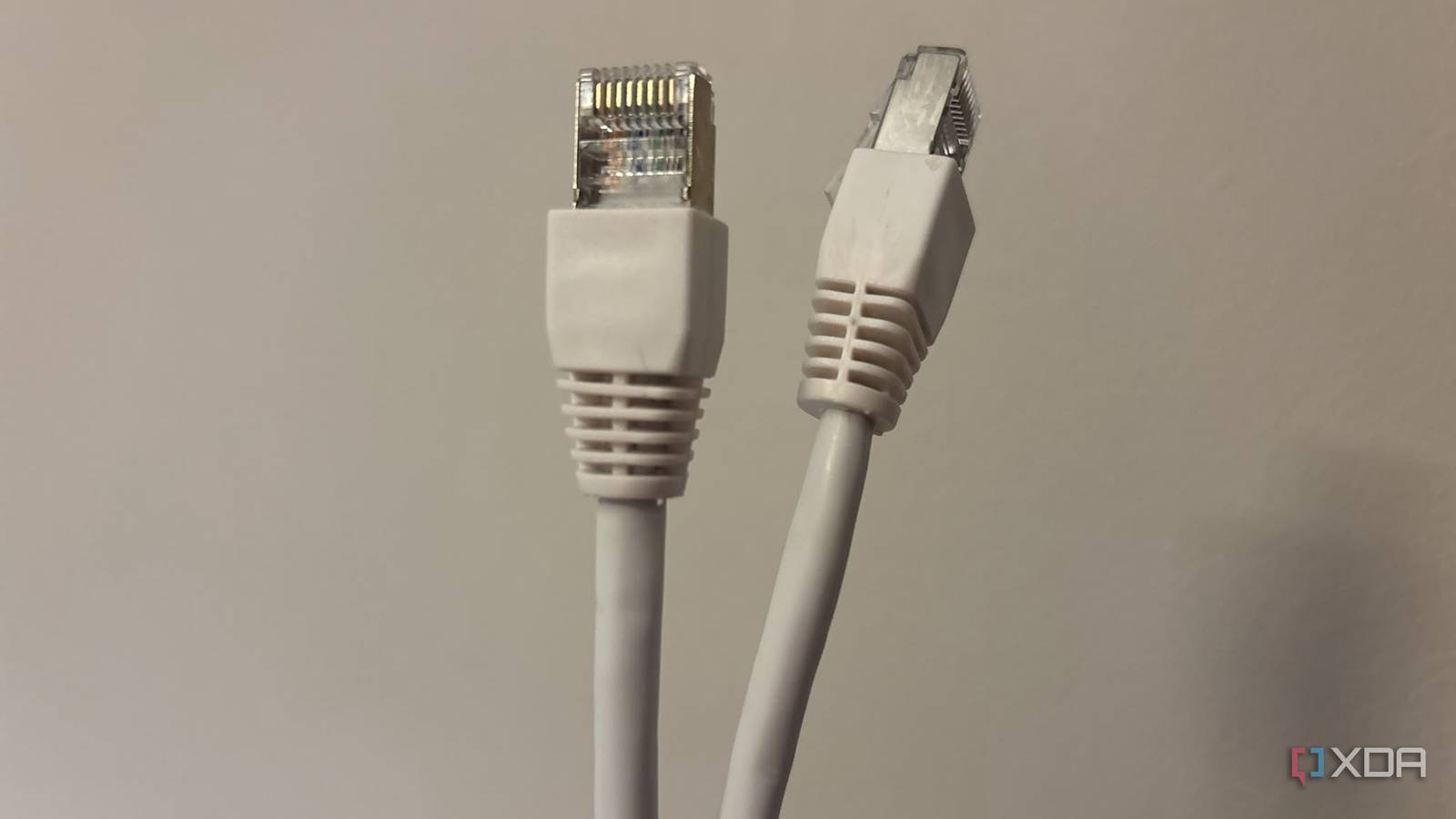
Ethernet cable colors aren't random, and enterprise networks use them to save hours
Full Article
Original Source
Read the full article at Xda-developers →KhanList aggregates and links to publicly available news content. We do not host full articles from third-party sources. Always verify important information with original sources.