
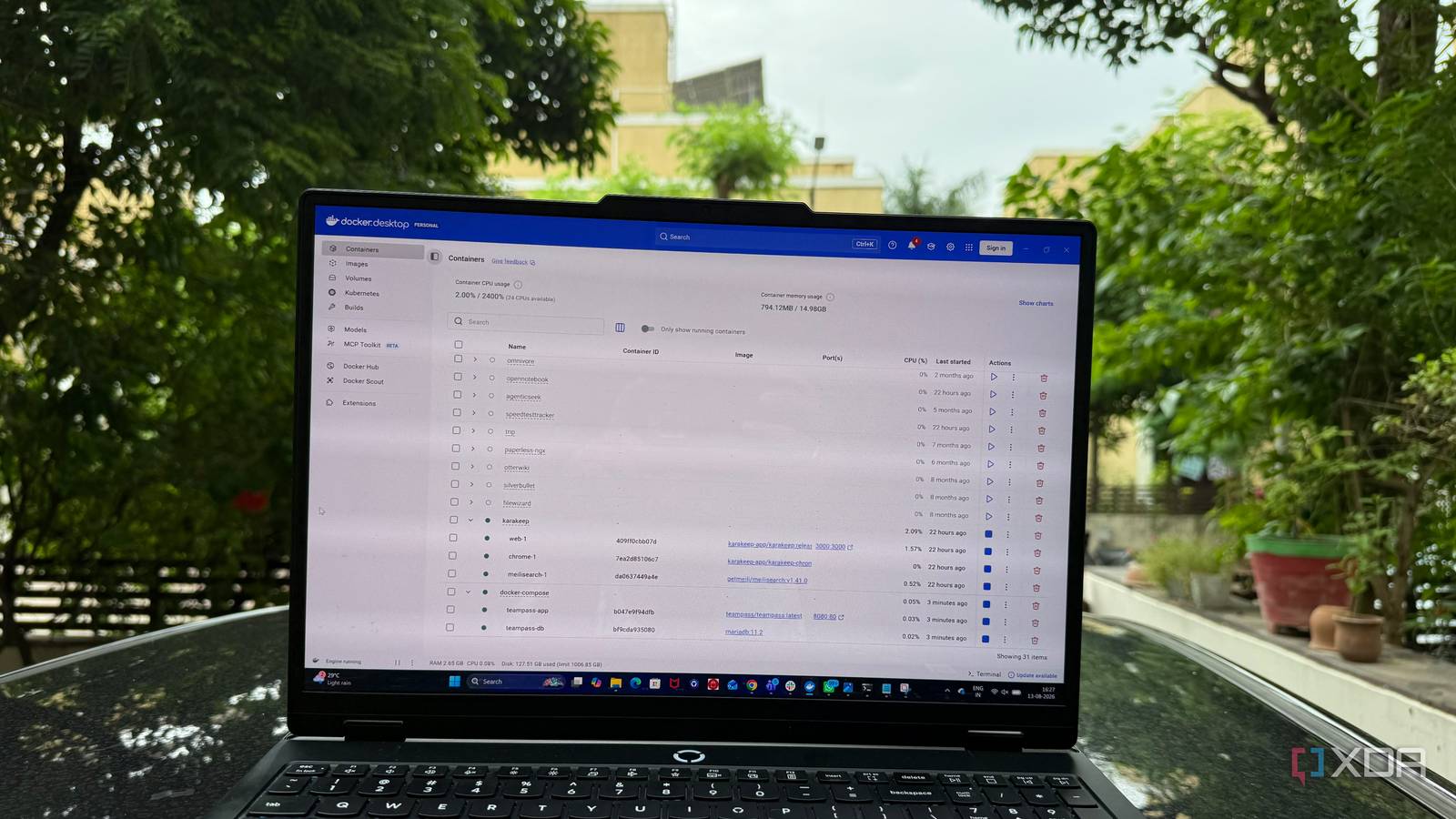
Published Aug 17, 2026, 6:00 AM EDT Beginning his professional journey in the tech industry in 2018, Yash spent over three years as a Software Engineer. After that, he shifted his focus to empowering readers through informative and engaging content on his tech blog – DiGiTAL BiRYANi. He has also published tech articles for MakeTechEasier. He loves to explore new tech gadgets and platforms. When he is not writing, you’ll find him exploring food. He is known as Digital Chef Yash among his readers because of his love for Technology and Food. Self-hosting can look far more complicated than it really is. Once you start exploring it, you quickly run into dozens of applications, setup guides, configuration options, and tools that all seem worth learning. I felt the same way when I started running services on my own hardware. There was always something new to figure out, and it was easy to spend more time learning the infrastructure than actually using the software I wanted. Over time, I realized I didn't need to master every part of the self-hosting ecosystem. I needed one solid foundation that could help me confidently approach new services. Docker changed how I approached self-hosting I stopped treating every self-hosted app like a new project Before Docker, I thought self-hosting meant installing an application directly on my machine and figuring out whatever dependencies it needed. Every new tool felt like another small project. I had to check its requirements, install supporting software, change configurations, and make sure nothing conflicted with something I was already running. Docker made that process feel much cleaner to me. Instead of worrying about how an application was installed on my system, I could focus more on the application itself. The software and its required environment could run inside a container, keeping it separate from the rest of my setup. That changed how comfortable I felt trying new self-hosted software. I could test an application without feeling like I was permanently changing my system. If it wasn't useful, I could remove it and move on. Docker Compose turns a collection of containers into a system It makes servers reproducible Once I was comfortable running individual containers, I started noticing another problem. Running one container was simple, but managing several at once was a different story. I had to remember which containers belonged together, which settings they needed, and how they were supposed to start. Docker Compose made this much easier. Instead of treating every container as separate, I could describe the applications that made up a setup together. I could define the services I wanted, give each one its own configuration, and manage them as a single group. This became especially useful when I started running applications that needed supporting services. Instead of manually starting everything in the right order, I could define the relationships between those services in my Compose configuration. I also liked how easy it was to understand what was running. I could open the Compose file and get a quick picture of the stack instead of checking individual Docker commands and containers. This was the point where Docker Compose stopped feeling like another Docker feature and started feeling like the main tool for managing my self-hosted applications. It gave my setup some structure without making it unnecessarily complicated. The five Compose concepts I think every self-hoster should understand Five Compose basics that made everything clearer I don't think you need to memorize the entire Docker Compose documentation to use it properly. I found that understanding a few basic concepts was enough to make most Compose files much easier to read and modify. Services A service is basically an application or container I want to run. Once I understood this, Compose files started making much more sense because I could identify what each section was responsible for. Images The image is the packaged software that Docker uses to create a container. I think of it as an application's starting point. Understanding the difference between an image and a running container helped me avoid a lot of confusion. Volumes Volumes are where I tell Docker to store certain data outside the container. This is especially important for applications that store files, settings, or databases. Ports Ports control how I access a container from outside Docker. Learning the difference between the container's port and the port exposed on my machine helped me understand why some services weren't reachable. Environment variables Environment variables are another common part of Compose files. They let me provide configuration values without changing the application itself. I also learned to be careful with passwords and other sensitive values. These five concepts gave me enough understanding to read most Compose files without feeling lost. Learn Compose once, thank yourself later The more I self-host, the more I realize that knowing the right tool matters more than knowing every tool. Docker Compose has become one of those skills I can carry from one project to another, regardless of which application I'm trying next. I don't need to understand every advanced Docker feature or build an elaborate homelab to get value from it. I just need enough confidence to look at a new project and know where to start. For me, that's what makes Compose worth learning properly. It removes much of the guesswork from self-hosting and gives me a skill that keeps paying off every time I try something new.
Docker Compose is the only self-hosting skill you actually need to learn properly
Full Article
Original Source
Read the full article at Xda-developers →KhanList aggregates and links to publicly available news content. We do not host full articles from third-party sources. Always verify important information with original sources.