
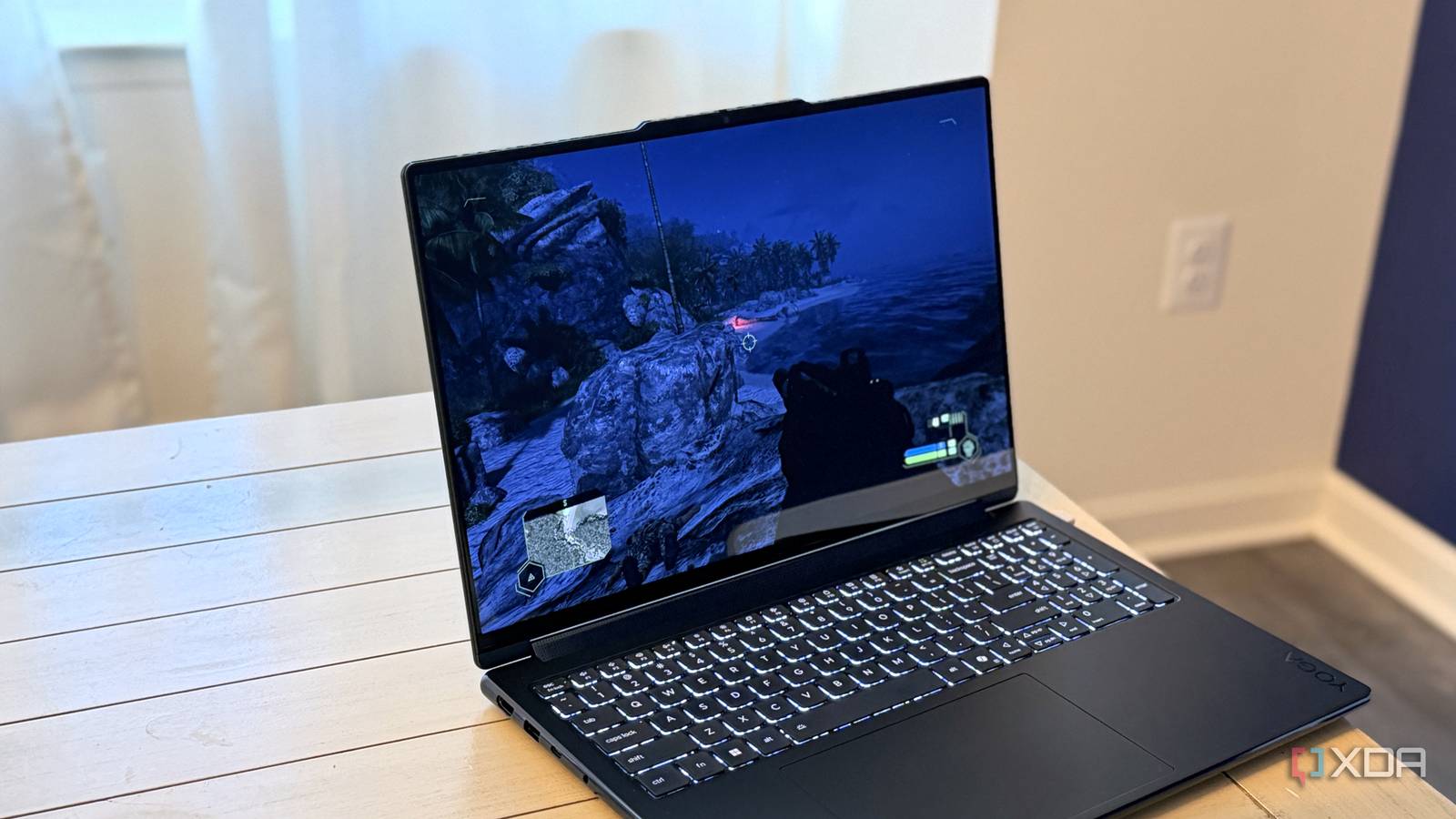
Published Oct 26, 2026, 8:00 AM EDT Maker, meme-r, and unabashed geek, Joe has been writing about technology since starting his career in 2018 at KnowTechie. He's covered everything from Apple to apps and crowdfunding and loves getting to the bottom of complicated topics. In that time, he's also written for SlashGear and numerous corporate clients before finding his home at XDA in the spring of 2023. He was the kid who took apart every toy to see how it worked, even if it didn't exactly go back together afterward. That's given him a solid background for explaining how complex systems work together, and he promises he's gotten better at the putting things back together stage since then. "Can it run Crysis?" has been a PC hardware punchline since 2007, so I wanted to ask it in the silliest way I could think of. Instead of benchmarking Nvidia's RTX Spark with Crysis, I tried to install the entire game inside the GPU's memory. My test unit is a Lenovo Yoga 9n Gen 11 with 64GB of memory, and most of the buzz around this chip is about local AI, even if AMD's Ryzen AI Max+ is what most people actually need for local AI. The plan sounded simple enough. Then I remembered this laptop doesn't really have VRAM, and the whole experiment got a lot stranger. The RTX Spark has no VRAM to install a game into A slider in the Nvidia app decides how much of the 64GB pool the GPU gets A typical gaming laptop has two kinds of memory: system RAM for Windows and your apps, and VRAM sitting next to the graphics chip. The RTX Spark doesn't split things that way. Its Arm CPU and Blackwell GPU share one pool of LPDDR5X memory, rated at up to 300GB/s of bandwidth. That's great for big AI models, but it makes "install it on the GPU" a much fuzzier idea. How much of that pool the GPU gets is set by a slider in the Nvidia app. On my unit, it goes as low as 4GB for the GPU and 60GB for Windows, and every change needs a restart. Whatever you hand the GPU disappears from Windows' point of view. Task Manager calls the reservation "Dedicated GPU memory," exactly like it would for a graphics card's VRAM, while the Memory tab folds it into "Hardware reserved," along with about a gigabyte of other firmware reservations. Same silicon, just with a naming identity crisis. Or not really, because on unified RAM systems it doesn't really matter. Windows ate 16GB before I'd opened anything I started at a 48GB/16GB split, planning a RAM disk big enough for Crysis Remastered's 19.9GB install, plus some headroom. Before that, I spent a confused few minutes wondering why Windows only saw 30.8GB, until I remembered I'd left the slider at 32/32 for another test. I'm my own worst enemy sometimes. Even at 48/16, and after quitting Ollama and shutting down WSL freed up barely 1.6GB, Windows had just 30.3GB available. It was using about 16GB on its own, and the apps in Task Manager didn't come close to explaining it. So I dragged the slider to 56/8. That left 38.1GB available, and Task Manager's hardware reserved figure dropped from 17.2GB to 9.2GB. On this laptop, every gigabyte you give the GPU comes straight out of what Windows can use, which is obvious on paper and surprisingly annoying in practice. Installing Crysis into memory took one RAM disk and one junction SoftPerfect RAM Disk has a native Arm build, which makes things easier There are fancier ways to make a RAM disk, but SoftPerfect RAM Disk supports Arm64 Windows, which made it an easy pick. I created a 23GB volatile disk on R:, about 15% bigger than the game, so everything on it vanishes on a reboot. That's fine for an experiment, and a terrible idea for anything you care about. Getting the EA app to cooperate was a little more work. I renamed the real install folder on the SSD, copied it to R: with robocopy, then pointed a junction at the original path. cmd /c mklink /J "C:\Program Files\EA Games\Crysis Remastered" "R:\Crysis Remastered" The EA app still thinks Crysis Remastered lives in Program Files, but every read lands on the RAM disk. I'd also installed the original 2007 Crysis as a backup, and it launched fine under Prism, Microsoft's x86 emulator for Windows on Arm, which is getting a huge boost from the RTX Spark. Resource Monitor caught Crysis reading from R: My Ramdisk didn't show up in Resource Monitor at first, so I wasn't sure I could prove anything. Then the Disk tab filled up with reads from R:\Crysis Remastered\Engine\Shaders while the title screen loaded behind it. That's the screenshot I'd been chasing all evening. With the game sitting at its pause menu, Task Manager showed 42.5GB of 54.8GB in use and 12.2GB still available, with the SSD at 2% activity. I played part of the first level, saved, reloaded, and it behaved exactly like a normal install. Weird, but normal. The game moved into memory, but the emulator stayed on the SSD Prism keeps translated code in a cache on the C: drive That same Resource Monitor screenshot had a twist I didn't expect. Mixed in with the R: reads were entries from C:\Windows\XtaCache, including a cached translation of Nvidia's NVNGX_DLSSG.DLL being read for CrysisRemastered.exe. XtaCache is where Windows on Arm keeps code that Prism has already translated from x86, so it doesn't have to redo that work on every launch. The game files were in memory, but some of what actually ran was coming from a cache on the SSD. Moving the game folder wasn't enough to take the SSD out of the picture entirely. The translation cache is a wrinkle you won't hit on an Intel or AMD machine, though even there, Windows and driver files would still load from C:. The RAM disk is 40 times faster at one-at-a-time small reads For scale, I ran CrystalDiskMark's Arm64 build on both drives with the same settings: three passes and a 1GiB test file. My SSD was 89% full at the time. Test Internal SSD read (MB/s) RAM disk read (MB/s) Difference SEQ1M Q8T1 7,293 28,763 3.9x SEQ128K Q32T1 4,563 11,443 2.5x RND4K Q32T16 1,252 3,817 3.0x RND4K Q1T1 30.9 1,241 40x The row we should care about is the bottom one, which measures small reads issued one at a time. It's the test most limited by latency rather than raw throughput, and it's where the RAM disk leaves the SSD in the dust. Sure, 28.8GB/s sequential reads look ridiculous next to 7.3GB/s, but that's still just under a tenth of what the memory itself is rated for. The limit is almost certainly the RAM disk software and the CPU, not the memory itself. Crysis ran from my GPU's memory, depending on who you ask So, did I install Crysis on my GPU? On the RTX Spark, VRAM is a slider setting, not a separate set of chips. The game ran from the same LPDDR5X the GPU draws from, the SSD barely stirred, and the main thing I caught reading from it was Prism's translation cache. By the strictest definition, Crysis sat on the Windows side of the line, but physically it was right there with the GPU. Is it useful? Not for gaming, and I deliberately didn't time load screens, because that was never the point. If I had a 128GB RTX Spark, though, I'd at least consider a RAM disk for scratch space.
Crysis running inside my GPU is the weirdest thing I've tried this year
Full Article
Original Source
Read the full article at Xda-developers →KhanList aggregates and links to publicly available news content. We do not host full articles from third-party sources. Always verify important information with original sources.