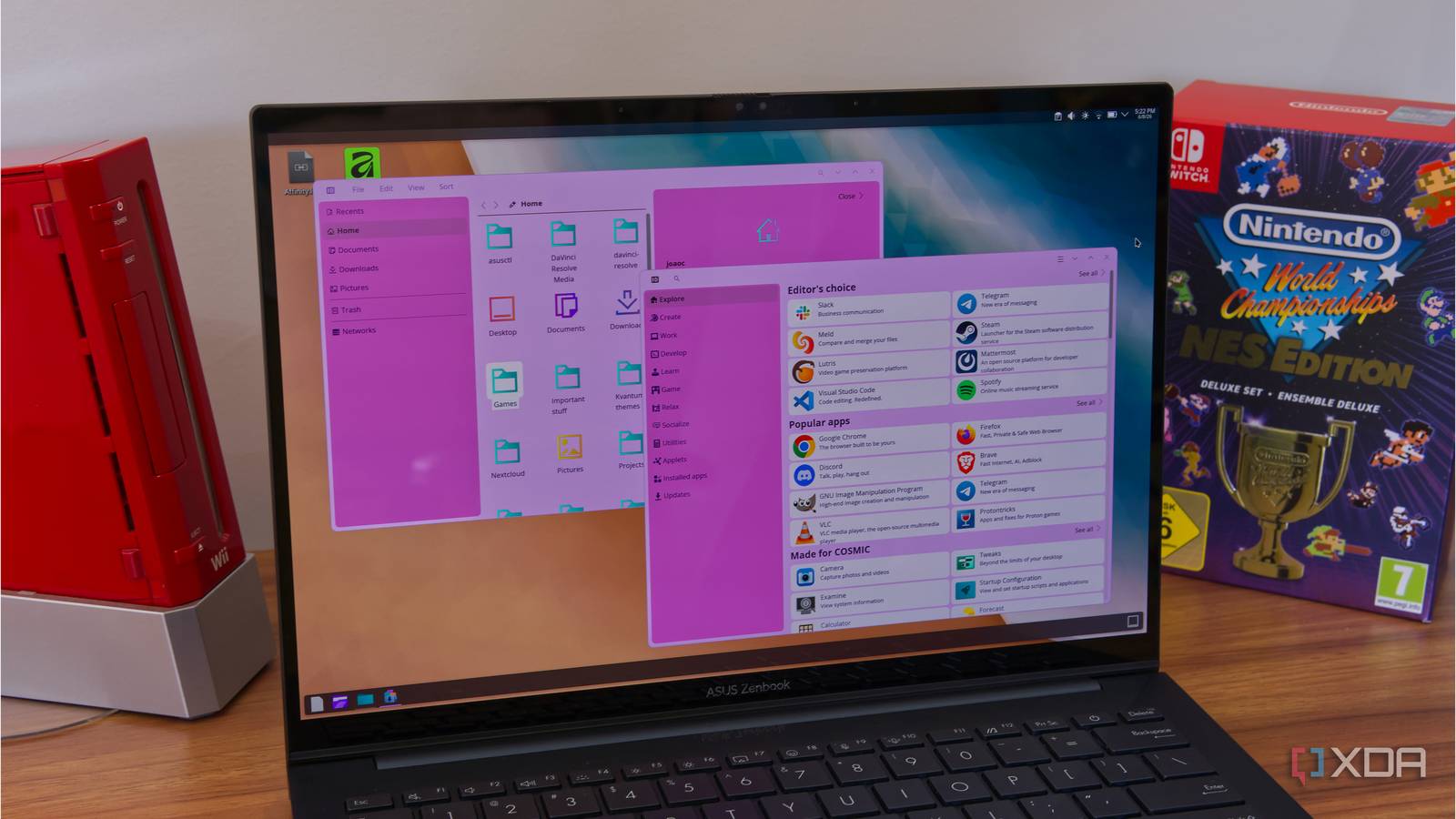
Published Jul 30, 2026, 3:39 AM EDT Simon is a Computer Science BSc graduate who has been writing about technology since 2014, and using Windows machines since 3.1. After working for an indie game studio and acting as the family's go-to technician for all computer issues, he found his passion for writing and decided to use his skill set to write about all things tech. Since beginning his writing career, he has written for many different publications such as WorldStart, Listverse, and MakeTechEasier. However, after finding his home at MakeUseOf in February 2019, he would eventually move on to its sister site, XDA, to bring the latest and greatest in Windows, Linux, and DIY electronics. Sign in to your XDA account Summary COSMIC 1.5 fixes a high-CPU panel bug that looped when the screen was locked. It also adds changes to the wallpaper system to allow for 500 images and to add multiple images at once. It also includes fixes for the new frosted glass theme, such as a bug with applets attached to a hotplugged external monitor. COSMIC is quickly becoming my favorite desktop environment, but it's by no means perfect. It's not due to bad programming, though; it only got its first stable release back in December 2025, so it still needs some time to mature and receive bug fixes. Such is the case with COSMIC version 1.5, which squashes a few nasty issues such as the panels hogging your CPU whenever you lock your computer. It turns out that COSMIC panels did not like it when you locked your PC As spotted by Linuxiac, COSMIC Desktop has been updated to version 1.5. The new version brings in some nice changes, such as allowing users to save 500 wallpapers instead of 100 and letting people add multiple images at once to the wallpaper roster. Also, the shiny new frosted glass theme works on applets attached to a hotplugged external monitor, and it'll no longer flicker when maximizing a window. However, the tweak that caught my eye was one simply titled "Fix high CPU usage when screen is locked" in the cosmic-panel category. Turns out, when you lock your screen, the panels in COSMIC put themselves into a loop: is_dirty is cleared only in render but when screen is locked we don't get any render callbacks. So, is_dirty stays true and we get stuck in a relayout loop. I introduced a new flag that clears needs_layout so we don't redo layout, and is_dirty will be cleared whenever we render. COSMIC Desktop 1.5 is available to download, so grab it from the GitHub page or update it via your distro's regular channels. And if you've never given COSMIC a try before, be sure to check out why I'm starting to like it more than KDE right now.
COSMIC 1.5 stops its panels from devouring your CPU while your PC is locked
Full Article
Original Source
Read the full article at Xda-developers →KhanList aggregates and links to publicly available news content. We do not host full articles from third-party sources. Always verify important information with original sources.