
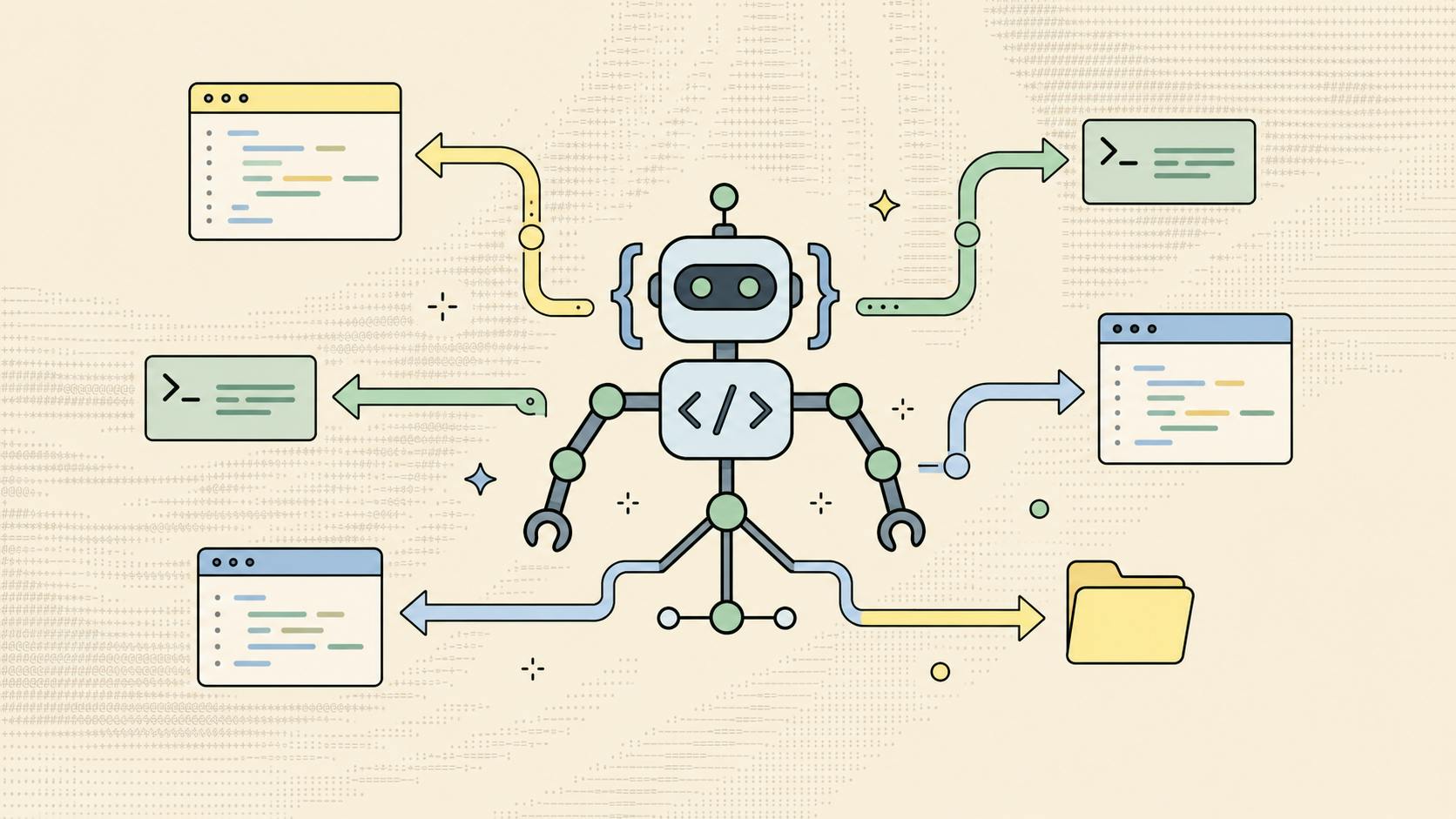
Coding Agents can plan, edit, and test code with limited supervision, but keeping their plans, decisions, and handoffs connected quickly becomes a coordination problem. This article covers how these agents work, where they help, where they fail, how to evaluate them, and how to integrate external APIs safely. What are coding agents? Understanding AI coding agents Coding agents are large language models wrapped in a runtime that can read a repository, call tools, run shell commands, and apply changes across multiple files. The runtime supplies the loop: it feeds tool output back into the model, tracks state between steps, and decides when the task is finished. The distinction that matters is scope of action, not model quality. An assistant suggests. An agent acts, then reports what it did. That changes the unit of work. A developer no longer reviews a suggestion at the cursor, but a set of edits, a test run, and a short justification for the approach. When two or three agents run at once, the developer also has to track which branch each one touched, which decision is still open, and which handoff was never picked up. The agents can work in parallel, but the developer's attention cannot. Shared context is therefore better kept outside the chat window. It also helps to understand an agent's internal loop before deciding how much autonomy to grant it. How AI coding agents work: tools, autocomplete, and beyond That internal loop separates AI coding agents from the autocomplete behavior most teams already know. Both can use the same underlying models. They differ in how many steps they take before a human sees the result. Agentic coding workflows versus code completion Code completion operates inside one file and one moment. It predicts the next tokens, the developer accepts or rejects, and ownership never leaves the keyboard. The feedback loop is immediate, and the blast radius of a bad suggestion is a few lines. An agentic workflow extends that loop. The agent reads project files, forms a plan, edits several modules, runs the test suite, and revises based on failures. Ownership is temporarily delegated, so the handoff back to the human has to carry context: what changed, what was assumed, and what remains unresolved. How coding agents plan, edit, test, and iterate Context gathering: The agent reads relevant files, configuration, and recent commits to build a working picture of the codebase. What it can see is bounded by the context window and by whatever retrieval or indexing the runtime provides. Plan formation: It produces an ordered set of changes, often with assumptions it could not verify from the repository alone. Tool execution: It applies edits, installs dependencies, and runs commands through defined tool calls or a Model Context Protocol (MCP) connection to an external server. Verification: It executes tests or a build and reads the output as feedback rather than as a final judgment. Iteration and handoff: It retries failures within its step or token budget, then returns a summary, a diff, and any blockers that require a decision. Step five is where many teams lose time, because the summary usually lands in a chat thread that no one else reads. Key benefits and limits of using coding agents Benefits and limits are not evenly distributed across tasks. The same agent that clears a migration in one sitting can produce a confident, incorrect fix in an unfamiliar subsystem. Knowing which category a task falls into is the practical skill. Published benchmarks such as SWE-bench measure performance on curated issues from open-source repositories and are a weak proxy for behavior in a proprietary codebase. Where coding agents deliver the most value ● Mechanical refactors: Renaming across modules, updating deprecated calls, and applying a consistent pattern to many files. ● Test coverage: Writing unit tests for existing functions where the expected behavior is already specified. ● Migration work: Framework and dependency upgrades with documented breaking changes and a verifiable end state. ● Boilerplate and scaffolding: Route handlers, adapters, schema definitions, and fixtures that follow an established convention. ● First-pass investigation: Tracing a stack trace through unfamiliar code and summarizing the likely cause for a human to confirm. Common risks: incorrect code, security, and context gaps The failure modes are specific. An agent that cannot see an internal service contract will often invent a plausible one, and the code will compile. Tests may pass because the agent wrote both the implementation and the assertions against the same misunderstanding. Security risks follow the same pattern. Agents handle credentials, write configuration, and sometimes log request payloads during debugging. Without explicit boundaries, a secret can move from an environment variable into a committed file in a single automated step. Agents that read untrusted content, such as issue text, web pages, or dependency README files, also carry prompt-injection exposure, since instructions in that content can be treated as instructions to the agent. Context gaps are the quiet cost. When three agents each hold a partial view of the system, their outputs conflict, and the developer then has to work out which version is current. Human review and guardrails for reliable results Scope limits: Define which directories, branches, and commands an agent may touch before the run, not after it. Credential separation: Issue scoped, short-lived tokens under role-based access control (RBAC) so an agent cannot reach systems outside its task. Independent verification: Review tests written by one agent against behavior defined by a human or a second reviewer. Decision checkpoints: Require a named owner to approve schema changes, dependency additions, and anything touching authentication. Audit of actions: Keep a record of tool calls and file changes so a failed run can be traced rather than reconstructed. These guardrails reduce the frequency and cost of bad runs; they do not eliminate incorrect output. Visibility is also not approval. A board that shows an agent is waiting on a decision does not make the decision or grant authority. Best coding agents to consider in 2026 Guardrails and review expectations should shape how you shortlist tools. The right choice for a solo project and for a twelve-person platform team is rarely the same product, and autonomy that feels efficient alone becomes expensive when nobody can see what the other agents are doing. This category changes release to release, so treat the list below as a starting shortlist and check current documentation and pricing before committing. How to evaluate the best coding agents for your workflow Start with the work you actually delegate. If most tasks are single-file edits inside an editor, an inline assistant will often outperform a heavier runtime. If tasks span repositories and take an hour, you need durable state, a visible plan, and a reliable handoff back to a person. Then test on a real ticket rather than a demo. Measure how long review takes, how often the agent asks before acting, and how much context you must re-explain when you return the following morning. Features to compare: IDE support, models, autonomy, and pricing The entries below are grouped by what each tool is designed to do, not ranked by an independent benchmark. Band is this site's product, disclosed here so you can weigh the comparison accordingly. Band: A coordination layer rather than an editor plugin. Band keeps multi-agent work visible through plans, owners, status, blockers, dependencies, and open decisions, while delegation carries requests, handoffs, and replies between humans and agents. It is aimed at teams running several agents at once, and it does not replace an in-editor completion tool. Cursor: An IDE built around agentic editing, with multi-file context and a choice of underlying models. Suited to a developer working interactively in one codebase. GitHub Copilot: Broad IDE support, completion, chat, and agent modes, with integration into pull requests and repository context. Windsurf: An editor with an agentic workflow focus, oriented toward longer automated sequences and project-wide awareness. Devin: A more autonomous agent aimed at end-to-end task execution, which raises both the potential value and the review burden per run. Replit Agent: Browser-based building and deployment, useful for prototypes, small services, and teams without a local setup. OpenAI Codex: A cloud and CLI agent for delegated tasks, useful when you want parallel runs against a repository outside the editor. Free coding agents vs paid options: what you get Pricing tiers map closely to autonomy. Free coding agents tend to cap the number of steps, the context window, or the frequency of requests, which is exactly the budget an agent needs to finish a multi-file task. Specific limits vary by vendor and change often. What free coding agents typically include ● Limited completions: A monthly or daily cap on suggestions and chat messages, sufficient for individual editing. ● Smaller models: Faster and cheaper models that handle syntax well and are weaker at cross-module reasoning. ● Reduced context: Fewer files loaded per request, which increases the chance of an invented interface. ● Single-session state: Work that exists only in the current chat, with no persistent plan or delivery state. ● Community support: Documentation and forums rather than account-level governance or audit features. ● Data handling terms: Free tiers sometimes differ from paid tiers in whether prompts and code may be retained or used for training. Check the vendor's current terms rather than assuming. When a paid plan is worth the cost Pay when the constraint is review time rather than generation. A paid tier usually buys longer runs, larger context, and the orchestration features that let an agent finish a task instead of stopping halfway and asking you to re-explain the goal. The second trigger is governance. Once agents touch production systems, you need RBAC, audit trails, and recovery paths, and those are uncommon in free tiers. They matter most when agents start calling systems you do not own. How to integrate external APIs with AI coding agents To integrate external APIs with AI coding agents, the agent needs accurate contracts, scoped credentials, and a safe place to fail. An agent guessing at a payload shape will produce code that looks correct and returns errors in staging. Provide API documentation, authentication details, and examples Specification first: Supply the OpenAPI specification, SDK reference, or endpoint documentation in the repository or through an MCP connection. Authentication pattern: Describe the auth method, token lifetime, and refresh behavior without pasting live secrets into a prompt. Worked example: Include one real request and response pair so the agent can infer field types and error shapes. Rate and quota rules: State limits, retry policy, and backoff expectations as explicit constraints on generated code. Ownership note: Record which person owns the integration, so the handoff has a destination when the agent finishes. Test API integrations and handle errors securely Give the agent a sandbox key and a mock server before granting access to anything billable. Require that generated clients handle timeouts, non-2xx responses, and malformed bodies explicitly, and ask for the failing test first so the fix is verifiable rather than asserted. Keep secrets outside the context window. Reference variable names, not values, and review any logging the agent adds during debugging before it reaches a shared branch. Treat third-party API responses as untrusted input, both for the application and for the agent reading them. Best prompts for vibe coding with AI agents Prompting carries the same weight as the sandbox and the scoped key. The best prompts for vibe coding with AI agents are specifications: they remove ambiguity before the agent starts writing. Prompts that define requirements, constraints, and acceptance criteria ● Goal statement: Describe the user-visible behavior and the file or module where it belongs. ● Hard constraints: Name the framework version, the libraries that may not be added, and the patterns already used in the codebase. ● Acceptance criteria: State the tests that must pass and the edge cases that must be covered before the agent reports completion. ● Stop conditions: Tell the agent to pause and ask when a schema change, a new dependency, or an auth change is required. ● Output format: Request a diff, a short rationale, and a list of assumptions it could not verify. Prompts for debugging, refactoring, and reviewing generated code For debugging, ask the agent to reproduce the failure and explain the mechanism before proposing a change. A prompt that requests a root cause and a failing test tends to produce more reliable work than one that requests a fix. For refactoring, define the invariant that must hold and the boundary that must not move. For review, ask a second agent to find incorrect assumptions, missing error handling, and security issues in the diff, and to report findings without editing. A second agent is a filter, not an approval step; it shares many of the same blind spots as the first. The developer still decides what ships. Here is the practical test. Step away for a day, come back, and see whether you can tell what each agent did, what it assumed, who owns the result, and which decision is still waiting. If that answer lives only in scattered chat threads, the problem is coordination, not capability. Band keeps that work visible on a shared board while delegation carries the messages and handoffs between participants. The judgment, the authority, and the accountability remain with the people reviewing the diff.
Coding agents explained: how AI agents boost development
Full Article
Original Source
Read the full article at Hackernoon →KhanList aggregates and links to publicly available news content. We do not host full articles from third-party sources. Always verify important information with original sources.