
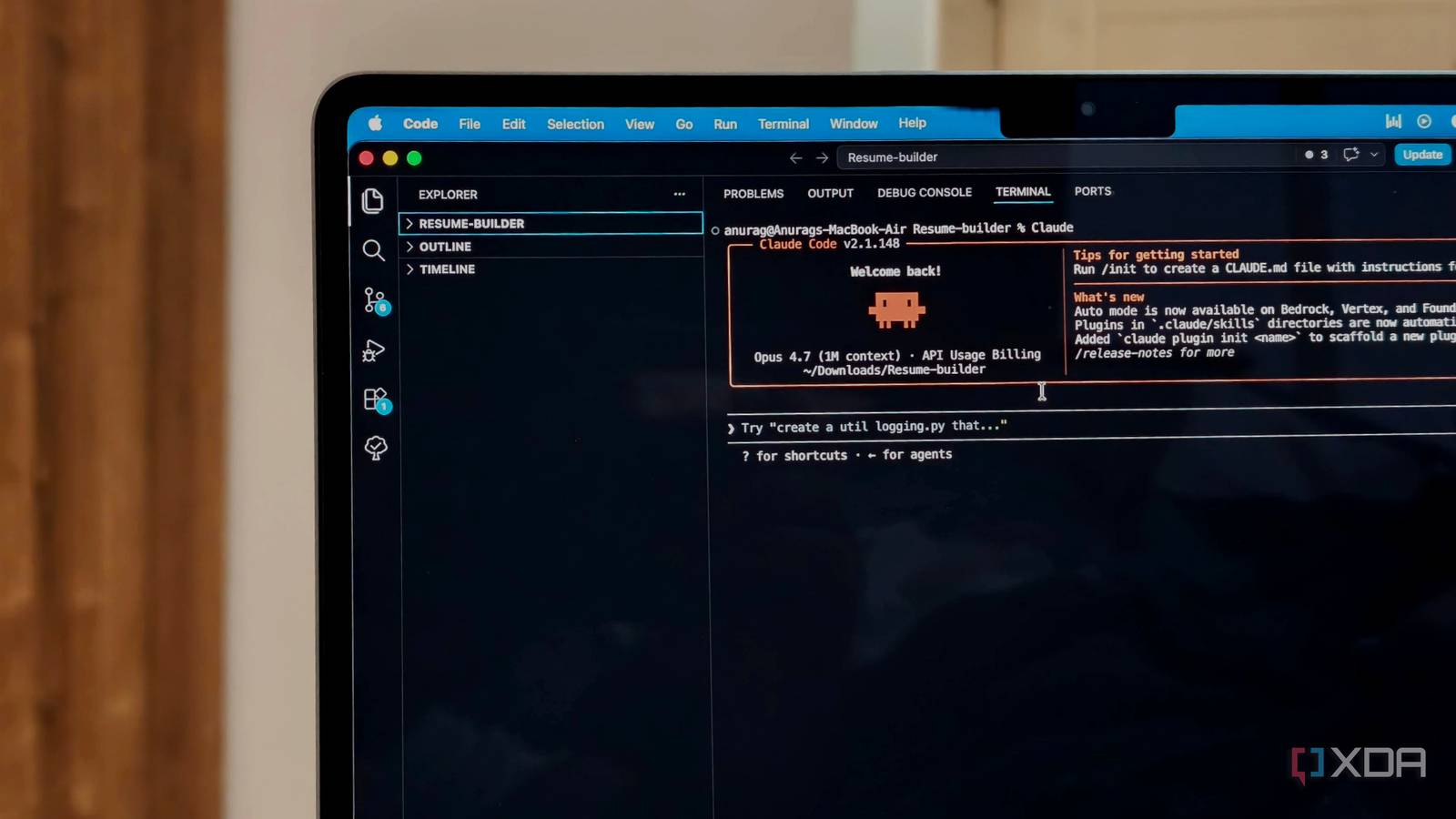
Published Sep 21, 2026, 7:30 AM EDT Mahnoor Faisal is a tech journalist covering AI and productivity tools with bylines at XDA, SlashGear, MakeUseOf, Laptop Mag, and Android Police. She's been writing professionally since she was sixteen, and has since penned hundreds of articles. This includes in-depth coverage of AI tools like NotebookLM to breaking news across the AI space. Her passion for technology started when she received her first iPod Touch (4th generation) on her 8th birthday, and she's been deep in the tech world ever since. Currently pursuing a degree in computer science, Mahnoor brings both a journalist's eye and a technical foundation to her coverage of how AI is reshaping the way we work and learn. You, me, my colleagues, my friends, and practically anyone who uses AI regularly all have one thing in common: we hate usage limits. Nothing kills the momentum of whatever you're working on quite like being (politely) told you've burned through your allowance and need to wait before you can keep going. While the tech giants behind these tools certainly deserve plenty of the blame for those limits, I've realized we're sometimes making the problem worse ourselves. One of the easiest ways to do that in Claude Code is by letting it put far more effort into simple tasks than they actually need. Claude Code doesn't need to go all-out on every task Claude, you can relax Before we jump into Claude Code-specific toggles, just think about the tasks you do on a daily basis. Making a cup of coffee, replying to a quick message, and deciding what to eat for lunch probably don't require the same amount of mental effort as studying for an exam or working through a complicated problem. The examples require different levels of effort, and it'd be fairly ridiculous to approach all of them with the exact same amount of brainpower. AI models aren't all that different in that regard. Some tasks benefit from more reasoning and time, while others are simple enough that throwing maximum effort at them is just unnecessary. For instance, fixing a typo, renaming a variable, or making a tiny formatting change probably doesn't need the same level of reasoning as debugging a stubborn issue or planning out a larger feature. You can now choose how much effort Claude Code uses Think smarter, not harder Up until a few months ago, the best way to account for that in Claude Code was largely to be more deliberate about which model you used for a task. You could reach for something faster and cheaper like Haiku for the easy stuff, then switch to a more capable model like Sonnet or Opus when you actually needed the extra reasoning. However, you can now control how much effort Claude puts into a task without switching models at all! Claude lets you control how many tokens the tool spends when responding to your requests, essentially trading some capability and thoroughness for better token efficiency when you don't need Claude operating at full power. Claude's newer models already use adaptive reasoning, which allows the model to decide when a task needs deeper thinking and how much reasoning is worthwhile. The effort setting gives you some control over that process. Lowering it encourages Claude to be more economical with its reasoning, while raising it gives the model more room to work through genuinely difficult problems. There are five actual effort levels on the newest supported models: Low, Medium, High, Xhigh, and Max. Low is geared toward short, tightly scoped jobs where speed matters more than maximum intelligence, while Medium cuts back on token usage without dialing things down quite as aggressively. High strikes more of a balance between intelligence and token consumption and is the default for Sonnet 5, while Xhigh and Max give Claude increasingly more room to reason through difficult tasks. There are five effort levels in total: low, medium, high, xhigh, and max, though exactly which ones are available depends on the model you're using. High is the default for Claude Sonnet 5 in Claude Code, while max essentially removes the restraint on token spending in exchange for Claude's highest possible capability. And that last part is where things can get wasteful. Max isn't simply a "better" version of High that you should leave enabled all the time. It gives Claude essentially unrestricted room to spend tokens chasing the highest possible capability, which makes a lot more sense for genuinely difficult problems than it does for changing a variable name or fixing a typo! Dropping to Medium cut my token usage by 45% I was paying the High-effort tax for nothing While I've written an entire article detailing my testing before, the short version is that the difference was much bigger than I expected. I gave Claude Code the same five coding tasks twice, once on High effort and once on Medium, while resetting the project between runs so both started from the same point. Across those tests, High generated roughly 26,000 output tokens. Medium used around 14,300, which works out to about a 45% drop just from changing the effort level. What surprised me more was that Medium didn't suddenly become noticeably worse. It still completed all five tasks, and in some of the more open-ended tests, it reached essentially the same conclusions as High. Ultimately, if you're noticing that you're hitting your limits much faster than usual and that Claude Code is spending an unusually long time chewing through relatively simple requests, it's worth checking what effort level you're using. You might be giving Claude far more room to think than the task actually needs!
Claude Code wastes tokens on tasks that don't need them, but this one setting fixes it
Full Article
Original Source
Read the full article at Xda-developers →KhanList aggregates and links to publicly available news content. We do not host full articles from third-party sources. Always verify important information with original sources.