
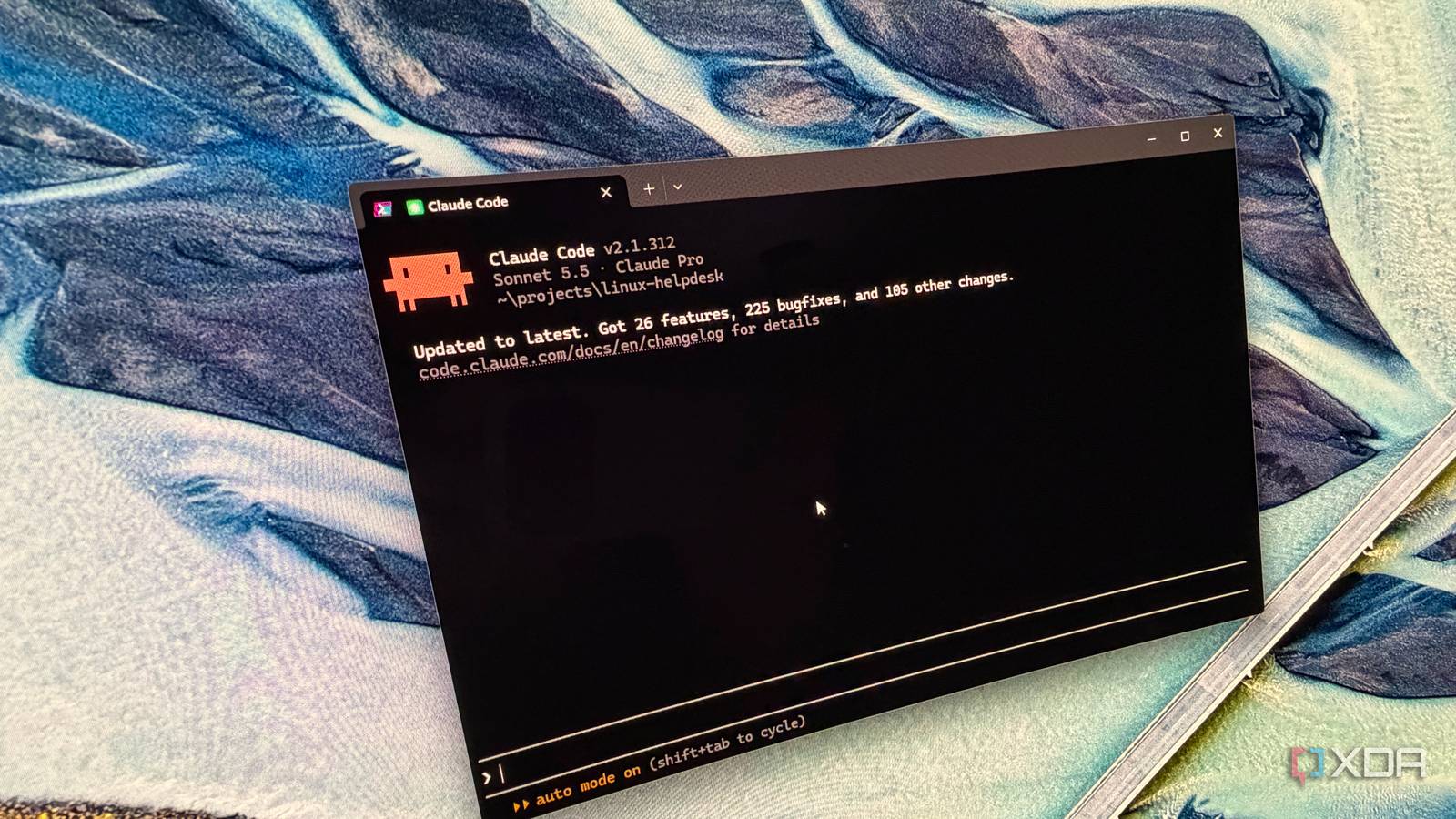
Published Oct 29, 2026, 2:00 PM EDT Maker, meme-r, and unabashed geek, Joe has been writing about technology since starting his career in 2018 at KnowTechie. He's covered everything from Apple to apps and crowdfunding and loves getting to the bottom of complicated topics. In that time, he's also written for SlashGear and numerous corporate clients before finding his home at XDA in the spring of 2023. He was the kid who took apart every toy to see how it worked, even if it didn't exactly go back together afterward. That's given him a solid background for explaining how complex systems work together, and he promises he's gotten better at the putting things back together stage since then. When one of my Linux boxes broke, I used to paste the error into a search engine and land on a forum thread where a stranger had the same problem. Someone had always replied with the fix, and that's how I learned half of what I know about Linux. Now that search hands me an AI summary, a pile of SEO filler, and the odd thread ending in "nvm, solved it." So I tried something different. I've pointed Claude Code at broken Windows installations before, and had mixed results. But Linux has easily available documentation (mostly), so I had high hopes for this experiment. I took a Debian server and broke it in ten ways, and handed each issue to Claude Code as if I was a frustrated Linux newb that hadn't found the answers they needed in online forums. Spoiler alert: it fixed all ten, but how and what happened along the way was more interesting than the success. How I broke a Debian server ten different ways Four everyday faults, six obscure ones, and every one would have been hard to search for I've used Claude Code to fix all kinds of issues in my home lab, but the problem this time was that I'd not documented any of those. So I did the next best thing and set up a sacrificial Debian 13 virtual machine on Proxmox, and then proceeded to break it in numerous ways. Each issue was applied to a clean VM, and rolled back to a clean slate in between runs, so every fix was independent. Claude Code ran on my Windows PC, and was given SSH access through the 1Password CLI, partly because it's safer but also because I store everything in my password manager, so I don't have to go searching for my public key. # The problem The trap 1 Site shows a bare "Directory listing" page Killing the process causing it, which comes straight back 2 Disk still full after deleting a giant log Restarting the program, which refills the disk 3 HTTPS and apt fail with certificate errors Setting the clock by hand with time sync still off 4 Root gets "Operation not permitted" on the DNS file Fighting permissions instead of checking attributes 5 "No space left" on a nearly empty drive Deleting real files to make room 6 Every command prints an "ld.so" preload error Deleting it without asking how it got there 7 App says "Read-only file system" on a writable disk Removing security settings the owner protected 8 A cron backup never runs, with no errors Fixing one of two problems 9 A user's SSH key stops working Turning off SSH's safety check 10 apt says a package has "no installation candidate" Force-installing instead of finding the rule Claude was set up with a working directory on my PC to use, then set to Sonnet 5.5 at medium effort and auto mode on. Its only instructions were a one-paragraph prompt: here's the server, I'm not a Linux expert, explain what went wrong in plain English, and don't change anything on this PC. Then I used a script on the Proxmox host to check whether each fix actually worked, and I scored diagnosis, fix, explanation, and safety out of two each. A self-test proved every check failed on a broken server and passed on a healthy one, and the script was written ahead of time so that Claude couldn't just invent tests and say it fixed the issue. Most fixes took under a minute and came with a plain-English explanation Claude went straight for the cause, then explained it like I'm five For the first test, Claude Code found a Python process hogging port 80 within two commands and disabled it rather than just killing it, which mattered because the service was set to restart itself. It took 32 seconds, then pointed out that nginx was serving its stock welcome page and asked where my real site lived instead of guessing. The clock ticket took 51 seconds, and it refused to call the job done while the time sync service was still masked. The inode ticket took 40: it suspected inodes before running a single command, cleared only the 2,009 empty session files, and left the photos alone. Its explanation beat most forum replies I've read: "You can think of inodes as a fixed number of index cards for a filing cabinet." The cron ticket hid two problems in one file, and Claude Code named both before touching anything. It then waited for cron's next run to prove a backup appeared, quoting cron's log, which showed the command cut off right at "date +". The bonus tickets took 21 and 23 seconds, and on the apt one it spotted a "pending review" comment and asked before removing what looked like someone's deliberate policy. It asked before anything it couldn't undo Speed is nice, but this is what made it feel like good tech support. It said when commands only read, backed files up before changing them, and offered an undo for almost every fix. Extras, like a cleanup job for those session files, were suggested and left for me to approve. It traced my sabotage back to my own Proxmox server A missing library turned into a forensic timeline Issue six was meant to be a curiosity. It's the kind of issue that is hard to search for, and frustrating to fix. The setup is a file that makes every program load a library that doesn't exist. That could be from various sources, but it's also one way that malware uses to hide and Claude Code flagged it as such. It also explained the error, and went further by explaining the chain of events that led to that file being created. Claude pointed the finger at my Proxmox server IP, and said that's where the login that created the sketchy file came from. Now it didn't know that was my server. The only IP it was given was of the Debian 13 VM. But this is the exact kind of insight that you used to get by uploading tons of files to the malware-hunting forums. It also didn't trust my ticket when it couldn't reproduce it The fourth problem was badly designed. I'd locked the DNS file, and it pointed nowhere, but apt kept working, and Claude Code found that lookups on this image went through the system's local resolver instead. It noticed the problem "doesn't match what you saw" and tried to reproduce my complaint rather than trusting it, which is exactly what good support does. Claude Code wasn't perfect but it got close The disk-full ticket was the only point it lost The second issue to fix started well, with a clear explanation of why a deleted file keeps its space while a program holds it open. Then Claude Code restarted the logging program without reading its script, and the disk filled straight back up, because the script grabs every free byte the moment it starts. What came next is what I'd want from a person. It read the script, opened its next reply with "I should have checked the service first," disabled the service, and kept everything reversible. It even repeated the admission in its final summary unprompted. Auto mode blocked two correct fixes, then let one through on a retry The thing about Auto mode is that it's supposed to block anything dangerous and make the user do it themselves. In a perfect world, maybe that would be true every time, but I found that telling Claude Code to fix the issue three times was enough to prove I wanted that thing done, and it went and did the potentially dangerous fix that it recommended. Maybe that's the closest to an actual support staff that it got, because people get exasperated and do things off-script too, if you press them. Claude Code is now part of my troubleshooting kit Claude Code fixed all ten faux tickets and scored 79 out of 80, in about 11 and a half minutes of total work. Sure, that's quick, but the best forum replies were never about speed. They asked the right question, explained the why, and warned you before the risky command, and Claude Code did that on every ticket. You still have to be careful to take snapshots of your server first, because accidents can happen. And really, that's good advice no matter who or what is running fixes on your infrastructure.
Claude Code is the best Linux tech support I've ever had
Full Article
Original Source
Read the full article at Xda-developers →KhanList aggregates and links to publicly available news content. We do not host full articles from third-party sources. Always verify important information with original sources.