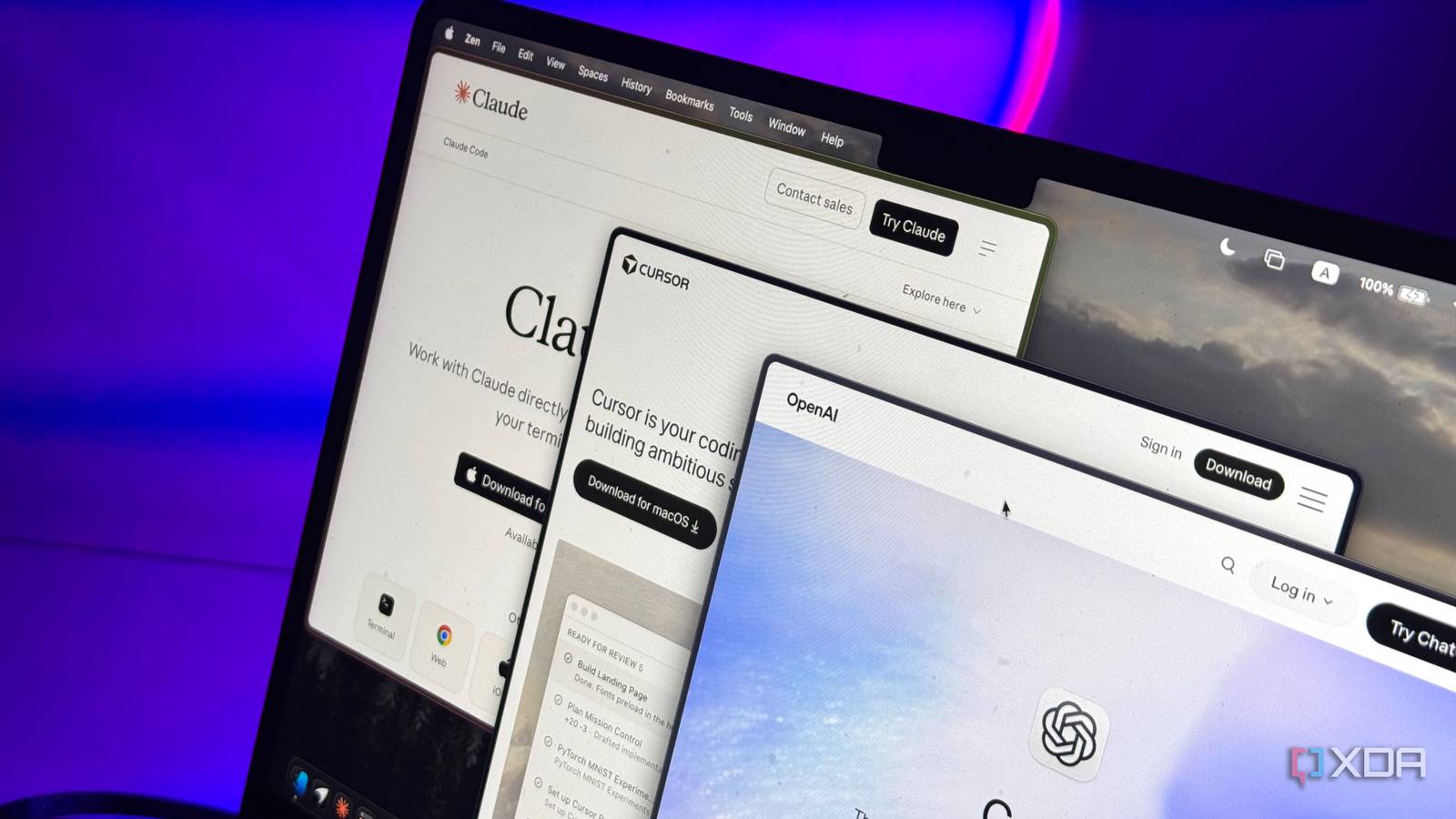
Published Aug 16, 2026, 2:00 PM EDT Mahnoor Faisal is a tech journalist covering AI and productivity tools with bylines at XDA, SlashGear, MakeUseOf, Laptop Mag, and Android Police. She's been writing professionally since she was sixteen, and has since penned hundreds of articles. This includes in-depth coverage of AI tools like NotebookLM to breaking news across the AI space. Her passion for technology started when she received her first iPod Touch (4th generation) on her 8th birthday, and she's been deep in the tech world ever since. Currently pursuing a degree in computer science, Mahnoor brings both a journalist's eye and a technical foundation to her coverage of how AI is reshaping the way we work and learn. Despite not being a developer in the traditional sense, AI tools are ironically what pushed me all-in on the command line. I started out using tools like Claude Code for the occasional experiment, but somewhere along the way, they became some of the apps I reach for most often. I've since experimented with all sorts of alternatives, like Codex, Cursor, Aider, and OpenCode. While all of them do certain things incredibly well, I've come to realize that they're all overkill for a lot of what I actually use them for. This is why I ended up turning to a lightweight alternative called Pi, which takes a very different approach to what an AI coding agent should actually be. Pi is an open-source coding agent built around simplicity Less is kind of the whole point Claude Code, Codex, OpenCode, and so on, are all agent harnesses. In other words, they're the layer that sits between you and the underlying AI model, giving it access to your files, terminal, tools, and everything else it needs to actually act on your requests. Ultimately, this means that all of these harnesses don't really change what the underlying model is capable of. What they change is how that model works: what it can access, which tools it has at its disposal, how much context gets fed into it, and how much of the workflow is handled for you. If you've been keeping up with all the harnesses I just name-dropped above, you've likely noticed that they've only become more feature-packed over time. After all, that's largely what you'd expect from tools competing to become more capable. Planning modes, subagents, MCP integrations, background tasks, permission systems, and increasingly complex workflows have gradually become part of the package. Pi is yet another harness, but it interestingly takes the exact opposite approach. It's an open-source, MIT-licensed coding agent created by Mario Zechner, and unlike the increasingly feature-packed alternatives above, Pi deliberately starts small. By default, Pi gives the model just four core tools: read, write, edit, and bash. There are no built-in subagents, no Plan Mode, no MCP integration, no permission pop-ups, no built-in to-do system, and no background Bash. That's not because Pi can't support those things. Its philosophy is that they shouldn't be part of the core unless you actually want them. That's what makes Pi interesting to me. While Claude Code and its alternatives keep adding more systems around the model, Pi starts with the bare minimum and lets you decide what deserves to be added back in. Pi leaves more of your context window for the work that matters More context goes toward the actual job The benefit of Pi's stripped-back approach isn't just that there's less clutter to deal with. It also means the harness itself consumes less of the model's context window before you've even started doing any real work. Every tool, rule, instruction, and workflow a coding harness gives an AI model has to be explained to it somehow. That information becomes part of the context the model is working with, alongside your prompts, files, code, and everything else you actually want it to pay attention to. Ultimately, the more functionality a harness ships with out of the box, the more of that finite space can potentially be occupied before your own work enters the picture. Pi avoids a lot of that overhead simply by starting smaller. By default, the model gets read, write, edit, and bash, with additional functionality only added when you choose to bring it in. That's a pretty different philosophy from giving the model a huge collection of tools and workflows on the off chance that you'll eventually need them. This becomes especially useful during longer sessions. Instead of spending part of the context window teaching the model about features I'm not using, more of it can go toward the files I've given it, the instructions I've written, and the conversation we've already had. That doesn't automatically mean Pi will produce a better answer every single time. A larger harness can absolutely earn its extra overhead when you're actually using the features it provides. But for the relatively straightforward tasks I tend to throw at coding agents, I'd much rather start with less and only spend that context when I have a reason to! Pi isn't tied to a single AI model Claude today, GPT tomorrow While you can technically use Claude Code and Codex with other models once you do some extra configuration, neither tool is really built around that idea. Pi, however, is. It supports a long list of providers out of the box, including Anthropic, OpenAI, Google, DeepSeek, Mistral, Groq, xAI, OpenRouter, and more. It also supports local models through llama.cpp, so you're not limited to cloud-hosted options either. Pi can also work with subscriptions you already pay for like ChatGPT Plus/Pro and GitHub Copilot. Once everything's configured, you can switch models directly from within Pi using the /model slash command. Pi can build the features it deliberately leaves out The missing features aren't really missing Of course, deliberately leaving features out would be a lot less appealing if there were no way to add them back in when you actually need them. This is where Pi's approach starts to make a lot more sense. Pi can be extended with skills, prompt templates, packages, and, most importantly, TypeScript extensions. These extensions can add custom tools, commands, keyboard shortcuts, UI elements, and entirely new workflows to the harness. Pi's own documentation lists subagents, Plan Mode, permission gates, sandboxing, Git automation, SSH support, and even MCP integration as examples of things you can build on top of the otherwise minimal core. You don't necessarily need to build everything yourself, either. Pi Packages can bundle extensions, skills, prompts, and themes together, and can be installed directly from npm or Git. So, if there's already a community package that does what you need, adding it can be as simple as installing it and carrying on with your work. Interestingly, you can also use Pi to help create extensions for itself instead of waiting around for the developers behind the harness to add a feature. You can simply describe the functionality you want and have the model build an extension around your particular workflow. This essentially means you can mold Pi into exactly the tool you need, rather than having to mold your workflow around it. Pi's minimalism comes with a few trade-offs Pi's biggest strength, which is its minimalism, can also be its biggest weakness. Given that it strips away so many of the features and guardrails other coding agents include by default, it also means that the onus falls on you to make sure the agent doesn't do something you didn't intend.
Claude Code, Codex, and Cursor are all overkill — here’s the lightweight tool I use instead
Full Article
Original Source
Read the full article at Xda-developers →KhanList aggregates and links to publicly available news content. We do not host full articles from third-party sources. Always verify important information with original sources.