
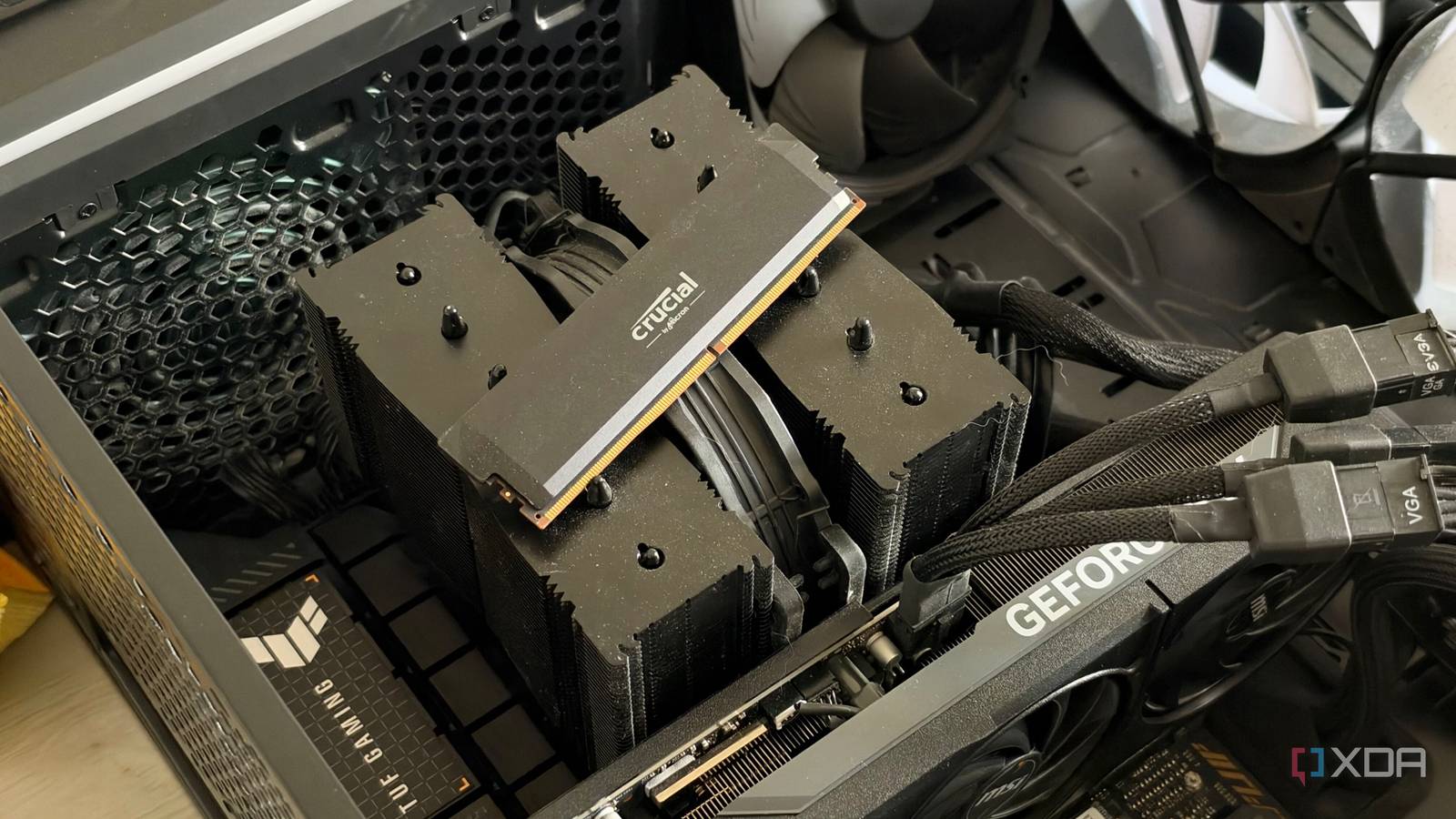
Published Nov 6, 2026, 12:00 PM EST His love of PCs and their components was born out of trying to squeeze every ounce of performance out of the family computer. Tinkering with his own build at age 10 turned into building PCs for friends and family, fostering a passion that would ultimately take shape as a career path. Besides being the first call for tech support for those close to him, Ty is a computer science student, with his focus being cloud computing and networking. He also competed in semi-pro Counter-Strike for 8 years, making him intimately familiar with everything to do with peripherals. For about three months, my PC had a nasty crashing habit that I could not nail down. Games would crash, but not consistently, and not in a way I could reproduce. I had a couple of blue-screens at idle and under load, and since I never experienced a total crash on Linux, I attributed them to Windows bugginess. And as far as the frequency goes, it wasn't enough to be bothersome, until a couple of weeks ago. I couldn't make it 10 minutes into a gaming session without a complete crash, and I knew it was time I had to get to the bottom of it. I gave all of my evidence to Claude—game crash logs, Windows logs, and anything else I could find, and it confidently diagnosed my pre-owned RTX 5080's VRAM as the issue. I was halfway to an RMA before I took a closer look at what it found, and the true cause ended up being my system memory configuration, which hadn't changed since I built my system years ago. Claude was great at the tedious part I'll never hunt through logs myself ever again I'll give Claude credit where it's due, because its ability to triage the problem was incredibly helpful. I was experiencing crashing in Escape From Tarkov, and that game writes detailed crash logs for nearly every subsystem for a single session. I handed Claude the entire folder, and it parsed through all of it and found the thing that mattered in under a minute. It found a "DXGI_ERROR_DEVICE_REMOVED" error, which is Windows telling you the GPU stopped responding and the driver had to reset it. At best, this causes game crash; at worst, this could cause a system crash. From there it walked me through PowerShell commands that could dig into Windows' event history. This dug up an NVIDIA driver reset logged one second before Tarkov’s first error, a kernel watchdog dump written at the same moment, a set of graphics exceptions complaining about a corrupt “shader program header,” and three more resets going back to August. Those dates all lined up exactly with crashes I had experienced, and at least at this point, all signs pointed to the GPU being the culprit. One flipped bit became the whole diagnosis A red herring The next step was a GPU memory test. Claude pointed me at memtest_vulkan, a free tool that fills video memory with patterns and checks that they read back correctly. About 45 seconds into the first run, it caught a single flipped bit, and this became the catalyst for the whole set of events that followed. Claude then told me that the flipped bit was evidence of a VRAM defect and that I should start an RMA process with MSI. When I asked why a card that had been fine for months would suddenly start failing, it claimed that the error sat about 13GB into the card’s 16GB of memory, so maybe a recent game update had pushed Tarkov high enough to start landing on a weak spot. That didn't really make sense to me, since other games that fill the buffer completely weren't reliably crashing, so I took a closer look at the test results myself, and that opened up a whole new can of worms. The number that Claude missed that pointed to the true cause The speed was a huge red flag The VRAM test I had been using reports throughput as it runs, and my failing runs were moving data at somewhere between 200 and 300GB/s. The RTX 5080’s memory is rated for 960GB/s, so that already raised some suspicion. A test that’s actually hammering the card’s VRAM should land somewhere near that, and eventually one did: a clean run hit roughly 850GB/s and passed for about three hours, with the memory overclocked above stock. This clear run, to me, was a big red flag with the RMA suggestion. Claude did catch this huge delta between tests, but it attributed it to clock states, and it also didn't properly parse through the test screenshot alongside HWiNFO, which showed that the PCIe bus was under significant load with the failing tests at lower speeds. This should've been a clear-cut sign that either the PCIe bus or system's RAM was extremely suspect. When video memory runs out, Windows quietly pages data out to system RAM rather than refusing the request. When I had started the initial test there were apps that were holding a few gigabytes of my VRAM, so part of memtest’s buffer ended up in system memory, and that's likely where the problem was. I ran an overnight VRAM test, and when that turned up no errors, I knew exactly where to look next. My RAM was the prime suspect More DDR5 instability My PC runs a Ryzen 7 7800X3D with four 16GB sticks of DDR5-6000, which doesn't sound crazy, but AMD only rates Ryzen 7000 CPUs for up to 5200 on two sticks, and drops that speed to 3600MT/s once all four slots are filled. Cranking the speed up to 6000 didn't seem ridiculous since that's what AMD itself called the "sweet spot" for Zen 4 chips, but going from 5200MT/s to 6000MT/s on two sticks is an entirely different ask compared to going from 3600MT/s to 6000MT/s. This was the memory configuration I had run since I put together this PC in 2024, but the evidence was pointing to this being the cause, so I ran an overnight memory test. And there it was: MemTest86+ reported 22 errors after five hours of clean passes, and that was the smoking gun behind everything. I haven't had the time to test every combination of sticks to see if one may be faulty, but the most likely explanation is that four DIMMs at that speed were just asking far too much of my CPU's memory controller. Instead of dropping the speed and sacrificing performance, I took out two sticks, and Tarkov has been stable ever since. Using AI to troubleshoot isn't a bad idea, but it can still miss the small details For first-line troubleshooting, I'm still reaching for an AI model because it's the fastest way to parse through a pile of logs to find the relevant errors. But for the testing portion, I'm trusting my own knowledge and gut instinct. When it comes to errors like this, the cause can be complex and multi-faceted, and you're never really sure based on just one piece of evidence. Before acting on an AI's diagnosis with something drastic like an RMA, running a test to rule out other components is always a good idea, and I almost learned that the hard way. ASUS Prime GeForce RTX 5080 OC $1355 $1500 Save $145
Claude blamed my RTX 5080’s VRAM for crashes, but the real culprit was far more surprising
Full Article
Original Source
Read the full article at Xda-developers →KhanList aggregates and links to publicly available news content. We do not host full articles from third-party sources. Always verify important information with original sources.