
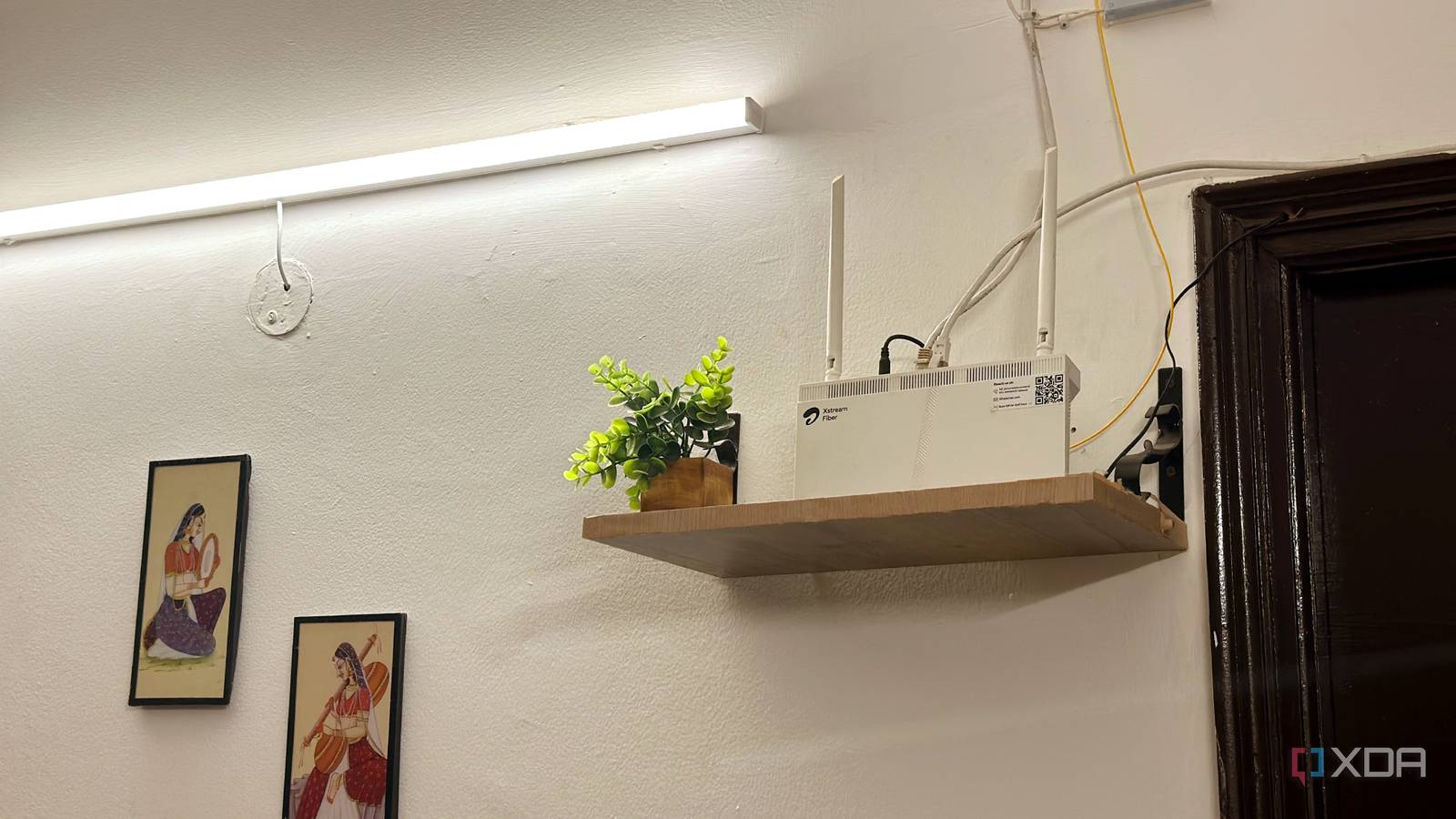
Published Sep 27, 2026, 10:00 AM EDT Shivansh began his tech journey as an avid reader of tech publications, which inspired him to launch his career in video media at Sillycorns. He has led content across multiple tech YouTube channels and Instagram accounts, crafted go-to-market (GTM) strategies for Vivo, and consulted on digital growth. Coming full circle to his roots in written media, he now delivers deep-dive tech journalism. Outside of his professional work, Shivansh loves watching movies, riding bikes, and playing cricket. Slow Wi-Fi? Restart the router. If that doesn’t help, replace it. That’s the advice you hear everywhere. In my case, though, I was already blaming my router before I had even tested it. Something printed on the router’s box made me suspicious: it was marked “refurbished.” So whenever my Wi-Fi felt slow, I assumed the secondhand router was the problem. Then I learned how speed tests can hide real problems. A speed test gives you one number for the entire journey through your Wi-Fi, router, and internet plan. It doesn’t tell you which part is slowing things down. On my 30Mbps plan, the router was actually the fastest part of that journey. That helped explain why a much faster internet plan can sometimes feel worse than a slower one. What does an internet speed test actually measure? One number for the whole trip, not for your router Ookla's own app description says Speedtest can open several connections at once to find your max speed. That max speed is the pace of the slowest link on the way. In most homes, that link is either the Wi-Fi or the internet plan. Think of your home network like a grocery store with one cashier. The aisles are your Wi-Fi, connecting your devices to the router. The cashier is your internet plan, and every trip to the internet has to pass through it. A speed test fills the store with shoppers and counts how many leave each second. The cashier determines that number, not the aisles. My speed tests land close to my plan's 30Mbps. So the test was never measuring my router. It was measuring my cashier, and the aisles never got a test of their own. Under the big number, Speedtest also shows three ping readings, and each one measures how long a reply takes. One comes with the connection quiet, and two come while it's busy. They matter later. First, the aisles needed a test. How to check your real Wi-Fi speed on a Mac Hold Option and click the Wi-Fi icon A Mac can measure the aisles by themselves. Hold Option and click the Wi-Fi icon in the menu bar, and a panel of extra details drops down. The line to look for is Tx Rate, the speed your Mac and router agreed to talk at. That rate is a ceiling. Real downloads land well below it, because Wi-Fi spends time on housekeeping and on taking turns. Next to my router, my MacBook Air's Tx Rate reads in the hundreds. Even if real downloads got only half of that, my Wi-Fi would still be several times faster than my plan. On Windows 11, open Settings -> Network & internet and click Properties under your Wi-Fi network. The same figure appears there as Link speed. So the aisles were never the slow part. A new router would have made them wider, and the cashier would not have noticed. That settled speed. It didn't explain why a connection can feel sticky while the big number looks fine. One small shopper stuck behind a full cart Cashier couldn't find the shopper on time That 30 Mbps fills up faster than it sounds. YouTube's own help page asks for 20 Mbps to stream one 4K video, which is two-thirds of my plan. A big game download doesn't stop at two-thirds. It takes everything the cashier can scan. In store terms, that download is a shopper with a full cart. A video call sends small bits of data many times a second, and each one needs the cashier right away. In the store, that's a string of shoppers holding one item each, stuck behind the cart. The line grows, and they wait, even though the cashier never slows down. That wait is called bufferbloat, and it's how a connection passes a speed test and still stutters. This is what those three ping readings were for. Ookla calls the busy ones loaded latency, the delay you get while the connection is full. If the quiet reading is low and the busy ones jump, the line is the problem. An XDA colleague's speed tests looked perfect while their connection felt awful, and the line was the reason. Macs have a line test built in, too. Type networkquality into Terminal, and it fills the connection while counting quick round trips per minute. Apple's support page sorts the result into Low, Medium, or High. Medium, Apple warns, can bring brief pauses or freezes in FaceTime calls when several devices share the network. That's a frozen call, described by the company that makes the calling app. A speed test times the cashier. Your calls only care about the line. So the line explained the lag. It also gave my router its first fair share of the blame. Can a new router fix a slow or laggy connection? Yes, in two specific cases The first case is the line. It forms at the slowest link, and the router sits right beside it, so the router can manage the wait. Apple's same support page names the fix, Smart Queue Management, and admits it usually needs a high-end router and some expert setup. Ookla's own latency guide agrees. A low quiet ping with a high busy ping, it says, is a question for your router maker or your provider. In store terms, Smart Queue Management is a manager at the door. The manager lets shoppers reach the cashier a little slower than the cashier can scan. The line then forms inside the store, where the manager can wave one-item shoppers past the full carts. We at XDA have seen that trade pay off: a colleague gave up some top speed, and every video call in their house got better. The second case is speed. Ookla's own index puts the typical US home connection at about 300 Mbps. That's ten times my plan. At that pace, the cashier can outrun the aisles in a far room. The Tx Rate in the menu screenshot above was read right next to the router. Two walls away, it drops, and on a fast plan the Wi-Fi can become the slowest step. Situation Slowest link Will a new router help? Slow plan, laptop near the router The plan No Slow plan, laptop in a far room Usually still the plan Rarely Fast plan, laptop in a far room Often the Wi-Fi Yes Quiet ping low, busy ping high The line Only with Smart Queue Management My router lands in the first row of that table. It never had a manager, but it was never slow either. Your laptop can settle the router question in a minute Before you buy a router to fix a slow connection, check two numbers first. The link speed shows how wide your aisles are. The busy ping shows how long the line gets. Waveform's free bufferbloat test checks that on any computer. If your aisles beat your plan by a wide margin, a new router won't make anything faster. If the line is long, look for Smart Queue Management, or pause big downloads during calls. The sticker on my router's box still says refurbished. It no longer reads like a warning. That secondhand box runs wide aisles for a store with one very busy cashier.
Check these two numbers before you replace your router for slow Wi-Fi
Full Article
Original Source
Read the full article at Xda-developers →KhanList aggregates and links to publicly available news content. We do not host full articles from third-party sources. Always verify important information with original sources.