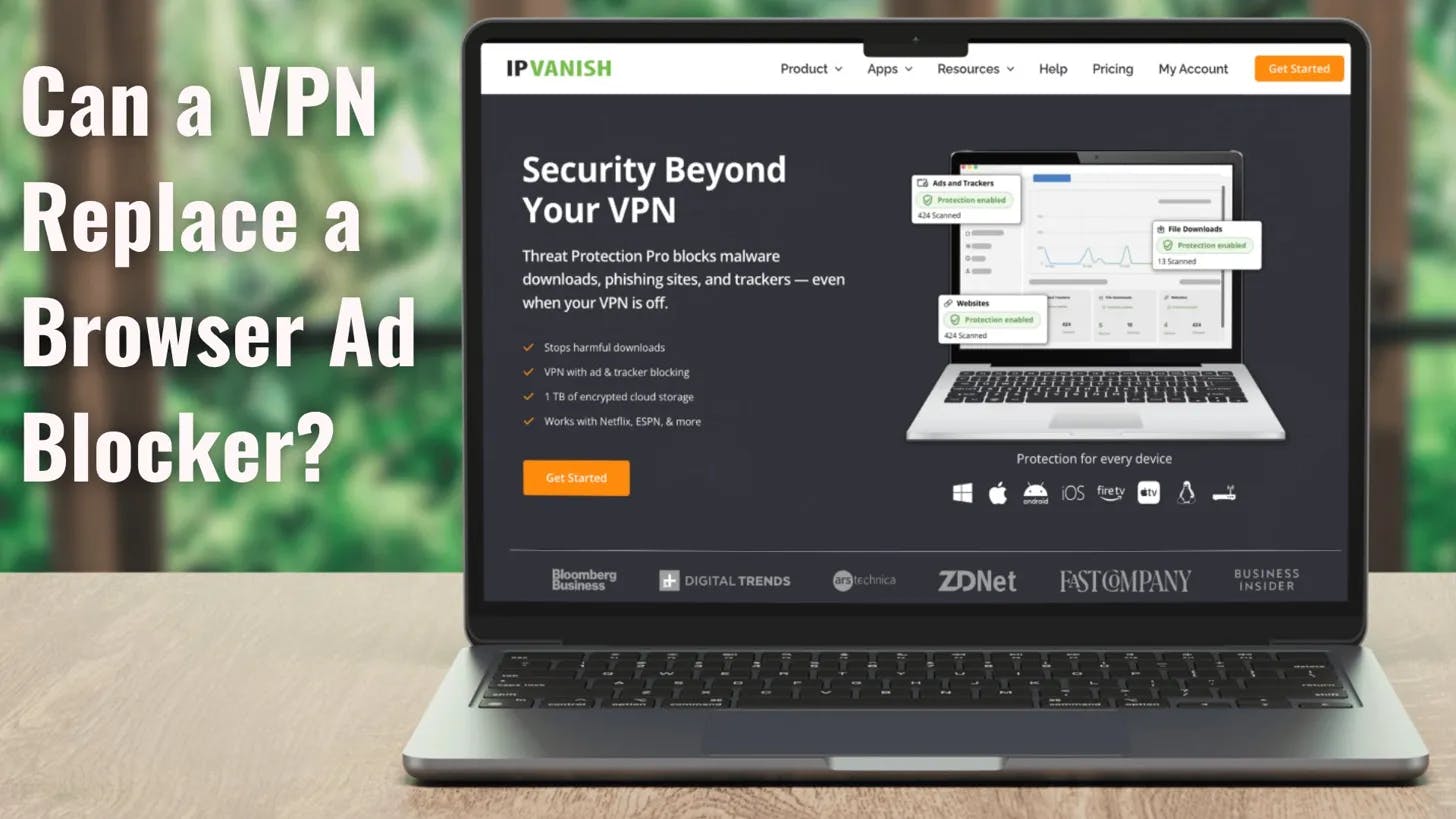
You open your VPN app and see "Ad blocking: ON." You also have uBlock Origin pinned in your browser. And you're not entirely sure what either of them is actually doing.So you leave both running, just in case. That's the right instinct, but probably not for the reason you think. A VPN's ad blocking and a browser extension aren't competing for the same job. They're working at completely different layers of your device, which means one of them is covering ground the other can't see at all.Once you understand where each one operates, you'll know exactly when you need both, when one is enough, and what to do on your phone and TV where the extension option doesn't exist in the first place.First, what DNS actually is (the phonebook explanation)Think of DNS like a phonebook. You know the name, but you need the number to make the call. When you type a website address into your browser, your device knows the name but not where it lives. It asks a DNS server for the address, gets back an IP address, and connects.That process runs for everything your device loads.It is not just limited to the page you're visiting, but every ad, tracker, and analytics script riding along with it.DNS-level blocking steps right at that lookup. When your device asks where an ad server lives, the filter returns nothing. The request goes nowhere, the connection never starts, and the ad never gets a chance to load.Limitation: DNS only sees the request, not its contents. It blocks entire domains, not pieces of a page. If something gets through, that's it. DNS won't step in later and clean things up.What a browser extension does that DNS can'tA browser extension picks up where DNS stops. It lives inside your browser and sees the page after it loads. That means it can look at the actual content and decide what to remove. Once the page loads, this is territory that DNS simply doesn't reach.Specifically, extensions can do three things DNS cannot:Block same-domain ads: YouTube's ads come from the same domain as the video. DNS can't separate the two; it either blocks everything or nothing. An extension reads the page, finds the ad element, removes it, and leaves your video alone.01298Fix layouts after blocking: When DNS blocks something, the request fails, but the space often stays- leaving empty boxes, and broken sections. An extension removes the element and fixes the layout so it looks like the ad was never there.Target specific elements with precision: You can block a specific pop-up on one site, a banner on another, or a single annoying element you see every day. DNS doesn't get that granular. It deals with whole domains.What DNS blocking prevents extensions from doingEverything we just talked about with extensions only works inside the browser. The moment you step outside that, it stops. Open a different browser, use an app instead of a website, or switch to your phone, TV, or console, and the extension disappears. The traffic doesn’t.Your phone alone is constantly making requests: weather apps, news apps, games, and random utilities in the background. Many of them track you, but none run in a browser, and none support extensions. DNS blocking still sees it all because it sits lower. Every one of those requests still has to ask DNS where to go, and that step never goes away.And then there are devices where extensions simply don't exist: smart TVs, Fire TV sticks, gaming consoles, smart speakers. You can't install an extension even if you wanted to.DNS-level blocking through something like IPVanish covers those, too, because it operates at the connection level rather than the app level. So once you move beyond a single browser, DNS isn't optional anymore. It's the only layer that's still there.The extension permission problemInstalling an ad blocker is a one-time action with no expiration date. The access you grant at setup stays active across every tab you open, indefinitely, on every site you visit, including your bank, your email, and your medical records.That's the actual permission: "Read and change all your data on all websites." It's a literal description of what the extension can access the moment you click Install. Most people install and never think about it again, but extensions change. Developers sell their projects, and ownership transfers happen quietly. There are documented cases of long-running, well-rated extensions being updated with data-harvesting code long after they have built a clean reputation.The Chrome Web Store listing looked identical, the star rating held, and users wouldn't find out until later, if they found out at all.This isn't an argument against extensions.A tool built by a transparent developer with an open codebase is still worth using. But it's a different kind of trust than most people think they're extending: not a one-time decision, but an ongoing bet that nothing about that extension has changed since you stopped paying attention.DNS-level blocking doesn't ask for any of that. It sits at the network layer, outside your browser, with no visibility into page content at all.Pro Tip: Before installing any ad-blocking extension, check its exact permissions. If it requests "Read and change all your data on all websites," that access is permanent and applies to every tab you open, including banking, email, and anything else you'd rather keep private.The shifting extension ecosystem: What happened to uBlock Origin on ChromeEven if you trust your extension completely, the browser vendor still gets the final say on what it can and cannot do. That became very real with uBlock Origin on Google Chrome.Google's Manifest V3 update changed how browser extensions are allowed to work, and the casualty was real-time request interception, which is exactly what powerful ad blockers relied on to filter traffic before it loaded. Here's how it played out:A year or so ago, Google removed the full version of uBlock Origin from the Chrome Web Store as Manifest V2 extensions began rolling off the platform.Chrome fully shut off Manifest V2 support for all users. This was not a gradual decline but a hard cutoff. Any extension built on the old system stopped working.The replacement: uBlock Origin Lite is the Manifest V3 version, but the developer himself is unambiguous: "uBO Lite is too different from uBO to be an automatic replacement." For the original experience, you have to move to Firefox or Brave.And this is bigger than just one extension.If your entire setup depends on a Chrome extension, then your setup changed in 2025, whether you liked it or not. You did nothing, but the rules shifted under you.DNS-level blocking through a VPN sits outside of that system. It does not live inside the browser, and it does not depend on Google's extension policies to keep working.Do you still need both?If you're on a desktop and live inside your browser, then yes, you probably do. An extension handles the stuff DNS simply can't reach, like same-domain ads, page cleanup, and control over what shows up.Something like IPVanish's Threat Protection covers everything beyond that, such as app tracking and background requests. So they're not overlapping but covering different ground.On mobile or devices where you can't install extensions, the answer is obvious. There is no extension to rely on.Threat Protection is what you have, and it works across apps without you needing to manage anything. So this was never really about picking a winner. Your browser and your devices are different environments, and they don't play by the same rules. Once you see that, the real move is just making sure you're covered in both places.Where IPVanish's Threat Protection fits inIPVanish's Threat Protection is DNS-level filtering built into the VPN. When it's on, every DNS request your device makes gets checked against a blocklist of known ad, tracker, and malicious domains.If there's a match, the request is blocked before a connection is ever made. That covers every app on your device, not just what's open in your browser. It covers your phone, your laptop, your Fire TV, and anything running through IPVanish.Threat Protection Pro extends this further with additional filtering capabilities and broader threat coverage beyond the base version.The limits are straightforward once you see how this works:DNS can't block same-domain ads: YouTube ads come from youtube.com. Spotify ads come from spotify.com. Blocking those domains breaks the service entirely, so DNS filtering leaves them alone.DNS can't clean up a page after it loads: Since DNS only works before anything loads, it can't remove pop-ups or fix broken layouts once the page is already on your screen.For those cases, a browser extension on a desktop still adds value. Threat Protection covers the devices and apps that an extension can never reach. On a desktop, both tools together cover more ground than either one alone.Try IPVanish risk-free with a 30-day money-back guarantee.Frequently Asked QuestionsDNS-level ad blocking stops ads before they ever load. Every device looks up a domain name before connecting to it. If the domain is on a blocklist, the request is dropped, and the connection never completes. It works across every app on your device, not just inside a browser.Does IPVanish Threat Protection work without the VPN being connected? No, IPVanish Threat Protection requires an active VPN connection to function. If the VPN is off, the DNS filtering is off too. For it to cover your apps and devices, the VPN needs to be running.What happened to uBlock Origin on Chrome? uBlock Origin was removed from Chrome after Google's Manifest V3 update stripped the real-time blocking capability it depended on. The full version was pulled from the Chrome Web Store in late 2024. A lighter version exists, but the developer has been clear that it is not a full replacement.What devices does IPVanish Threat Protection cover? IPVanish Threat Protection covers any device running IPVanish, including phones, laptops, Fire TV sticks, tablets, and smart TVs. Unlike browser extensions, which are limited to a single browser on a single device, Threat Protection covers every app on every connected device simultaneously.Can I use a browser extension and IPVanish Threat Protection simultaneously?Yes, a browser extension and IPVanish Threat Protection can run simultaneously, and it's actually the stronger setup. The extension handles same-domain ads and page-level cleanup on your desktop browser. Threat Protection handles everything outside the browser across all your devices. They cover different ground and do not conflict.
Can a VPN Replace a Browser Ad Blocker?
Full Article
Original Source
Read the full article at Hackernoon →KhanList aggregates and links to publicly available news content. We do not host full articles from third-party sources. Always verify important information with original sources.