
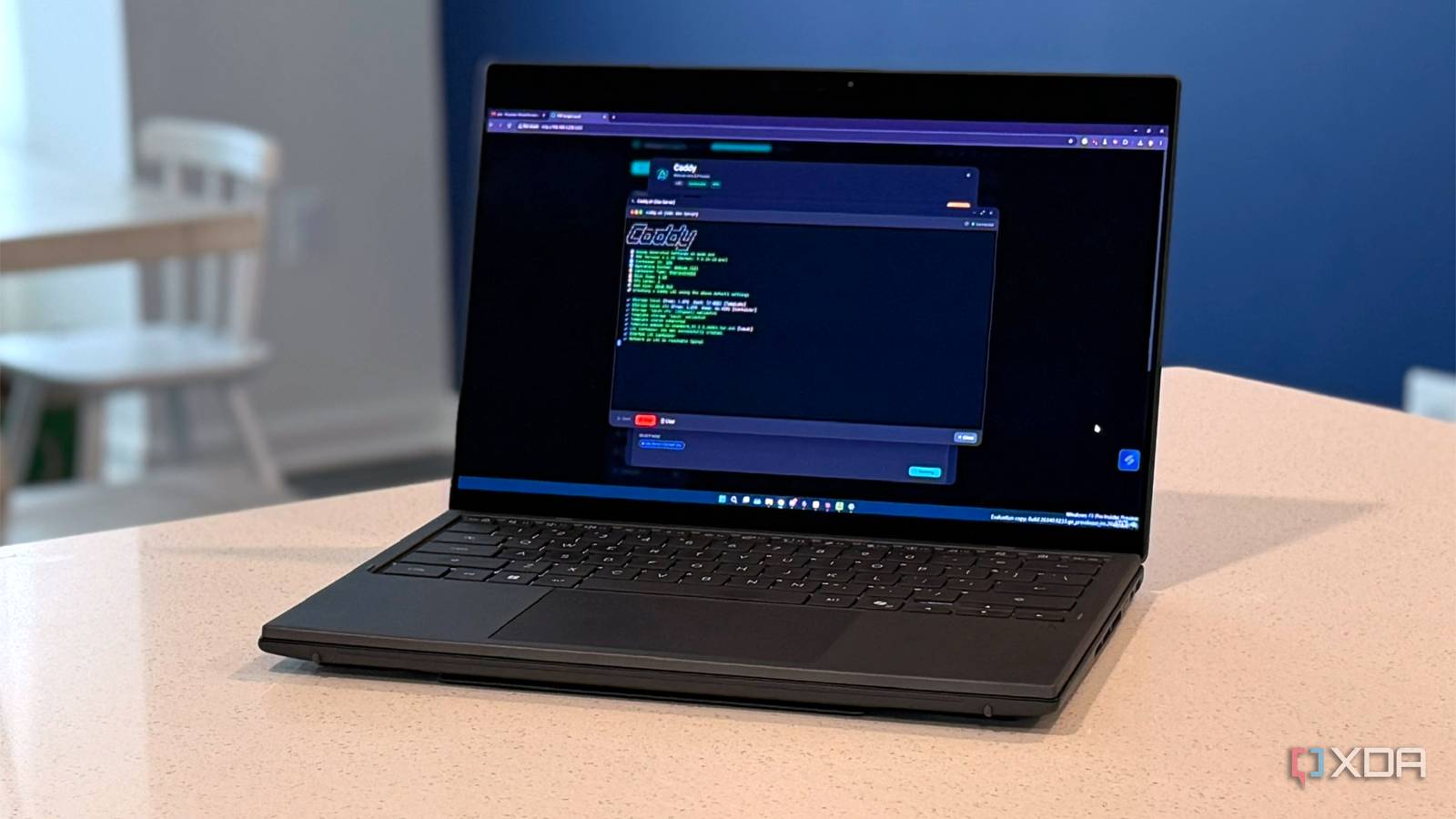
Published Sep 5, 2026, 2:30 PM EDT Maker, meme-r, and unabashed geek, Joe has been writing about technology since starting his career in 2018 at KnowTechie. He's covered everything from Apple to apps and crowdfunding and loves getting to the bottom of complicated topics. In that time, he's also written for SlashGear and numerous corporate clients before finding his home at XDA in the spring of 2023. He was the kid who took apart every toy to see how it worked, even if it didn't exactly go back together afterward. That's given him a solid background for explaining how complex systems work together, and he promises he's gotten better at the putting things back together stage since then. I ran Nginx Proxy Manager for months and never once read my own reverse proxy config, because I couldn't. It lived in a SQLite database behind a login page, and the only way to see what my Proxmox mini PC was routing was to click through every proxy host in turn. My Home Assistant automations live in YAML I can diff. The thing in front of them was a black box. So I replaced it with Caddy in a single Proxmox LXC, and the whole config is now one text file. The part I expected to hurt, HTTPS behind CGNAT, is the part Caddy does best. The part that hurt was my router. A single Caddyfile put my reverse proxy where I could read it Websockets and self-signed certificates just work Nginx Proxy Manager is why I understand reverse proxies at all, mainly because it has a GUI I can see while I set things up. I'm a visual learner, and it helped with concepts, but moving NPM to another host is a pain. Caddy is a single Go binary that's controlled by a single file, and it makes everything so much easier for me. I set it a 512 MB Debian 13 LXC container in Proxmox and installed Caddy straight from the repository. Then I added the Cloudflare DNS module, and that's all I needed for the moment to get HTTPS. Now, one thing before you go further. New Caddy updates install over /usr/bin/caddy and that means your carefully crafted settings disappear. But using dpkg-divert as the Caddy documents say moves the binary to another location, and stops the stock file from being able to overwrite your customizations. The only thing that needed configuration outside of the Caddyfile was Home Assistant, which needed the proxy's IP trusting in the Settings, but that took seconds. If you've been keeping Home Assistant up to date, the change is in Settings, System, Network, because the old YAML block in the configuration file is no longer supported. Caddy Fix HTTPS annoyances by using Caddy in your home lab instead of the alternatives. Now I have HTTPS behind CGNAT and I didn't have to open any ports to get it Caddy did everything right, but my network needed some coaxing My connection is behind CGNAT, so I can't forward ports 80 or 443, which is the usual way to get HTTP-01 challenges. But I can use DNS-01: make Caddy prove it owns the domain by writing a TXT record to Cloudflare via the API, and then Let's Encrypt can read that from the public internet. No port or NAT-punching trickery needed; just a few minutes and three lines of code in the Caddyfile. Now, I only get one wildcard certificate for my domain, rather than individual ones per service. The reason is that every publicly issued certificate is a beacon for bots, as they end up in Certificate Transparency logs. I don't want to be more of a target, and broadcasting the services I run at home is like painting a big target on my data. It took half an hour to get the successful certificate, but it wasn't Caddy's fault. It wasn't my fault either, not really. Technitium is authoritative for my internal zone, which is why my home lab can use hostnames that don't exist on the public internet. But before Caddy writes the challenge record, it determines which Cloudflare zone to write it into by walking up the DNS ladder. Technitium was replying with its own SOA records, and when Caddy asked Cloudflare, it didn't get a zone as a reply. The fix is to use a public resolver for that lookup and restart Caddy to clear the cache. Most DNS-01 guides skip this step because not everyone is running an authoritative DNS server at home with the same names. Eero hijacked every DNS packet on the network Now look, I like my Eero setup. It's small, easy to set up, and has great wireless coverage. It's a great system for the less technical, and I keep it handy because it is hard to actually break. But when you try to do other things on your network, it fights back. Caddy tried to get the DNS-01 challenge from Cloudflare, and Eero took every packet going to port 53 and didn't reply. It didn't matter if Caddy was trying to use my Technitium cluster, or Quad9, or Google, because none of the packets got past the Eero. The fix was to stop Caddy from checking with propagation_timeout -1 and a fixed propagation_delay 30s. Let's Encrypt validates from outside the network, and HTTPS was mine. Oh, and I figured out why I couldn't set custom DNS on the Eero. I'd set a handful of sites in the allowlist because it was blocking some things I use every day, and I couldn't change the DNS without those being deleted. The Eeros are about to be replaced anyway, but I like the idea of the DNS challenge happening no matter what hardware is on my network. Caddy's internal Certificate Authority is fine (up to a point) The only problem is the devices that can't install new certificates Don't own a domain yet? That's fine; Caddy can be its own certificate authority. Great for home lab use or testing, and all it takes is a tls internal set in the Caddyfile, and the software will generate a local root, sign it, and add HTTPS to your self-hosted apps without touching the internet. It's how I confirmed that my setup was correct, because it was quicker to flip that switch than to figure out what the heck the Eero was doing and how to fix it. Several seconds later, I had a working certificate, which took another couple of seconds to import the root cert into the Windows machine store, and Proxmox was showing up on my domain with "Caddy Local Authority" as the signing authority. That's the quickest way I know to get two machines talking to each other over HTTPS, but it does have one issue. I then tried connecting to my home lab on my cellphone and hit another roadblock. It wouldn't connect because of the Eero playing the hero and hijacking port 53 again. I couldn't reliably import the root certificate that Caddy created either, because apps can decline user-installed certificates, and every mobile device is a pain to set up in the first place. I pay about $20 a year for my domain name, and that makes dns-01 work on any device—at least until I kick the Eero off my network and get around to setting up a router with fewer opinions about which DNS should be authoritative. HTTPS is now part of the system, not an additional project There are a number of services that can provide reverse proxy functionality, and most can be configured to support HTTPS as well. But none are controlled by a single file, and none are as simple to obtain certificates for any new service. Seriously, four lines added to the Caddyfile, and you've got both reverse proxy and HTTPS, and if something breaks, a simple git diff shows me what. The whole build took me less than an hour, though I did spend another hour or so troubleshooting because my Eero kit didn't want to play nice.
Caddy replaced the reverse proxy config I dreaded, and HTTPS stopped being painful
Full Article
Original Source
Read the full article at Xda-developers →KhanList aggregates and links to publicly available news content. We do not host full articles from third-party sources. Always verify important information with original sources.