
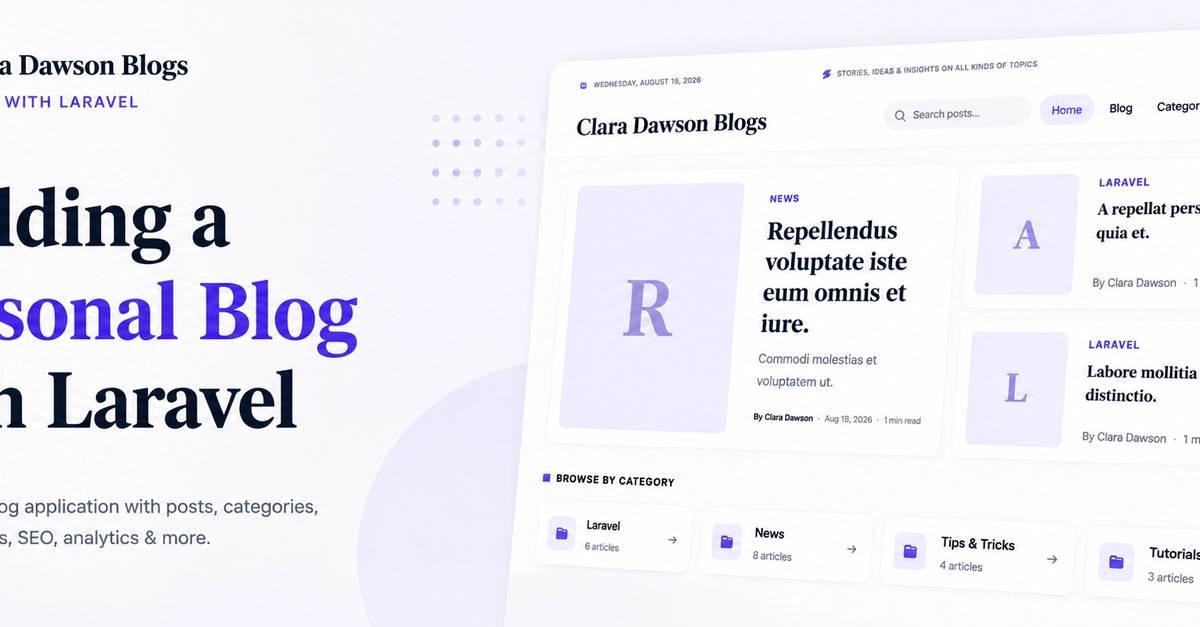
A personal blog sounds like a simple Laravel project. Create posts, show them on the homepage, and you are done. But once you start adding search, categories, tags, comments, SEO, authentication, analytics, and an admin panel, things become much more interesting. I built this Laravel Personal Blog as a real world project to explore those problems instead of building another basic CRUD application. The complete source code is available on GitHub: https://github.com/arafat-web/laravel-personal-blog Table of Contents What Is This Project? Technology Stack Main Features Project Structure How Visitor Analytics Works SEO and Content Management How to Run the Project What I Learned Final Thoughts What Is This Project? This is a complete single-author blogging platform built with Laravel. It includes both a public blog and a custom admin panel. The project was built without additional application packages, so most of the important functionality is visible in the codebase itself. The public side contains: Homepage Blog posts Categories Tags Search Comments RSS feed Sitemap SEO metadata Post view tracking The admin panel contains: Dashboard Post management Category and tag management Comment moderation User management General settings SEO settings Visitor analytics Technology Stack The project uses: PHP 8.3+ Laravel 13.17 MySQL or SQLite Blade Eloquent ORM JavaScript CSS PHPUnit Enter fullscreen mode Exit fullscreen mode The current project configuration requires PHP 8.3 and Laravel 13.17. Main Features The project goes beyond basic CRUD. For example, posts can have categories, tags, comments, authors, featured images, publishing status, and view counts. The Post model defines these relationships using Eloquent: public function user(): BelongsTo { return $this->belongsTo(User::class); } public function categories(): BelongsToMany { return $this->belongsToMany(Category::class); } public function tags(): BelongsToMany { return $this->belongsToMany(Tag::class); } public function comments(): HasMany { return $this->hasMany(Comment::class); } Enter fullscreen mode Exit fullscreen mode The model also has a published() scope, so the application can easily retrieve only published posts. Project Structure The application keeps the normal Laravel structure: app/ ├── Http/ │ ├── Controllers/ │ └── Middleware/ ├── Models/ └── Providers/ database/ ├── factories/ ├── migrations/ └── seeders/ resources/ └── views/ ├── admin/ └── blog/ public/ ├── css/ └── js/ Enter fullscreen mode Exit fullscreen mode This keeps the public blog, admin panel, models, middleware, and views separated by responsibility. How Visitor Analytics Works One of the more interesting parts of the project is visitor tracking. Instead of simply increasing a counter every time someone opens a page, the application uses middleware to decide whether a request should count as a visit. The flow is roughly: The middleware checks for bots, AJAX requests, JSON requests, and machine-readable endpoints such as the sitemap and RSS feed. It also uses a visitor cookie and IP fallback to prevent repeated requests from being counted as separate visits. This is a good example of the difference between building a demo and building something closer to a real application. SEO and Content Management A blog is not very useful if search engines cannot understand it. The project includes: Meta descriptions Keywords Open Graph tags Twitter cards JSON-LD Sitemap robots.txt Search SEO settings These settings can be managed from the admin panel. The project also includes comments with a moderation system, which is important for a public blog. How to Run the Project Clone the repository: git clone https://github.com/arafat-web/laravel-personal-blog.git cd laravel-personal-blog Enter fullscreen mode Exit fullscreen mode Install dependencies: composer install Enter fullscreen mode Exit fullscreen mode Create the environment file: cp .env.example .env php artisan key:generate Enter fullscreen mode Exit fullscreen mode Configure your database in .env, then run: php artisan migrate --seed php artisan storage:link php artisan serve Enter fullscreen mode Exit fullscreen mode The seeder creates sample content and an admin account. The repository README contains the default development credentials. What I Learned The biggest lesson from this project was that a real application is much more than CRUD. Creating a post is easy. The interesting problems appear afterward. How should visitors be counted? How should bots be handled? How should comments be moderated? How should SEO be managed? How should drafts stay hidden? How should everything be tested? These are the problems that make a project worth building. Final Thoughts This project started as a personal blog, but it became a practical Laravel project covering authentication, Eloquent relationships, middleware, SEO, analytics, content management, storage, and testing. If you are learning Laravel, projects like this are useful because you can see how individual Laravel features come together to form a complete application. The full source code is available here: https://github.com/arafat-web/laravel-personal-blog You can use it as a reference, experiment with the existing features, or build your own version on top of it.
Building a Personal Blog with Laravel: A Real World Project
Full Article
Original Source
Read the full article at Dev →KhanList aggregates and links to publicly available news content. We do not host full articles from third-party sources. Always verify important information with original sources.