
Just over a month after the launch, Google is rolling out the “Googlebook November update” with “many bug fixes, stability improvements, and firmware updates.” There are updates across seven areas. Google first lists changes that benefit all users before detailing device-specific improvements. The HP (eight) and Dell XPS (nine) models see the most updates. Security Updates: All Googlebook devices are updated with the latest security patches Inputs & Desktop System UI Keystrokes now register consistently when typing in a password or PIN on the lock screen immediately after waking the laptop from sleep or opening the lid Removed the extra pop up notification when copying files inside of the Files app Fixed an issue where Wallpaper & Style app hung or crashed in some cases when browsing wallpaper options Settings > Tips & support now opens the official Googlebook Help Center Settings > Devices & accessories > Physical keyboard now shows “Built in Keyboard” Improved built-in keyboard and touchpad responsiveness after folding laptop into tablet or tent mode and folding it back to laptop mode [Acer Googlebook 14] Improved touch responsiveness and reliability [Dell XPS Googlebook 13] Display, Graphics, & Video Conferencing Improved stability for the Zoom app when using Background Blur, Virtual Backgrounds, Video Filters or 3D Avatars External desktop wallpaper will no longer cover the built-in laptop display or hide the desktop taskbar and app icons when unplugging dual external monitors Fixed an issue where playing DRM-protected video (such as Netflix) on a connected external monitor displayed a black video screen in some cases while audio continues playing [HP Googlebook 14] [Dell XPS Googlebook 13] Fixed an issue where pausing a protected video on an external monitor for more than 5 seconds caused the external monitor screen to go black in some cases [HP Googlebook 14] [Dell XPS Googlebook 13] Fixed a display driver crash that could cause the laptop to restart when unplugging a USB-C hub or DisplayPort daisy-chained (MST) multi-monitor setup. [HP Googlebook 14] [Dell XPS Googlebook 13] Fixed an issue where playing 60 FPS HDR/HLG videos in indoor lighting caused the screen backlight to dim unexpectedly in some cases while oversaturating on-screen UI colors and flickering [HP Googlebook 14] [Dell XPS Googlebook 13] Bluetooth, Audio Bluetooth Low Energy (BLE) mice now automatically reconnect after restarting the laptop External USB microphones and USB audio interfaces (such as Focusrite Scarlett and Elgato Wave microphones) no longer face an audio buffering issue that prevents recording audio in some cases Improved Bluetooth audio routing which fixes noticeable audio-to-video lip-sync lag when watching videos (such as YouTube) with Bluetooth headphones and earbuds [HP Googlebook 14] [Dell XPS Googlebook 13] Updated audio routing algorithm so connected Bluetooth Low Energy (ASHA) hearing aids could be selected for audio output (instead of playing through the built-in laptop speakers) [HP Googlebook 14] [Dell XPS Googlebook 13] System Performance Improved browser memory stability when running heavy browser tab workloads Stability improvements made to background systems supporting WiFi Improved memory usage for on-device AI, improving multitasking stability on 16GB devices [Acer Googlebook 14] [ASUS Googlebook 14] [Lenovo Googlebook 15] Resolved a firmware installation issue that caused some devices to fall back to factory boot firmware and experience unexpected restarts during idle or normal use [HP Googlebook 14] [Dell XPS Googlebook 13] Stability fixes were made on the Linux 6.18 kernel [Acer Googlebook 14] [ASUS Googlebook 14] [Lenovo Googlebook 15] Updated the Linux 6.12 kernel with the latest Android 16 security patches, USB-C DisplayPort stability fixes, display suspend/resume watchdog crash fixes, and Multi-Stream DisplayPort HDCP 1.x content protection support [HP Googlebook 14] [Dell XPS Googlebook 13] Linux Terminal (BETA) Fixed several stability issues resulting in Improved reliability for interfaces between the terminal and Antigravity Linux terminal shell sessions will maintain connection when laptop exits sleep mode user switches between tabs Forward TCP ports (including SSH connections on port 2222) maintain connection during rapid port updates or after opening and closing multiple terminal processes Fixed an issue where in some cases clicking an inactive tab accidentally closed it, preventing it from shutting down the Linux VM while other windows remain open System updates now refresh Linux VM configuration files in-place without resetting the user’s Linux storage or removing custom openssh-server configurations Hardened system logging to ensure keystrokes and console output inside the Linux Terminal are never written to system diagnostic logs Update Reliability Fixed a boot-slot priority issue that could cause a device to enter a repeated reboot loop if an update was interrupted FTC: We use income earning auto affiliate links. More.
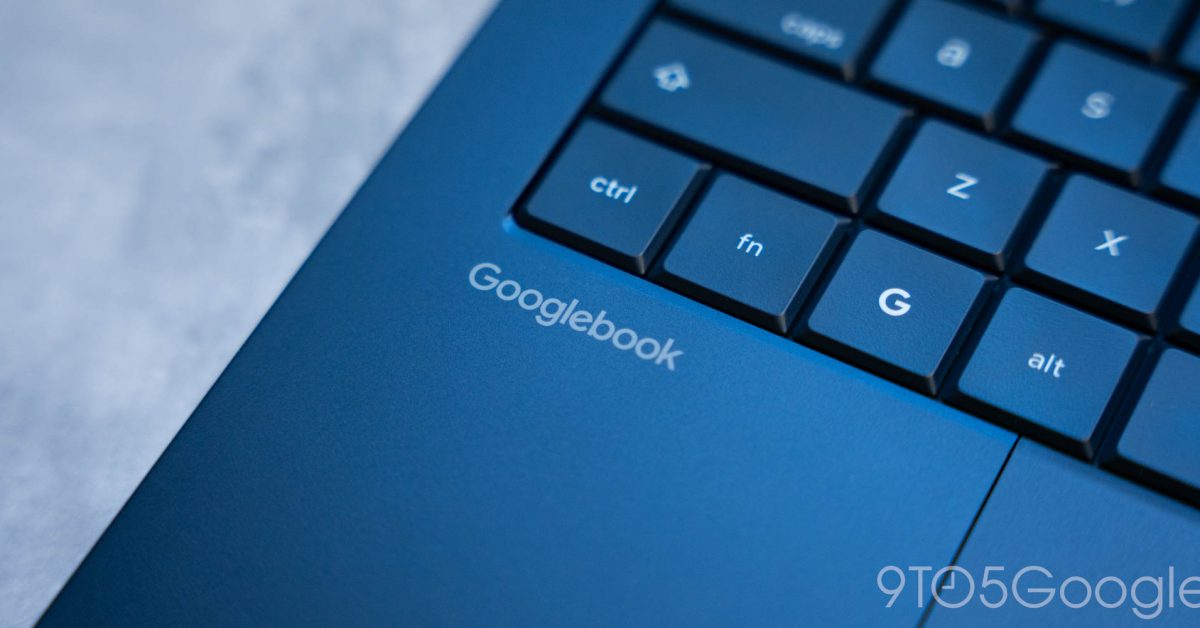
Big Googlebook November update rolling out with 31 fixes, improvements
Full Article
Original Source
Read the full article at 9to5google →KhanList aggregates and links to publicly available news content. We do not host full articles from third-party sources. Always verify important information with original sources.