
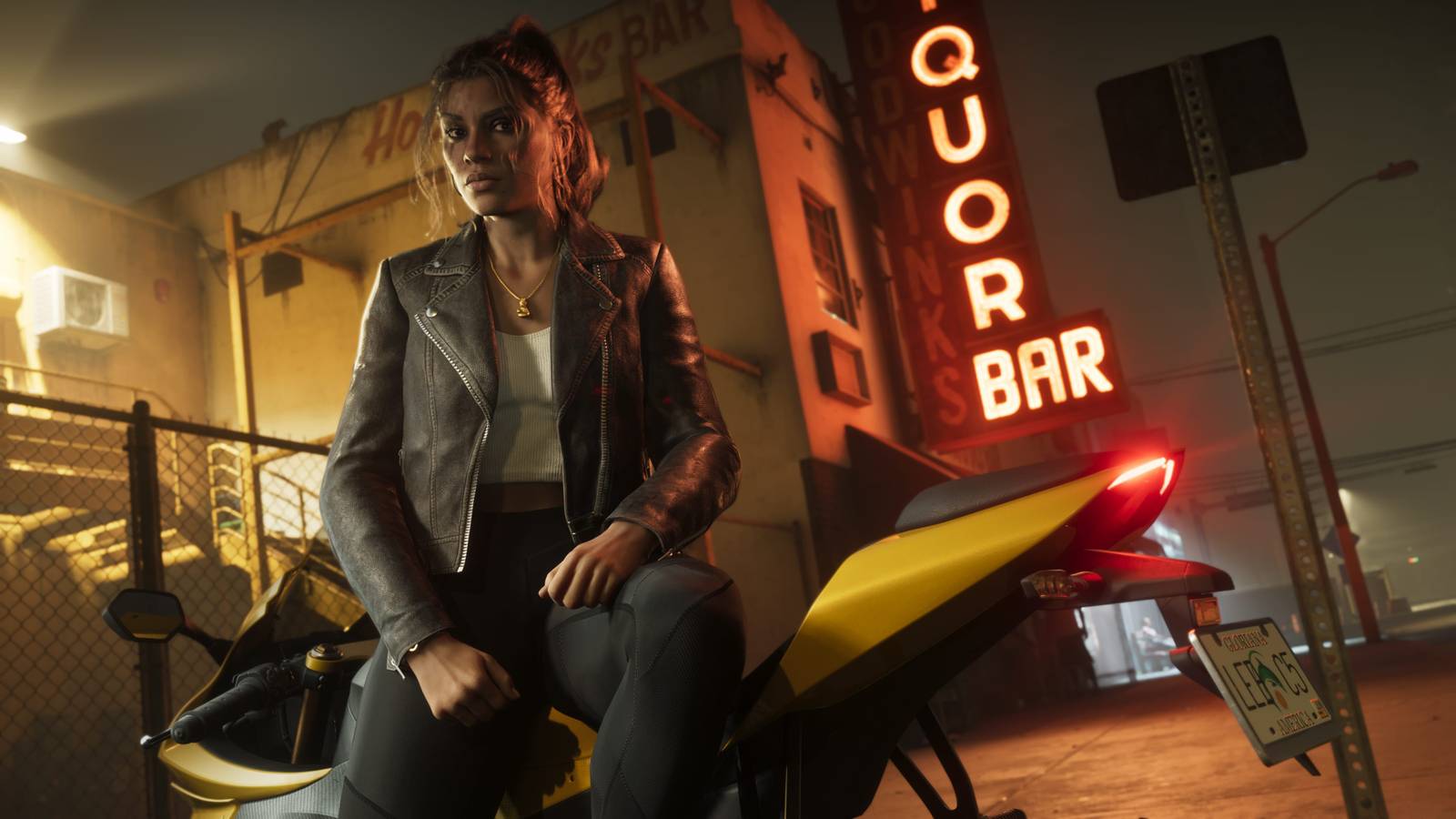
Changing These GTA 6 Settings Offers A “Night-And-Day” Experience Published Nov 20, 2026, 3:34 PM EST Steven is a seasoned writer specializing in the video game and technological fields, with years of experience creating reviews, features, and industry analysis. Passionate about the gaming world and its evolving culture, Steven has always wanted to combine his enjoyment of writing and love for gaming in a way that can provide insightful coverage for players and enthusiasts alike. Sign in to your TheGamer account Grand Theft Auto 6 is finally here after years of waiting and has somehow managed to surpass the ridiculous expectations set up by its predecessors and advertising. While sales and reviews are both at an all-time high, making GTA 6 officially one of the best games ever released, one aspect fans are still struggling with is the game's performance on consoles. While the PlayStation Pro fares a bit better than the competitors, one of the most common complaints about the monolithic GTA 6 experience comes from a few visual and accessibility choices that can thankfully be fixed with a few simple adjustments. These GTA 6 Settings Make A Drastic Difference Although fans are still stuck with a 30fps cap until the PC version releases, players like kidxvintage on X have been urging others to rush to their settings menu and change a few simple things, which has been described as making for a "night-and-day experience." For the settings you'll want to adjust, the most common recommendations are turning off motion blur to reduce the smear when moving your camera, in addition to disabling camera shake and camera bob entirely for a smoother cinematic experience, as well as setting the steering dead zone to 7 on your analog sticks for more control when driving. While the recommendations have received plenty of support, other players have responded with their own optimal settings like lowering the dead zones and turning up aiming sensitivity, while noting that leaving motion blur on helps cover up GTA 6's stuttering when the frame rate drops below 30 during action sequences. GTA 6 Is Worth Curating Your Settings For While players can't seem to agree on the exact values for each setting, it's clear that if you want to make the most out of your GTA 6 experience, especially now that missions aren't replayable anymore, the settings you'll want to experiment with to see what you like best come from the following areas: Motion Blur Stick Deadzones Camera Shake Camera Bob Camera Sensitivity The best part is these settings can apply to just about any console you play on, whether it's a powerful PlayStation 5 Pro or the Xbox Series S that has been surprising players with its performance running GTA 6 so far, helping make the massive title even more accessible to players around the world. Systems Released November 19, 2026 ESRB Rating Pending - Likely Mature 17+ Developer(s) Rockstar Games Publisher(s) Rockstar Games Engine Rockstar Advanced Game Engine (RAGE) Genre(s) Action, Adventure
Best GTA 6 Settings You Should Change Right Away
Full Article
Original Source
Read the full article at Thegamer →KhanList aggregates and links to publicly available news content. We do not host full articles from third-party sources. Always verify important information with original sources.