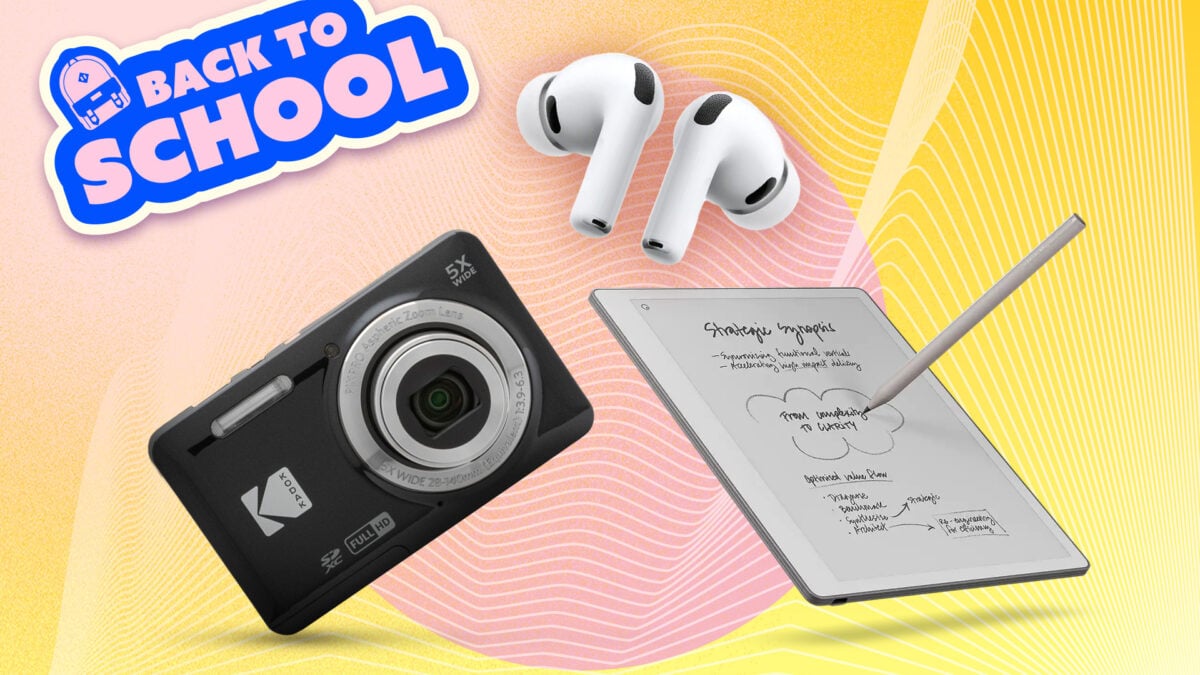
Technology, while ultimately meant to be helpful in our daily lives, can easily become distracting. Your smartphone and laptop have a billion and one apps that are meant to sap your attention at alarming rates, but they’re also both integral to actually doing well in school these days. But not all tech is distracting. Buying single-use gadgets—like e-readers and standalone cameras—can help pull you away from TikTok and Instagram. In recent years there’s even been an upswing in dedicated devices made specifically to help you cut down on phone time. Getting back into the groove of studying can be tough when the internet is so expansive (and fun), so we’ve put together a list of tech that can actually help you lock in to focus on your schoolwork. Brick ©Brick Of all the products on this list, Brick is the one that will help minimize smartphone distractions in the most direct way. It’s a $59 magnetic NFC tag that, when tapped, activates a custom block list. Could you accomplish this with any variety of apps? Sure—but those can all be activated with a few touchscreen taps. Brick, on the other hand, requires you to physically tap your phone up against it to turn off the block list. There is zero in-app override. Tap your Brick on the way out to class or the library (with a custom block list singling out your social media apps, for example) and you will have no way of accessing them until you get home to tap the Brick again. There are no gimmicks with Brick. No notification nudges to use it more, no gamification, just added friction to make it more difficult to access distracting apps. You’re locking in by locking away your apps. And even better: there’s no subscription required, as is the case with many app-based solutions. Buy it once and you’re set. Did I mention it doesn’t need charging or batteries? See at Getbrick Loftie Clock © Loftie Buying a digital clock is one of the easiest ways to get that smartphone off your nightstand, minimizing your screen time as you fall asleep. The Loftie Clock takes care of the digital clock and throws in a bunch of other nice wind-down and wake-up features, too. The Loftie Clock has a soft, tiered wake-up alarm—much nicer than that default iPhone alarm—and also comes with a built-in library of breathing exercise, calming sounds, and sleep stories. It’s all controlled from the clock itself, so you won’t need to grab your phone to do anything with it once you’re in bed. It has a “shush” button on top to dim its light and quiet any sounds playing with a single press. You can even set it to give you a gentle color-based “nudge” when it’s time to go to bed. See Loftie Clock at Amazon Kobo Clara BW © Kobo No matter where you are in your academic career—or what you’re studying—you’re sure to have tons of reading to do for school. You could read all those books and PDFs on your laptop or phone, sure, but doing so means you’re just a quick swipe or click away from accessing all kinds of distractions. Good luck locking in on reading that peer-reviewed study or long book while juggling it with answering texts and checking your feeds. An e-reader offloads your reading to a device with an E Ink screen (easy on the eyes for long sessions) and runs no apps except for reading. No notifications; no temptation to take a quick scroll between pages. It does exactly one thing: it lets you read. The Kobo Clara BW is very comfortable to hold and read on, with an adjustable-warmth backlight for night reading and a solid 6-inch screen. It can hold tons of books in many formats and handles PDFs well, too. It’s an entry-level e-reader that nails all the fundamentals, letting you put your phone or laptop away while getting your reading done. And to top it all off, it’s repairable, meaning it’ll last you for years to come. See Kobo Clara BW at Amazon Time Timer Plus © Time Timer Locking in for long homework sessions can be daunting; one of the most useful ways to do so is by blocking off segments of time to work followed by shorter break segments, commonly referred to as the Pomodoro Technique. The Time Timer Plus is an excellent way to visualize and keep track of your sprints and breaks without using an app. You might be asking, “Couldn’t I just use any old kitchen timer for this?” Sure, you could, but the Time Timer Plus makes this process much more visually appealing. You’ll actually want to use this thing. Its blue disk physically shrinks as time goes by, so you’re not actually looking at numbers. Instead, you get an instant visual sense of how much time is left in your session. It’s also silent by default (great for using at the library), though you can turn on a volume-adjustable alarm if you want, too. There’s even a quick pause feature for when something comes up in the middle of your study time. The Time Timer Plus is built for durability, too, made of impact-resistent plastic with a carry handle. An easy, inexpensive lifehack to lock in and ensure you take time to breathe, too. See Time Timer Plus at Amazon Kodak PIXPRO FZ55 © Kodak One of the biggest reasons we’re pulling our phones out all the time is to snap quick photos. Modern cameras are pretty incredible, and many people no longer even own a separate camera. But here’s the thing about buying one: you can take quality photos (even better than your smartphone’s!) without having to use your distraction-prone phone. The Kodak PIXPRO FZ55-BK is a perfect first camera for someone looking to get into digital point-and-shoot photography. It comes at an entry-level price point and is very basic by design. It has a 16-megapixel sensor, 5x optical zoom, a 28mm lens for group shots, and 1080p video, too. Nothing cutting-edge here; it’s just enough to make it genuinely useful to carry around. Its small size means it won’t feel burdensome to throw it in your bag or pocket. The PIXPRO FZ55-BK doesn’t even have Wi-Fi or Bluetooth built in to sync photos with your phone. This is a feature, not a limitation: you’re meant to use this totally outside your internet-enabled devices. You’re not taking photos with a quick upload to Instagram in mind. A camera like this forces you to be a bit more mindful about how and when you’re taking your photos. See Kodak PIXPRO FZ55 at Amazon AirPods Pro 3 © Apple Sometimes locking in just means shutting out the world around you so you can get through that essay you’ve been putting off for weeks. Apple’s flagship wireless earbuds are ubiquitous these days for a reason: they’re easy to use, mesh well with Apple’s ecosystem (of course), and have top-notch active noise cancellation. That last part is what’s most important here. ANC is the difference between fighting your environment for attention and just being able to shut it all out. I love working at cafés, for example, but the chaos can make it difficult to focus. Or what if you need to catch up on your reading while on a shuttle or subway to class? The third generation of Apple’s AirPods Pro really stepped up the earbuds’ ANC, using what the company calls “multiport acoustic architecture” to sharpen bass and vocals. They also use Adaptive EQ to adjust in real-time to your surroundings. Add that to the combined 24 hours of battery life made possible by the charging case and you’ve got the perfect set of earbuds to lock in for those long study sessions. See AirPods Pro 3 at Amazon LectroFan EVO © ASTI One of the most difficult things about going to school at any level is keeping a steady sleep schedule. The LectroFan EVO is a top-notch white noise machine for those who really need to block out the world outside their bedrooms. Roommates, family, traffic: you won’t hear any of it. What makes the LectroFan stand out is that it generates completely non-looping sounds—22 of them, including ten fan sounds, ten white-noise variations, and two ocean sounds—so it doesn’t feel repetitive in a way that can ultimately be distracting with cheaper sound machines. The speaker system has actual highs and lows, unlike other devices. It’s super compact, can be powered by USB or AC, and even has a headphone jack if you have roommates who hate white noise for some reason. See LectroFan EVO at Amazon reMarkable Paper Pure © reMarkable No matter what kind of school you’re going to, there’s going to be note-taking involved. reMarkable’s E Ink tablets have quickly become some of the most popular note-taking devices on the market because they’re well-built, super easy to use, and, most importantly, distraction-free. The Paper Pure is reMarkable’s entry-level device, and it strips digital note-taking down to its most basic form. It has a 10.3-inch E Ink display, a stylus that feels like using a pen on paper, and no keyboard support. It’s all about taking notes and nothing else—something your smartphone or laptop certainly can’t say. This latest model also has some significant hardware upgrades over its predecessors, with a faster processor and more RAM, latency of just 21 milliseconds, and three weeks of battery life. It handles PDFs and EPUBs best, so this is definitely a device that’s best for those who will be reading and writing lots. The Paper Pure will even convert your handwritten notes to text and sync them to the cloud automatically. It’s a true digital notebook. See reMarkable Paper Pure at Amazon
Back to School: The Best Tech to Help You Lock In
Full Article
Original Source
Read the full article at Gizmodo →KhanList aggregates and links to publicly available news content. We do not host full articles from third-party sources. Always verify important information with original sources.