
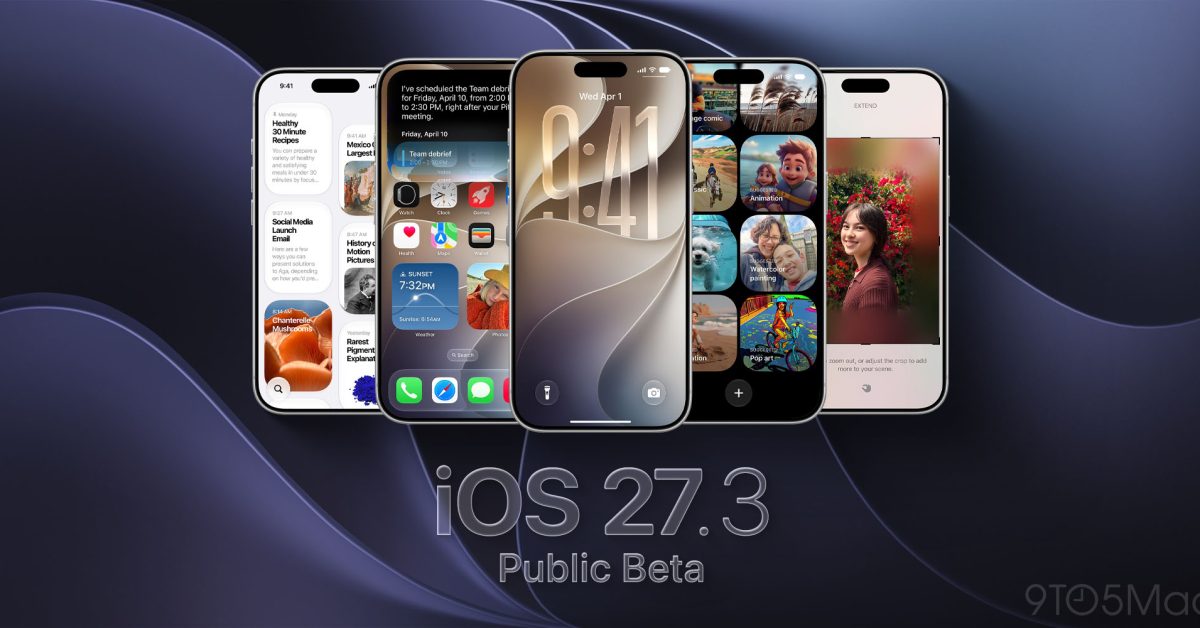
Apple has released iOS 27.3 public beta 2 for iPhone. Today’s release also includes a new build for iOS 27.3 beta 2 for developers. The update brings new Calendar controls, more Siri AI capabilities, and new features for iPhone Duo. It also includes the redesigned Health app and other changes introduced earlier this month. What’s new in iOS 27.3 public beta 2 The update follows yesterday’s second developer beta and the first public beta on November 5. Here are the latest changes to try: iPhone Duo: Unlock with Front Camera lets you unlock the phone using the outer display’s selfie camera. It works only when folded, and payments, passwords, and app authentication still require Touch ID or your passcode. You’ll also need Touch ID or your passcode again after 45 minutes without unlocking. There’s a separate new option to lock the phone when you close it. Attention Aware: iPhone Duo can keep its outer display awake while you’re looking at it and lower the volume of some alerts. You don’t have to set up face unlock to use these features. Calendar: Search and new-event controls move to the bottom of the app, making them easier to reach. Siri AI: You can now ask questions about your Health data, including steps, heart rate, and activity rings. Siri can also use a whole Safari webpage as context, including portions you haven’t scrolled to. Apple TV: The app adds video podcasts and a feed of vertical clips from Apple Originals. Apple News+: Puzzles expand to Australia, French Canada, and the UK. The available puzzles differ by region. Apple has also detailed higher daily usage limits for Siri AI and other Apple Intelligence features through eligible iCloud+ plans. Plans with 200GB or more include extra capacity; the 50GB plan keeps standard limits. See our full iOS 27.3 beta 2 roundup for more on the latest discoveries. More iOS 27.3 features The first public beta brought back the redesigned Health app after its earlier preview during iOS 27.2 testing. On iPhones with Apple Intelligence support, Insights collects trends across your health data, while Longevity includes a Health Age comparison based on Apple Watch measurements. Other changes already available include: Safari: Vertical Tabs and Adaptive Dark Mode add another tab layout and darken websites without their own dark theme. Siri AI: More actions across Apple apps include creating playlists, scheduling messages, and adding Journal entries. iPhone Duo: Reachability moves content left or right for easier one-handed use. StandBy: More clock customization includes colors, complications, and multiple configurations. Apple Fitness+: Gym Strength offers a four-week training plan tailored to your goals and equipment. How to install iOS 27.3 public beta 2 If you’re already testing the public beta, open Settings > General > Software Update to check for the new version. Joining for the first time? Make a backup, then enroll in the free Apple Beta Software Program using your iPhone’s Apple Account. In Settings > General > Software Update > Beta Updates, choose iOS 27 Public Beta. Go back to Software Update to download and install it. What are you trying first in iOS 27.3 public beta 2? Let us know in the comments. FTC: We use income earning auto affiliate links. More.
Apple releases iOS 27.3 public beta 2, new developer beta 2 build
Full Article
Original Source
Read the full article at 9to5mac →KhanList aggregates and links to publicly available news content. We do not host full articles from third-party sources. Always verify important information with original sources.