
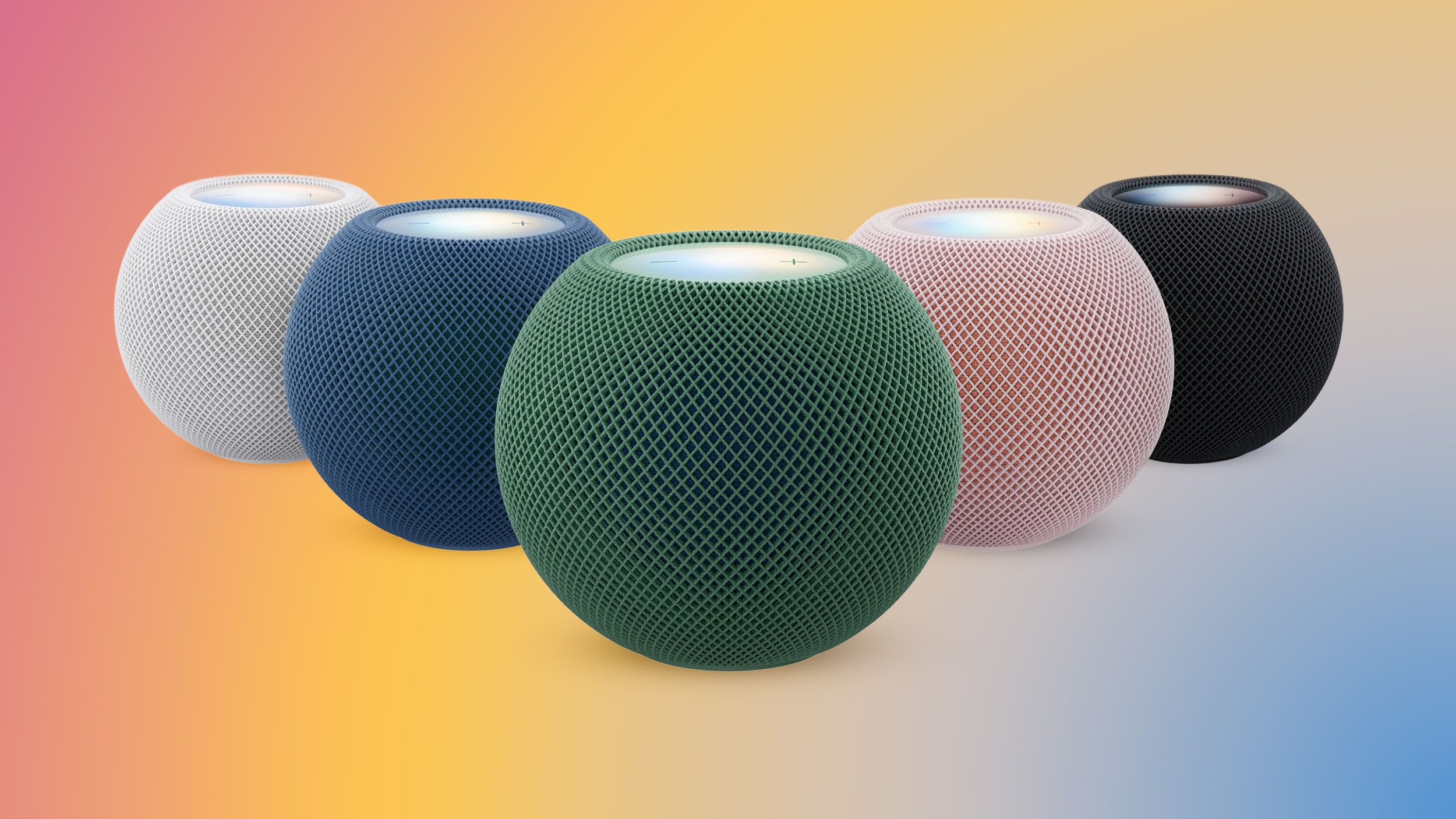
Apple today released new HomePod 27.2 software for the HomePod and HomePod mini. HomePod Software 27.2 brings a new Sound Glow option to the HomePod, HomePod mini, and upcoming HomePod mini 2. Sound Glow causes the top of a HomePod or HomePod mini to light up with color that pulses in sync with the music that's playing. The feature draws colors from album artwork, and it works with songs, podcasts, and Apple's ambient music feature. The update also adds support for using HomePods as the default speaker for a Mac, plus it allows four HomePods or HomePod mini 2 speakers to be used as surround sound for the new Apple TV. A new Lock Controls option disables tough interactions with the top of the HomePod. Apple's release notes are below. HomePod software version 27.2 brings the new Sound Glow visual experience, home theater surround sound with Apple TV 4K (4th generation), and support for using HomePod speakers with your Mac, along with bug fixes and security updates for your HomePod. - Sound Glow on HomePod mini, HomePod mini 2, and HomePod (2nd generation) turns the top of HomePod into a visual display that pulses and glows in sync with your media and shows matching light animations for soundscapes- Home theater surround sound supports connecting four HomePod speakers to Apple TV 4K (4th generation) for an immersive listening experience. Requires matching front and rear pairs of HomePod mini 2 or HomePod (2nd generation)- HomePod speakers with your Mac lets you set HomePod as the audio output for everything you do on your Mac, with a responsive and persistent AirPlay connection- Lock controls let you disable the touch controls on top of HomePod to prevent accidental taps from pausing music, skipping songs, or changing the volume This update brings enhancements to the Apple Music, Podcasts, and AirPlay experiences on tvOS. It also brings captions to more content, adds the ability to block individual apps, and provides bug fixes and security updates for your Apple TV 4K. HomePod software can be installed on the Home app on the iPhone, iPad, or Mac by tapping on the More button, choosing Home Settings, and then using the Software Update option. If automatic updates are turned on, the new HomePod software will be installed automatically. The HomePod mini 2 is launching on Friday, October 30, while the new Apple TV 4K is coming out on November 13. Popular StoriesNew Apple TV 4K, HomeView, and HomePod Mini: 16 Details Just LeakedSunday October 11, 2026 12:56 pm PDT by Joe RossignolJust two days before Apple's "Welcome home" experience in New York, Bloomberg's Mark Gurman has leaked several details about the new products set to be unveiled, including an all-new smart home hub, a HomePod mini 2, and a new Apple TV 4K. Here is an all-in-one summary of the details shared by Gurman:Apple's home hub with a touch-enabled display will be named HomeView, seemingly confirming a ...Three New Apple Smart Home Products Coming on October 13Apple plans to introduce a series of new smart home products on Tuesday, October 13, according to Bloomberg's Mark Gurman. Apple reportedly plans to debut its long-awaited smart home hub device, a new HomePod mini, and a new Apple TV on the date. The new HomePod mini and Apple TV are set to retain their existing designs, but tout faster chips to support Siri AI. The new HomePod mini will...Apple Expected to Release New Products on Next Four FridaysSunday October 18, 2026 11:01 am PDT by Joe RossignolApple likely plans to release MacBook Pro models with OLED displays, 14-inch MacBook Pro and iMac models with M6 chips, and/or an iPad mini 8 with an OLED display on Friday, November 6, according to Bloomberg's Mark Gurman. The devices are expected to be announced on Tuesday, October 27 or Wednesday, October 28. If this timeframe proves to be accurate, then Apple will be releasing new...
Apple Releases HomePod 27.2 Software With Sound Glow for Existing HomePods
Full Article
Original Source
Read the full article at Macrumors →KhanList aggregates and links to publicly available news content. We do not host full articles from third-party sources. Always verify important information with original sources.