
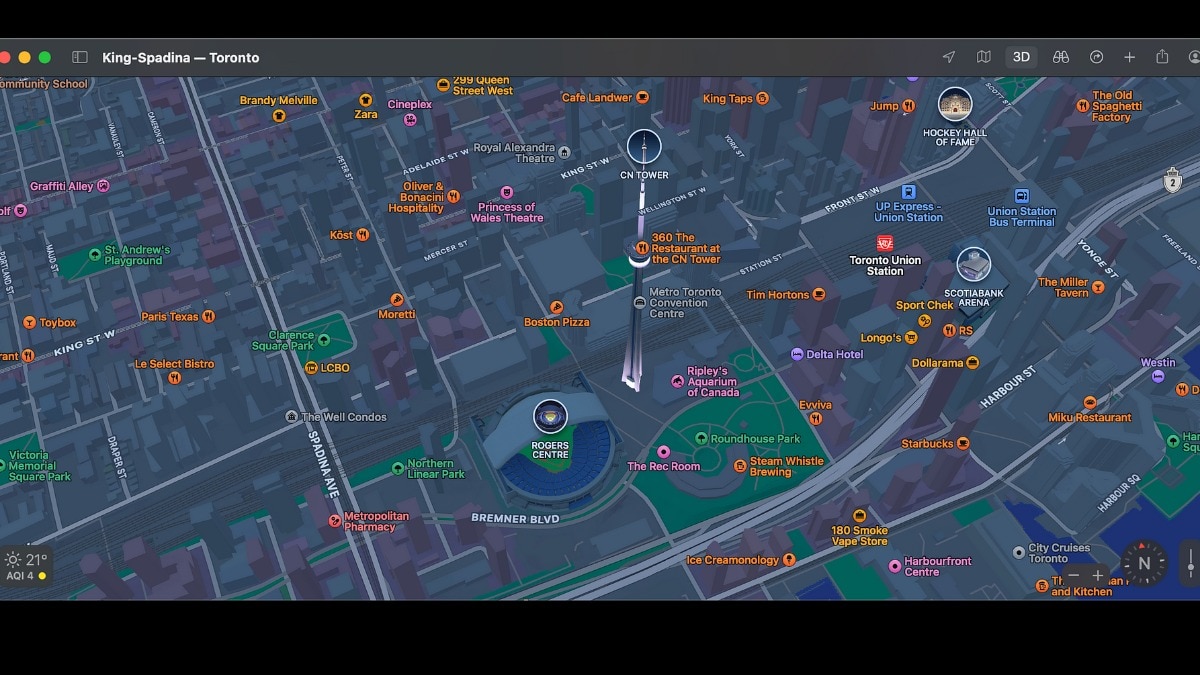
Apple has released a huge update for Apple Maps in India. The tech giant has added highly requested features that are specially designed for Indian roads. With this new update, Apple is making a strong push to offer a better alternative for daily navigation. The all-new Apple Maps brings 3D landmarks, augmented reality walking directions, and a much easier, more conversational navigation system.Navigation made for Indian roadsIf you often get confused by map directions where there are no clear street signs, this update is for you. Apple Maps now has enhanced Natural Language Guidance. This means Siri will sound more human and use real-world landmarks to guide you. For example, instead of a basic direction, Siri will tell you to turn right after the petrol pump.Apple has also introduced a dual-language label system. Since most street signs in India show English and a local language, Apple Maps will do the same. Depending on your location and phone settings, you will see English along with local languages like Hindi, Marathi, Bengali, Gujarati, Kannada, Malayalam, Tamil, Telugu, Punjabi, Odia, or Urdu.Max Muller, Apple’s vice president of Apple Maps, noted that the map is designed for India’s specific needs to make finding places easier than ever. Look Around and AR walking directionsApple is finally bringing its popular Look Around feature to India. This allows you to explore cities right from your screen with interactive, high-resolution 3D street-level pictures.Walking with maps is also getting a major upgrade. With the new AR Walking Directions, you can just raise your iPhone and scan the buildings around you. Apple Maps will then show step-by-step arrows on your screen, layered right over the real world. You will also find detailed 3D models for over 300 famous landmarks across the country.Smarter daily commutes Planning a road trip or your daily office commute is now much simpler. You can plan a trip with up to 15 different stops in advance. When you are ready to leave, these routes will automatically sync from your Mac or iPad straight to your iPhone. To stop you from making dangerous last-minute turns, the app now includes lane guidance to tell you the exact lane you need to be in before entering an elevated road.If you take public transport in major cities like Delhi, Mumbai, Bengaluru, Chennai, Hyderabad, Ahmedabad, Kolkata, or Pune, you can now plan your journeys effortlessly. You can even track Indian Railways routes. The app will send a notification to your phone when it is time to get off at your stop.While driving, you can share your estimated arrival time with family with a single tap. If there is a delay or traffic, the app updates them automatically. You can also report accidents or hazards hands-free by simply telling Siri that there is something on the road.For electric vehicle owners, the app can plan trips that automatically include charging stops based on road conditions and elevation changes. You can also draw custom routes on the map and save them, while your iPhone learns your frequent routes to show commute previews before you leave home.Focus on privacyApple ensures that your personal data stays safe. You do not need to sign in to use Apple Maps. All personalized features run directly on your device rather than on Apple servers. Apple also uses a process called fuzzing to keep your searches anonymous. When you search for a place, the app changes your exact location to a less exact area within 24 hours. Your navigation data is also tied to random identifiers that reset regularly to protect your identity.These new features, including the dual-language labels, are available for users running iOS 27.2, iPadOS 27.2, macOS 27.2, and watchOS 27.2 or later.- Ends
Apple Maps gets a big update in India, Look Around & AR navigation now available
Full Article
Original Source
Read the full article at Indiatoday →KhanList aggregates and links to publicly available news content. We do not host full articles from third-party sources. Always verify important information with original sources.