
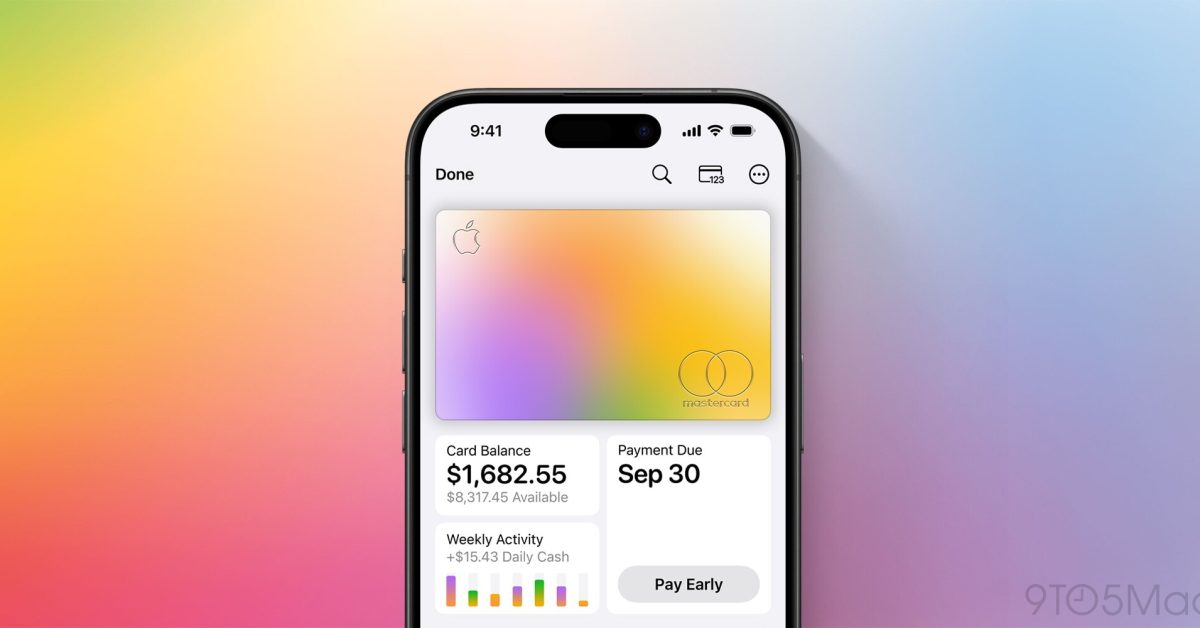
Apple Card gets even better in iOS 27, with new features like a recurring transactions section to help you stay on top of regular charges. Here’s what’s new. #1: Recurring transactions section iOS 27 adds a brand new ‘Recurring’ section to Apple Card in the Wallet app. You’ll find it inside the three-dot menu in the upper right corner when viewing your Apple Card. The Recurring section is a new go-to hub for seeing all Apple Card transactions that occur regularly. You can view recurring transactions on a calendar view by month, or see a chronological list of upcoming transactions. Apple explains how this works: “Dates and amounts shown are predicted based on your transaction history and may not be exact.” In my usage, the accuracy has been pretty spot-on. Plenty of services offer to help you gain awareness of all your subscriptions. And now, Apple Card can do that without you needing to share financial data with third parties. #2: Notifications for upcoming charges Related to the new recurring transactions feature, iOS 27 adds a new type of notifications you can choose to enable or disable. When viewing your Apple Card, tap the ‘Notifications’ option inside the three-dot menu and you’ll see an addition: ‘Upcoming Transactions.’ Based on your transaction history, Apple Card can predict when new recurring charges will go through and notify you ahead of time that they’re coming. It’s a convenient way to stay apprised of your spending and subscriptions. And if you don’t want those extra notifications, they’re easy to turn off. #3: Redesigned Apple Pay interface iOS 27 (left) vs iOS 26 (right) Apple Card users will also benefit from the redesigned Apple Pay checkout UI in iOS 27. Any time you use Apple Pay on a website or in an app, you’ll now see a refreshed, better organized, more informative checkout screen. The new design makes it easy to check at a glance that details like shipping and billing addresses are all accurate. And if you decide not to use your Apple Card for a given transaction, switching between cards is now easier than ever too. Which Apple Card changes in iOS 27 are you most excited about? Let us know in the comments. *Buy iPhone with 15% discount from Apple refurbished Best iPhone accessories AirPods Pro 3 (now only $199, down from $249) MagSafe Car Mount for iPhone 10-year AirTag battery case AirTag 2 (1-pack / 4-pack) 100W USB-C fast charging power adapter FTC: We use income earning auto affiliate links. More.
Apple Card has three new and improved features in iOS 27
Full Article
Original Source
Read the full article at 9to5mac →KhanList aggregates and links to publicly available news content. We do not host full articles from third-party sources. Always verify important information with original sources.