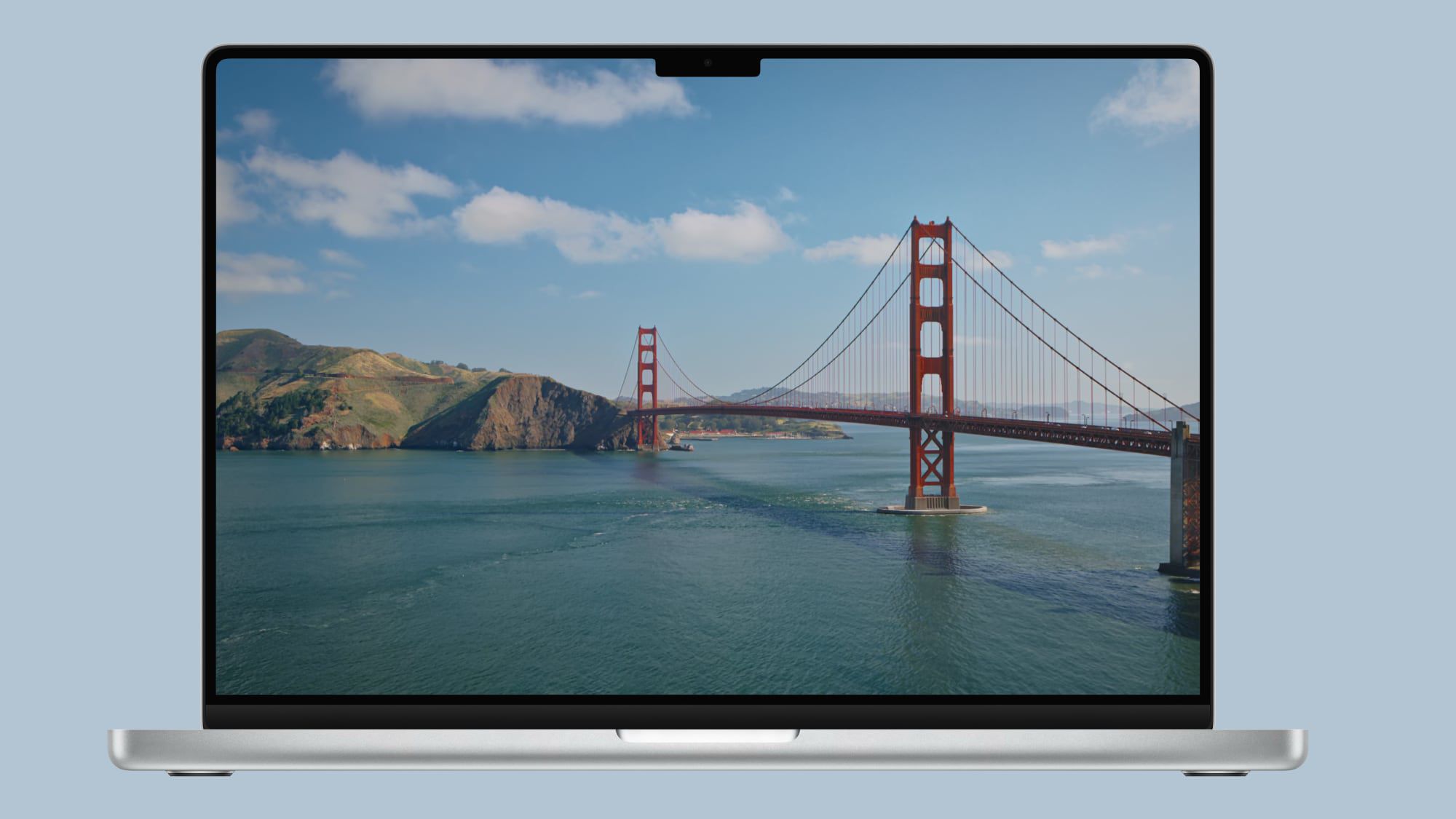
Apple today added two new Golden Gate-themed wallpaper options in the sixth beta of macOS 27. There are new Golden Gate Day and Golden Gate Evening wallpaper options that join the Golden Gate Sunset and Golden Gate Night wallpapers that Apple introduced in earlier betas. macOS 27 also includes abstract Golden Gate wallpaper options for those who don't prefer scenery. Golden Gate Day and Golden Gate Evening animate when you unlock your Mac, and can be set as a screen saver. When used as screen saver, both wallpapers feature cars slowly driving across the bridge. Apple also tweaked the look of the traffic light buttons in macOS Golden Gate beta six, adding a Liquid Glass aesthetic. macOS Golden Gate is available for developers and public beta testers, with a public launch coming in September. Popular StoriesApple Releases macOS Golden Gate Beta 4Monday July 20, 2026 10:10 am PDT by Juli CloverApple today provided developers with the fourth beta of macOS Golden Gate, with the update coming two weeks after Apple seeded the third beta. Developers can download macOS Golden Gate by going to System Settings > General > Software Update. Beta Updates will need to be enabled, and a free developer account is required. macOS Golden Gate includes multiple design improvements. Liquid Glass ...Second macOS Golden Gate Public Beta Now AvailableWednesday July 22, 2026 10:39 am PDT by Juli CloverApple today released the second public beta of macOS Golden Gate, allowing non-developers to test the software ahead of its fall release. You can sign up to test the update on Apple's beta website, and then download it by going to System Settings > General > Software Update and toggling on the macOS 27 beta. macOS Golden Gate includes the same Siri AI features as iOS 27 and iPadOS 27, but...Apple Releases macOS Golden Gate Beta 5Monday August 10, 2026 10:27 am PDT by Juli CloverApple today provided developers with the fifth beta of macOS Golden Gate, with the update coming two weeks after Apple seeded the fourth beta. Developers can download macOS Golden Gate by going to System Settings > General > Software Update. Beta Updates will need to be enabled, and a free developer account is required. macOS Golden Gate includes multiple design improvements. Liquid Glass ...
Apple Adds More New Wallpapers in macOS Golden Gate
Full Article
Original Source
Read the full article at Macrumors →KhanList aggregates and links to publicly available news content. We do not host full articles from third-party sources. Always verify important information with original sources.