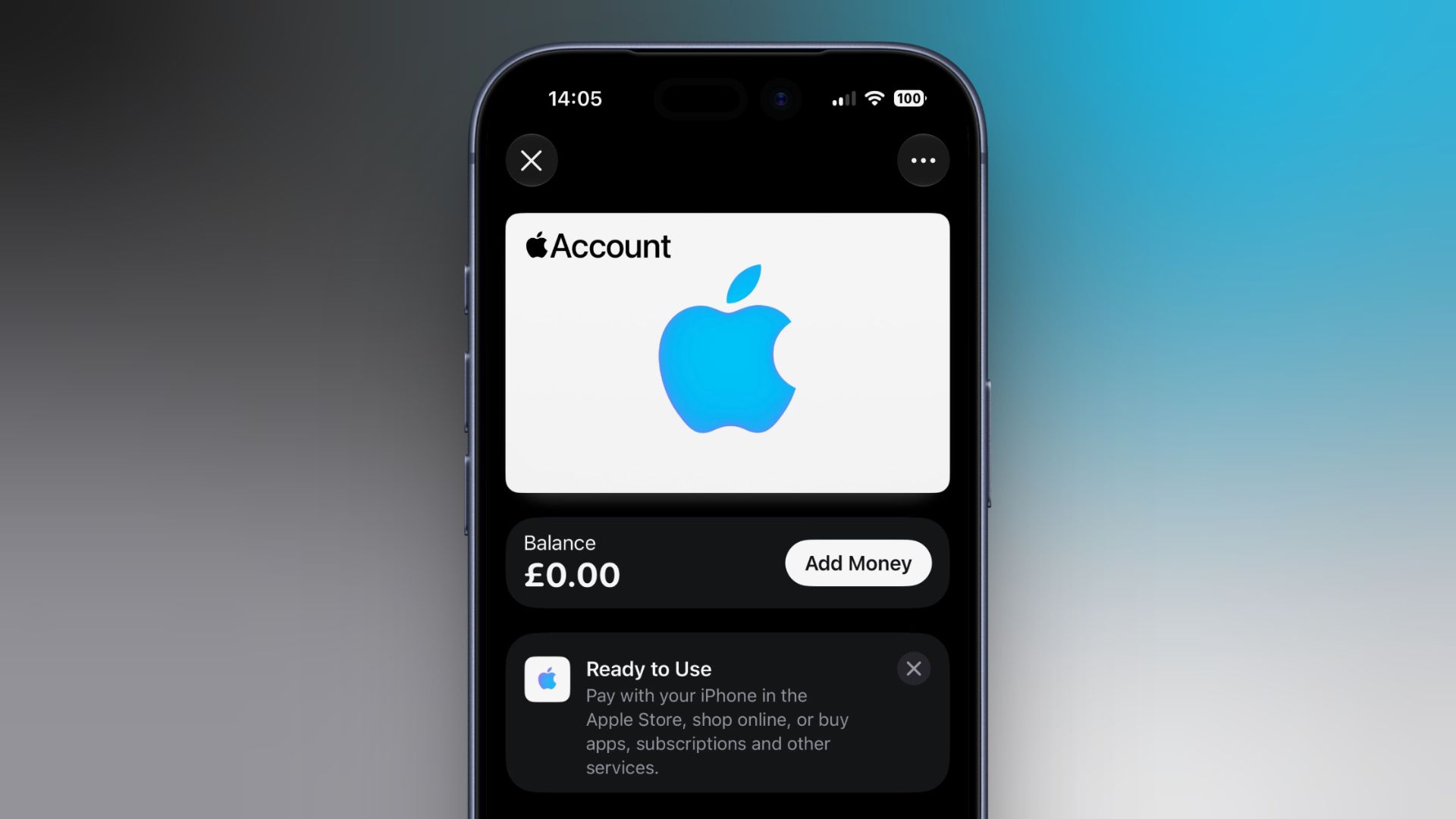
Apple this week expanded support for its Apple Account Card in the Wallet app to Estonia, Latvia, Lithuania, and Malta. The Apple Account Card option for Wallet started rolling out in 2022, and Apple has been gradually expanding the feature to more countries since then. What is the Apple Account Card? So what is it, exactly? The card displays the balance associated with a user's Apple Account (formerly Apple ID), and it can be used to make purchases in any brick-and-mortar Apple Store and online at Apple.com. It can also be used to buy apps in the App Store, as well as subscriptions and other Apple services. It's also where the credit goes if you use it to redeem an Apple Gift Card. An Apple Account Card can also be topped up using a linked debit or credit card (via the "Add Money" option in Wallet). It's NOT an Apple Credit Card Note that an Apple Account Card is different from Apple Card, the latter of which is a straightforward digital and physical credit card for making financial transactions at contactless payment terminals (via Apple Pay), as well as in stores, restaurants, and other locations where Apple Pay isn't yet accepted. Comparatively, an Apple Account Card is a digital-only card for money available in your Apple Account balance. There's no credit line, no interest, and no rewards attached. Neither is there a physical version of the Apple Account Card. You can't send money to a friend with it, and the balance isn't something you can cash out. Apple Account Card – Supported Regions As well as the regions mentioned at the start of this article, Apple Account Cards are supported in the following countries: Australia Austria Belgium Canada Czechia Denmark Finland Hong Kong Ireland Italy Japan Luxembourg Mexico Norway Poland Portugal Spain Sweden Switzerland the UK U.S. United Arab Emirates One thing to note: Paying in person at an Apple Store with an Apple Account Card (by double-clicking the side button and holding your iPhone to the reader) isn't available in every country or region, and neither are all of the card's other features. Apple hasn't yet said whether the four new regions that it most recently expanded to will get the full range of usage options. Add an Apple Account Card to Wallet To add an Apple Account Card to your iPhone's Wallet app, open Wallet, tap the plus (+) button, then tap Add Apple Account. Tap Continue, then give it a few moments while it's linked to your Apple Account. Once it's in your Wallet, your balance and any recent transactions will appear below the card. Popular StoriesiPhone Driver's Licenses May Soon Expand to New StateThursday July 23, 2026 1:58 pm PDT by Juli CloverDriver's licenses and IDs may soon be available in Apple Wallet for iPhone and Apple Watch users who live in Utah. MacRumors discovered signs of a Utah ID in Apple's backend, suggesting Apple is moving forward on implementing support. Utah already offers a mobile driver's license option through a standalone app, but there is no Apple Wallet integration. Utah's mobile driver's license FAQ page...iPhone Driver's Licenses May Soon Expand to Another US StateWednesday July 29, 2026 6:15 am PDT by Tim HardwickDriver's licenses and IDs may soon be available in Apple Wallet for iPhone and Apple Watch users living in Oklahoma. MacRumors discovered signs of an Oklahoma ID in Apple's backend. With input from Apple, a House bill was passed in March 2026 that allows Service Oklahoma to issue mobile or digital versions of state identification cards, driver's licenses or permits – suggesting this is...Apple Wallet Support Coming to Manchester's Bee CardApple is preparing to allow the Bee Card to be added to the Wallet app, according to code seen by MacRumors. When this functionality goes live, you will be able to add the Bee Card to your iPhone or Apple Watch and use it to pay your fare for trams and buses in the Manchester, England area. However, the code does not provide any timeframe for availability, so stay tuned. Update August 5:...
Apple Account Card Expands Again: What It Is and What It Isn't
Full Article
Original Source
Read the full article at Macrumors →KhanList aggregates and links to publicly available news content. We do not host full articles from third-party sources. Always verify important information with original sources.