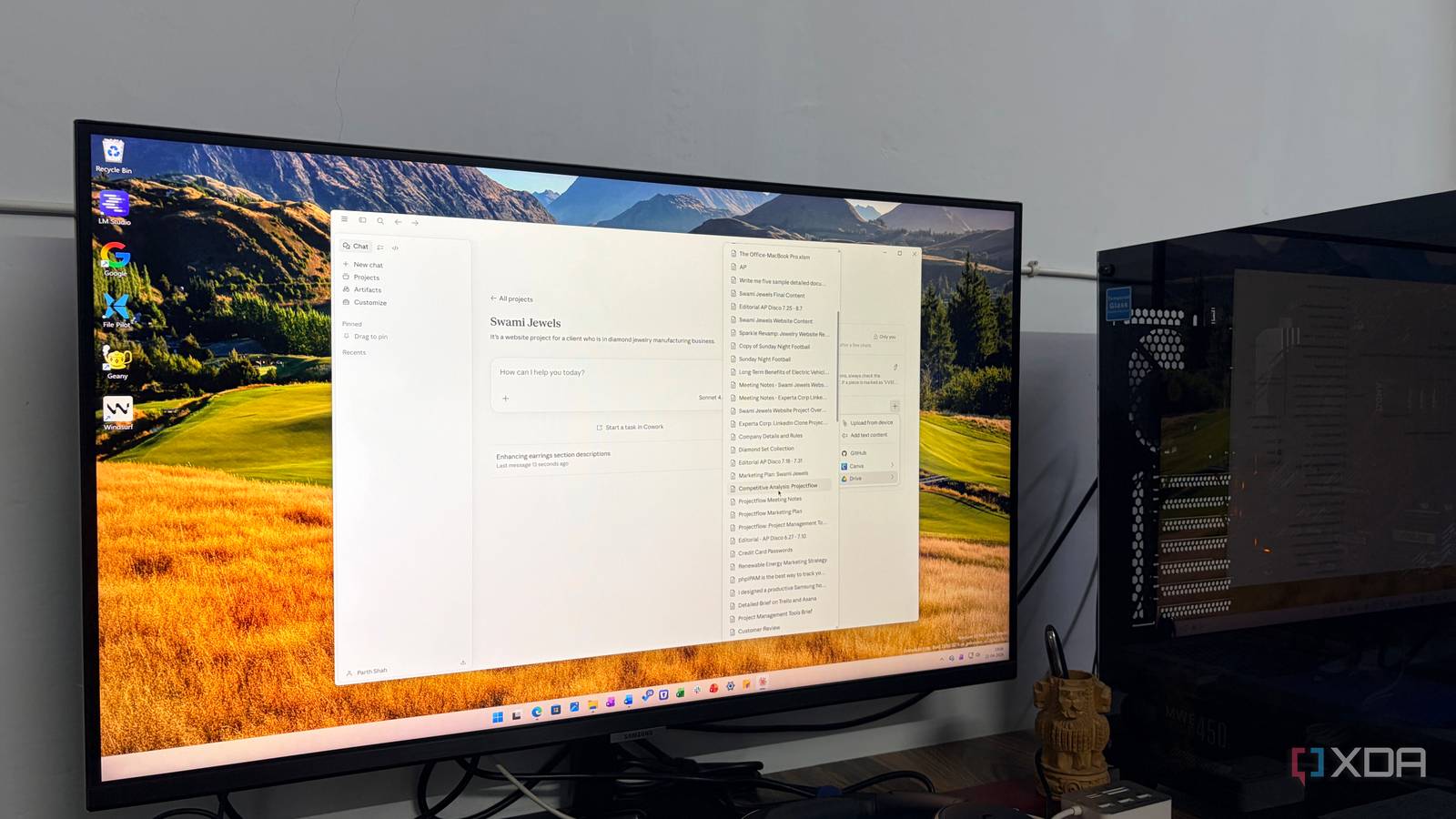
Published Aug 1, 2026, 1:00 PM EDT Parth, a seasoned tech writer, wields the keyboard (or pen) with finesse to unravel the intricacies of both Windows and Mac operating systems. He has covered evergreen content on mobile devices and computers for multiple publications over the last six years. You can find his work on AndroidPolice, GuidingTech and TechWiser. Whether it’s demystifying system updates, deciphering error codes, or exploring hidden features, Parth’s prose guides readers through the binary maze. When not immersed in tech jargon, you’ll find him sipping chai, pondering the next software review, and occasionally indulging in a friendly debate about mechanical keyboards. Claude used to feel like a place where I opened a blank chat, asked a question, and moved on. That is no longer how I use it. Over time, Anthropic has quietly added enough structure, integrations, collaboration tools, and agentic capabilities to change the role Claude plays in my workflow. I now spend less time jumping between disconnected apps and more time treating Claude as the central layer that connects my documents, projects, research, writing, and even complex tasks. Claude no longer feels like a chatbot The chatbot quietly became my workspace When Anthropic first announced Claude, it felt like every other AI chatbot I had used. I opened a new conversation, typed a prompt, copied the response, and moved on to another app to finish the actual work. That is no longer how I use it. I now treat Claude as a central workspace where I can research ideas, organize project knowledge, analyze documents, write drafts, build small tools, and continue long-running tasks without reintroducing the same context. At this point, calling Claude a chatbot feels inaccurate. Projects have become my workspaces My projects became a living brain Projects is the feature that changed Claude from a temporary chat window into a genuine workspace for me. Instead of keeping every conversation in one long, messy history, I created dedicated Project for specific areas of my life and work. I have separate spaces for article ideas, Android research, AI tools, personal productivity, coding experiments, business documents, and other long-term interests. Each project contains its own instructions, conversations, reference material, and uploaded files, so Claude already understands what I am working on when I return. Over time, this setup has also turned Claude into a personal knowledge management system for me. I no longer use Projects only for active assignments. I also create broader knowledge spaces around topics I regularly explore, such as Samsung One UI, Android Auto, AI coding tools, and personal finance. Whenever I find a useful report, PDF, presentation, Google Drive file, or Markdown note, I add it to the relevant project. Sometimes, I even ask Claude to convert messy information into a clean Markdown document that I can save back into the same knowledge base. Cowork changes Claude from advisor to operator Claude now works, not just advises Cowork is where Claude stops feeling like an advisor and starts behaving more like an operator. Instead of receiving instructions in a normal chat and carrying them out manually, I can grant Claude access to the relevant files, specify the desired outcome, and let it handle much of the repetitive work. I use it regularly to keep both my Mac and Windows computers organized. My Downloads folder, for example, quickly fills up with screenshots, PDFs, product images, invoices, article research, app installers, and documents with meaningless filenames. Rather than sorting everything in one file at a time, I can ask Claude to inspect the folder, group files by type or purpose, create an appropriate folder structure, and rename ambiguous items based on their contents. I still review the proposed changes, but Claude does the tedious classification work that I would otherwise keep postponing. I also use it for broader computer maintenance. Claude can help me identify duplicate files, separate old project assets from active work, organize invoices by month, clean up poorly named documents, and turn a messy desktop into a logical structure. The important difference is that I am no longer asking Claude only for advice about productivity. I am delegating parts of the productivity workflow itself. I still supervise important actions and avoid giving it unrestricted control over sensitive folders, but Cowork handles enough of the mechanical work to save me considerable time. Claude works with all my preferred apps All my apps meet inside Claude One of the biggest reasons Claude feels like a productivity operating system is that it works with many of the apps I already depend on. My tasks live in Asana, documents in Google Drive, conversations in Gmail, meetings in Google Calendar, designs in Canva, and interface concepts in Figma. Normally, getting useful work done requires me to open each service, locate the relevant information, copy it into an AI tool, explain the context, and then move the result back into the correct app. Claude’s connectors play a major role here. Once I connect these services to Claude, I can access and manage files right from the chat interface. For example, I can ask Claude to check my calendar for an upcoming meeting, search Gmail for the relevant conversation, pull supporting material from Google Drive, and help me prepare a brief without first manually collecting everything. This is just one example of how useful connectors can be. The possibilities are endless here. Claude is becoming more than AI Claude doesn’t replace any OS or a dedicated productivity app I use, but it is becoming the layer that connects them all. Projects organize my knowledge, Cowork handles repetitive file management, and connectors bring my tasks, emails, and designs into one interface. I have not even touched on Claude Code, which is arguably the best tool in its segment and is already well known among developers. That alone deserves an entirely separate discussion. Overall, Claude is quietly becoming the central workspace through which I manage my digital life, and this productivity OS is only getting started. Claude is an AI assistant that rivals ChatGPT and Gemini.
Anthropic is quietly turning Claude into a productivity OS and it’s awesome
Full Article
Original Source
Read the full article at Xda-developers →KhanList aggregates and links to publicly available news content. We do not host full articles from third-party sources. Always verify important information with original sources.