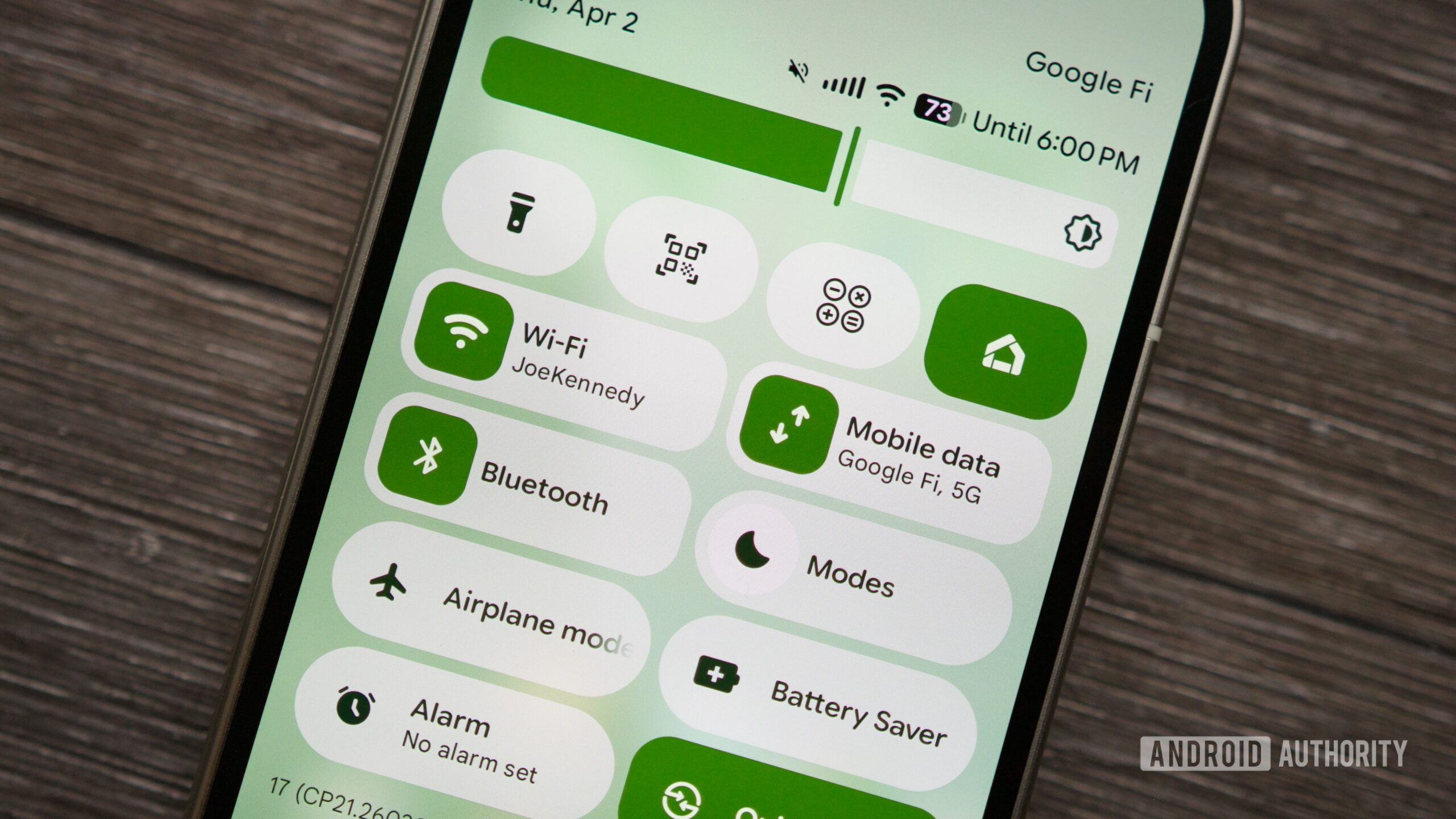
Joe Maring / Android AuthorityTL;DR Google’s latest Android Canary build includes another Quick Settings customization option that wasn’t highlighted initially. Users can also place the media player above Quick Quick Settings, changing what appears after the first swipe down. The latest Canary update also brings a new Quick Quick Settings (QQS) layout that lets users move the media player above the first row of Quick Settings tiles.The attached screenshots clearly show the difference. By default, Android displays four Quick Settings tiles, such as Wi-Fi, Bluetooth, Modes, and Wallet, at the top of the notification shade, with the media player sitting underneath them. After moving the media player to the top using the new editor, that order is reversed. The media controls now appear first in the initial swipe-down view, with the four Quick Settings tiles shifted below.While it’s a small tweak, it could be quite useful for anyone who regularly controls music or podcasts from the notification shade. Instead of having to expand the panel or scroll past tiles, playback controls become immediately accessible after a single swipe.Thank you for being part of our community. Read our Comment Policy before posting.
Android’s new Quick Settings editor has another trick: A customizable QQS layout
Full Article
Original Source
Read the full article at Androidauthority →KhanList aggregates and links to publicly available news content. We do not host full articles from third-party sources. Always verify important information with original sources.