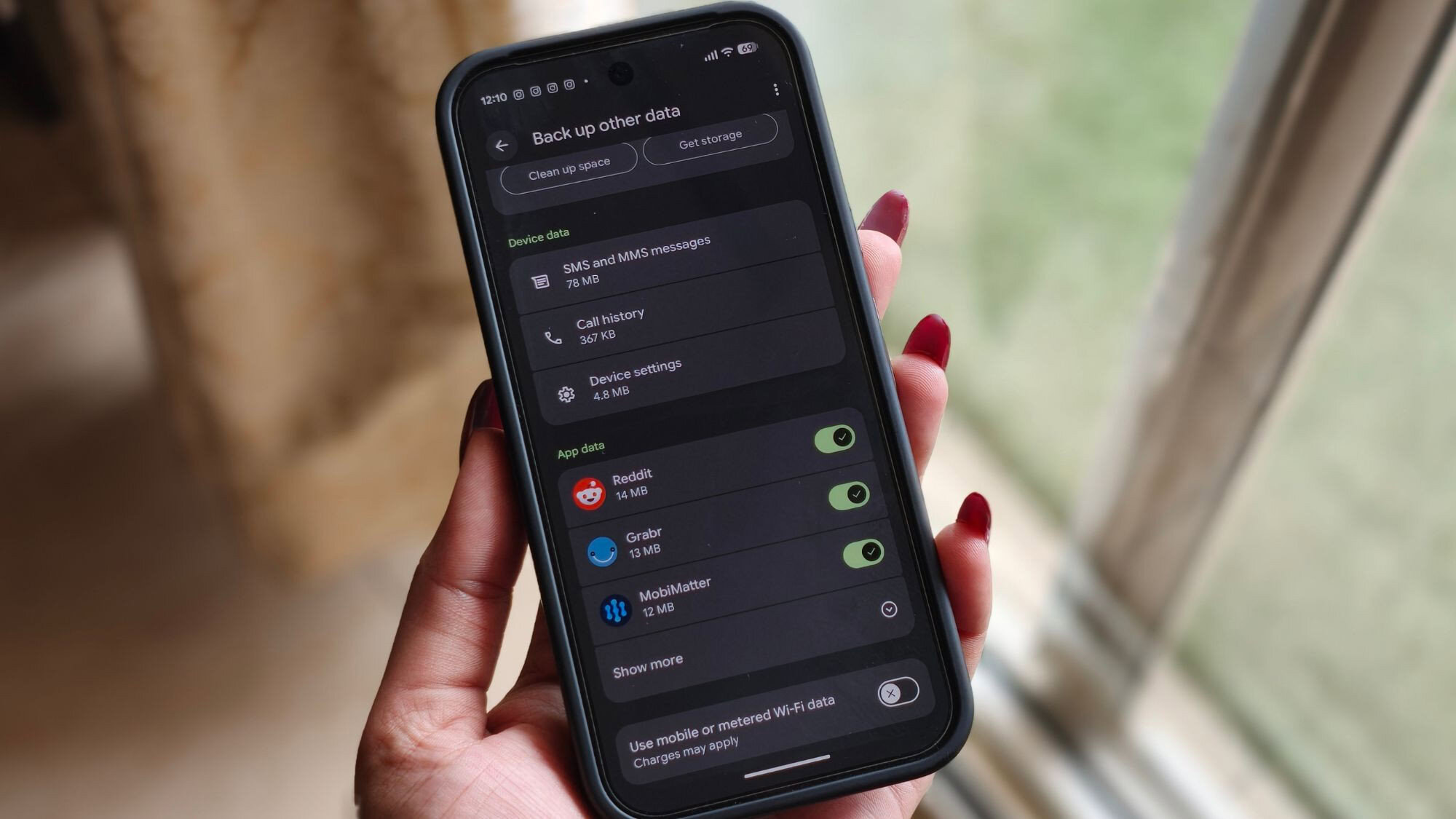
Shimul Sood / Android AuthorityTL;DR The latest version of Google Play Services is finally rolling out the long-awaited Documents backup option. When enabled, documents will be automatically uploaded to a new Android backups folder in Google Drive. However, disabling this backup option won’t remove those files from Drive. Google has been working on a Documents (formerly Downloads) backup option for nearly a year now. The new backup category began appearing to users on the Google Play Services beta earlier this month, suggesting a broader rollout is imminent. Well, it has taken a couple of weeks, but that day has finally arrived.This additional backup option for documents is rolling out to Android phones as part of Google Play Services version 26.26 (stable). On Pixel phones, you can check if the option is live by navigating to Settings > Accounts and backup > Google Backup, where Documents appears between Photos & videos and Other device data (via 9to5Google).The Back up documents toggle is off by default, and enabling it displays the available storage space in Google Drive. You also have the option to clear up some space for your documents or buy more storage right from this page. As you can probably guess by now, documents saved in this fashion count against your Drive storage.When fully enabled, a new Android backups folder will appear in My Drive, where you’ll find another folder named after your phone carrying these files. A wide range of document types are supported, which, as I discovered, can also include APK files from the phone’s Downloads folder. This is in addition to zip files, .DOC, .PPT, .PDF, .XLS, and other formats.Users are reminded that turning off Documents backup will not remove the contents from Google Drive. Similarly, there’s no automatic sync for files available, which means the changes you make to your document in one location won’t be reflected in another. Nevertheless, a backup option like this can give you immediate access to all the important documents from your phone’s Downloads folder, even if you don’t have the device with you.Google has made us wait quite some time for this particular backup feature to land, with the first evidence of this dropping way back in August last year. We then saw Google confirming its existence in February as part of a Play system update, before the option gradually appeared in a Play Services beta this month.Thank you for being part of our community. Read our Comment Policy before posting.
Android phones can now back up documents automatically to Google Drive, here’s how
Full Article
Original Source
Read the full article at Androidauthority →KhanList aggregates and links to publicly available news content. We do not host full articles from third-party sources. Always verify important information with original sources.