
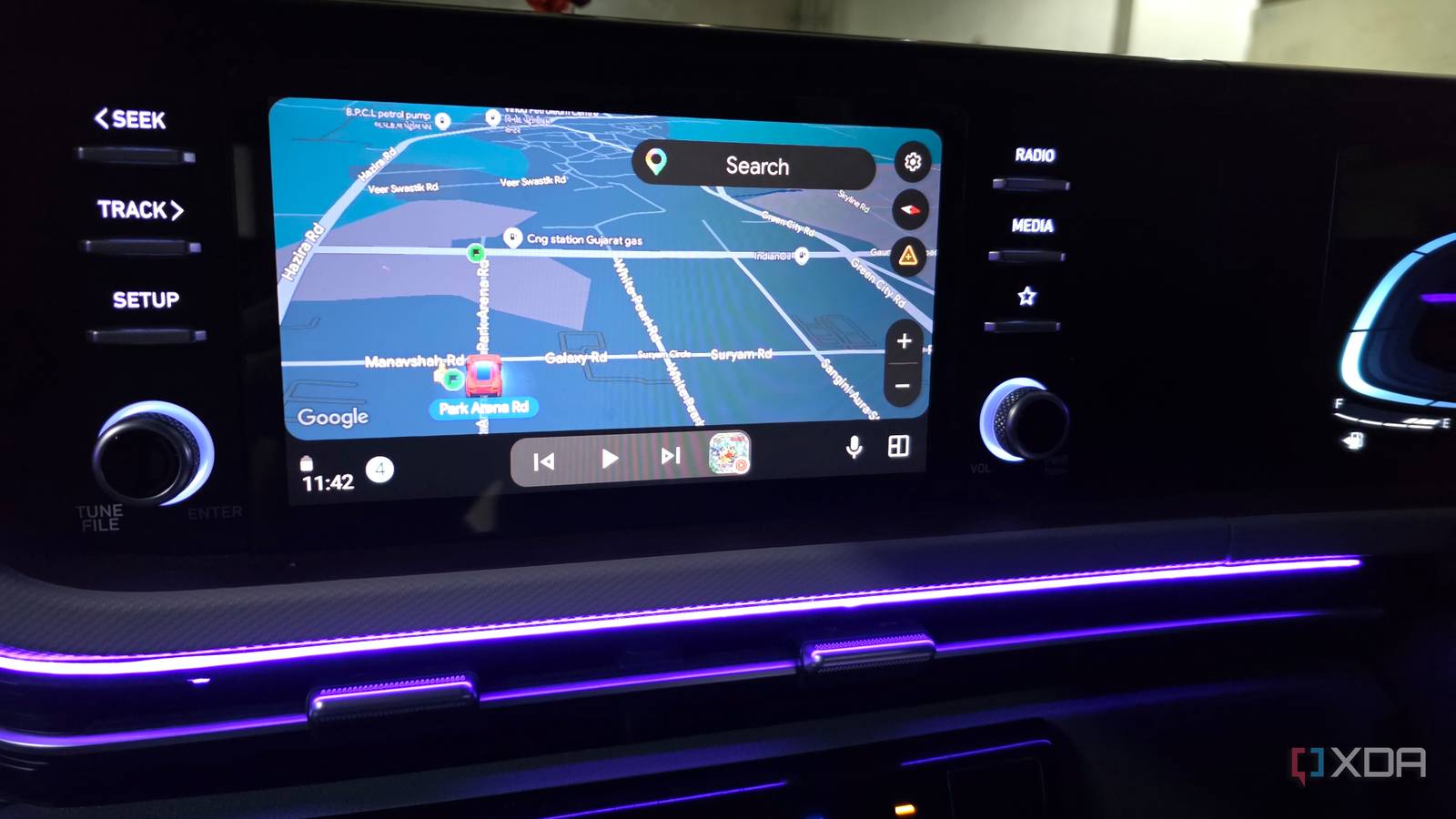
Published Aug 21, 2026, 8:30 AM EDT Parth, a seasoned tech writer, wields the keyboard (or pen) with finesse to unravel the intricacies of both Windows and Mac operating systems. He has covered evergreen content on mobile devices and computers for multiple publications over the last six years. You can find his work on AndroidPolice, GuidingTech and TechWiser. Whether it’s demystifying system updates, deciphering error codes, or exploring hidden features, Parth’s prose guides readers through the binary maze. When not immersed in tech jargon, you’ll find him sipping chai, pondering the next software review, and occasionally indulging in a friendly debate about mechanical keyboards. Android Auto had been testing my patience with random disconnects for weeks. Some drives were fine, while on others, Maps would suddenly disappear, music would cut out, and the system would reconnect a few seconds later as if nothing had happened. I restarted my phone, checked Android Auto settings, and even wondered whether a recent update was responsible. Eventually, I tried something simple in the car, and that one small switch made my Android Auto connection more reliable. Android Auto worked just well enough to fool me Longer drives exposed the problem My problem with Android Auto wasn’t that it refused to connect. In fact, most of the time, it started exactly as expected. I plugged in my phone, Android Auto appeared on the dashboard, Google Maps loaded, and my music started playing. That made the issue much harder to pin down because nothing looked obviously broken. The trouble was that the connection wasn’t consistent. Short trips made the issue easy to ignore. If I were only driving for 10 or 15 minutes, Android Auto could behave perfectly and give me no reason to investigate further. Longer drives were different. Once I started relying on it for navigation and music for an hour or more, those occasional disconnects became much easier to notice. Something in my setup clearly wasn’t as reliable as it should have been, which pushed me to look beyond Android Auto itself. I went over the usual fixes I was troubleshooting the wrong thing My first instinct was to treat this like another Android Auto software problem. I made sure the app and my phone were up-to-date, restarted the phone, disconnected and paired the car again, and even cleared Android Auto’s cache. I also checked Bluetooth, Wi-Fi, and battery-related settings in case Android was aggressively managing something in the background. None of them made a difference. The connection would work perfectly for a while, then randomly drop again on another drive. Instead of digging through another settings menu, I decided to focus on the two most obvious pieces of hardware in the chain: the USB cable and the port I had been using all along. I switched to another USB port And even upgraded the cable The USB port was the last thing I expected to make a difference because it wasn’t technically broken. My phone was still charged, Android Auto launched normally, and the connection remained stable for a short drive. Still, that port had been used constantly, with the cable being plugged in and removed over and over again. I started wondering whether the connector had become slightly loose over time or whether dust or debris was affecting the contact just enough to cause those occasional drops. So, I moved Android Auto to another compatible USB port in the car. It was such a simple change that I didn’t expect much, but the random disconnects stopped showing up on my longer drives. One thing that had fooled me for a while was the fact that my old cable still charged the phone without any obvious problems. I took that as a sign that the cable was fine. But wired Android Auto isn’t just about the cable delivering power. It also needs a stable data connection between the phone and the head unit. That’s why I stopped judging a cable solely by whether the charging icon appeared. A cable can seem perfectly usable for everyday charging, yet still be a questionable choice for a connection I expect to remain stable for hours. So I took the opportunity to replace my existing cable with a high-quality USB 3.0 data cable. Android Auto doesn’t need USB 3.0 speeds, but I wanted a well-built cable with a snug connector. Between the fresh port and better cable, I finally had a wired connection I could trust instead of constantly wondering when Android Auto would drop again. Same phone, completely different experience The random drops finally disappeared Now, on longer drives, Android Auto stayed connected instead of randomly dropping out and forcing me to wait for Maps and music to come back. I could finally stop glancing at the dashboard and wondering whether the connection was about to disappear again. It also changed how I look at Android Auto troubleshooting. When a wired connection starts acting up, I now pay much more attention to the physical setup before assuming the software is at fault. No more random Android Auto disconnects Overall, I didn’t need another Android Auto reset, a new phone, or some obscure troubleshooting trick. I just needed to stop ignoring the hardware connecting everything together. The old USB port still worked well enough to fool me, which is exactly why I kept looking elsewhere for the problem. Once I switched ports and upgraded the cable, those random drops disappeared in no time.
Android Auto stopped dropping its connection after I changed one thing in my car
Full Article
Original Source
Read the full article at Xda-developers →KhanList aggregates and links to publicly available news content. We do not host full articles from third-party sources. Always verify important information with original sources.