
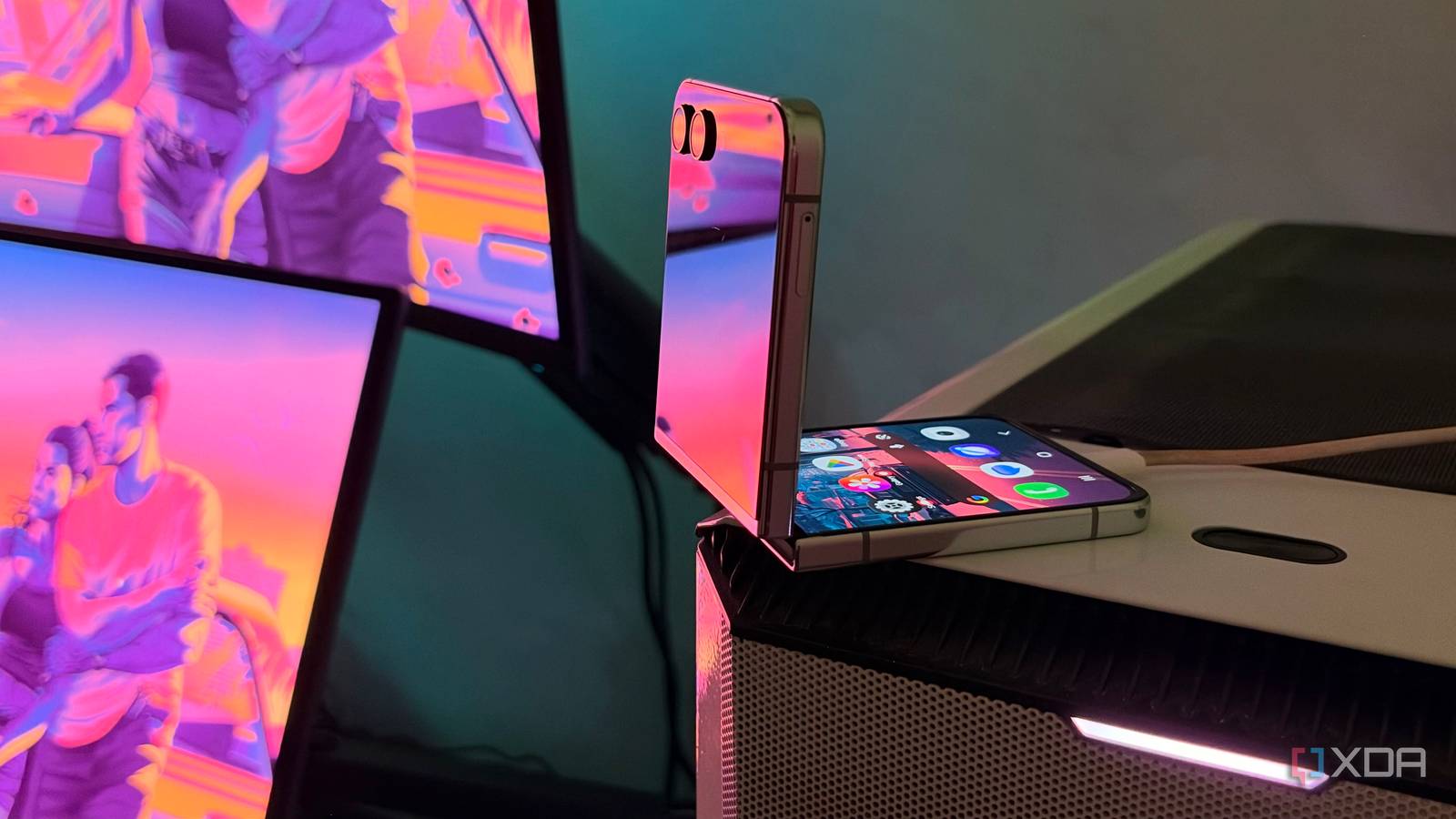
Published Nov 17, 2026, 2:31 PM EST Hamlin has been in the tech field for over nine years. Since 2017, his work has appeared on MakeUseOf, Android Police, OSXDaily, Beebom, and more. He served as the Senior Editor at Valnet's MakeUseOf for over two years before joining XDA. He uses a high-end gaming rig for desktop use and a MacBook for traveling, but dislikes some of the quirks of macOS. You're more likely to catch him at the gym or on a flight than anywhere else. I've been using my Galaxy Z Flip 5 alongside my iPhones since 2023, even though it hasn't really been my primary phone in a long time. I've always enjoyed carrying a foldable around, but after upgrading to the iPhone Duo recently, I don't really have a reason to keep using two phones. And it's not like the Flip 5 is in great condition anymore. I used it caseless, dropped it a bunch of times, and there's a fine crack on the cover screen. I can't even keep it fully folded anymore because it just shuts off. Since I'd have to use it like a slab phone if I wanted to, I figured I was better off leaving it in the drawer. But then I remembered that Windows 11 lets you use an Android phone as a webcam. Now, the cameras on the Z Flip 5 may be one of its weaknesses when you compare it to other phones, but the hardware is still better than what you'll find in most dedicated webcams. And after trying it out, I don't think I'll need to spend money on a webcam anymore, at least for occasional video calls. Windows 11 makes the setup process effortless No need to mess with third-party apps or USB cables This isn't my first time trying to use a phone as a webcam. I still remember experimenting with DroidCam over a decade ago when I had the Galaxy S4, but it wasn't nearly as straightforward as it is today. Now, all I really need is Microsoft's Link to Windows. And while it's technically a third-party app, it's already integrated into One UI on my Z Flip 5. I just had to head over to Settings -> Connected devices -> Link to Windows and tap Get Started to sign in with my Microsoft account. If you have a non-Samsung phone without the integration, you can just download and open Link to Windows directly. At this point, you can open Phone Link on your PC and check if your phone is connected. Then, head over to Settings -> Bluetooth & devices -> Mobile devices, click on your phone, scroll down, and make sure Use as a connected camera is enabled. That's it. Now, you should see Windows Virtual Camera as an option in apps that support webcams. You can start using this camera wirelessly from your PC, although you'll need to unlock your phone first. I like that you can easily switch between front and rear cameras or add blur effects directly from the phone. The fact that it's a flip phone has its perks I don't even need a separate stand to position it When I used DroidCam with my Galaxy S4, I hated that I had to find something to prop my phone against whenever I wanted to use its camera. Usually, I'd lean it against my PC case, which seriously limited how I could position it. With the Z Flip 5, though, I have way more flexibility since it's a clamshell foldable. I know I mentioned earlier that my phone shuts off when I fold it completely, but I can still leave it partially folded. So I normally just place the phone on top of my case, facing me, and angle the camera downward. Sometimes, I get creative and hook the partially folded phone over the top edge of my monitor, almost like a dedicated webcam. And even on the off chance that I actually keep it on my desk, I like how it takes up less space. But if you have a regular slab phone, you're probably just one good stand or mount away from being able to position it however you like, minus the flexibility of a folding hinge, of course. Either way, since the whole thing is wireless, you have a lot more freedom compared to a typical webcam clipped to the top of the monitor. You'd expect better quality out of this hardware But that's Windows' fault, as third-party apps tend to do better When I saw the camera feed for the first time after the initial setup, I was immediately disappointed with the image quality. It looked almost like the DroidCam feed I remember getting from my Galaxy S4 over a decade ago, which is the last thing I was expecting from a phone that can record 4K/60FPS video. I opened the Camera app on my PC, checked the video settings, and found that it was stuck at 720p/30FPS with no option to change it. I get that this is a wireless connection, but surely Windows could've managed at least 1080p/30FPS? Well, third-party apps actually offer higher resolutions and frame rates. DroidCam, for instance, supports 1080p even on the free version with a watermark. Camo Studio can support up to 4K at 60FPS, provided you're willing to pay for the Pro plan. So it's not like you don't have any options to make your footage look better. But since I video call like twice a month, I don't feel like paying for another app for a step-up in image quality. Nobody's going to yell at me just because I use a 720p camera, as long as they can see me. I might as well run it into the ground as a webcam I honestly can't think of a better way to get a few more years out of my Z Flip 5, especially given its condition. Sure, I could probably use it like a slab phone, but I bought it for the cover screen in the first place, so what's the point? It just turns a fun phone into a boring one. But now I get to enjoy the fun factor of using a foldable as a versatile webcam. And since it'll spend most of its time on my desk, I won't have to worry about dropping it nearly as much. Who knows? I might actually get another three years out of it.
An old phone with a cracked screen is the best webcam I've ever plugged into my PC
Full Article
Original Source
Read the full article at Xda-developers →KhanList aggregates and links to publicly available news content. We do not host full articles from third-party sources. Always verify important information with original sources.