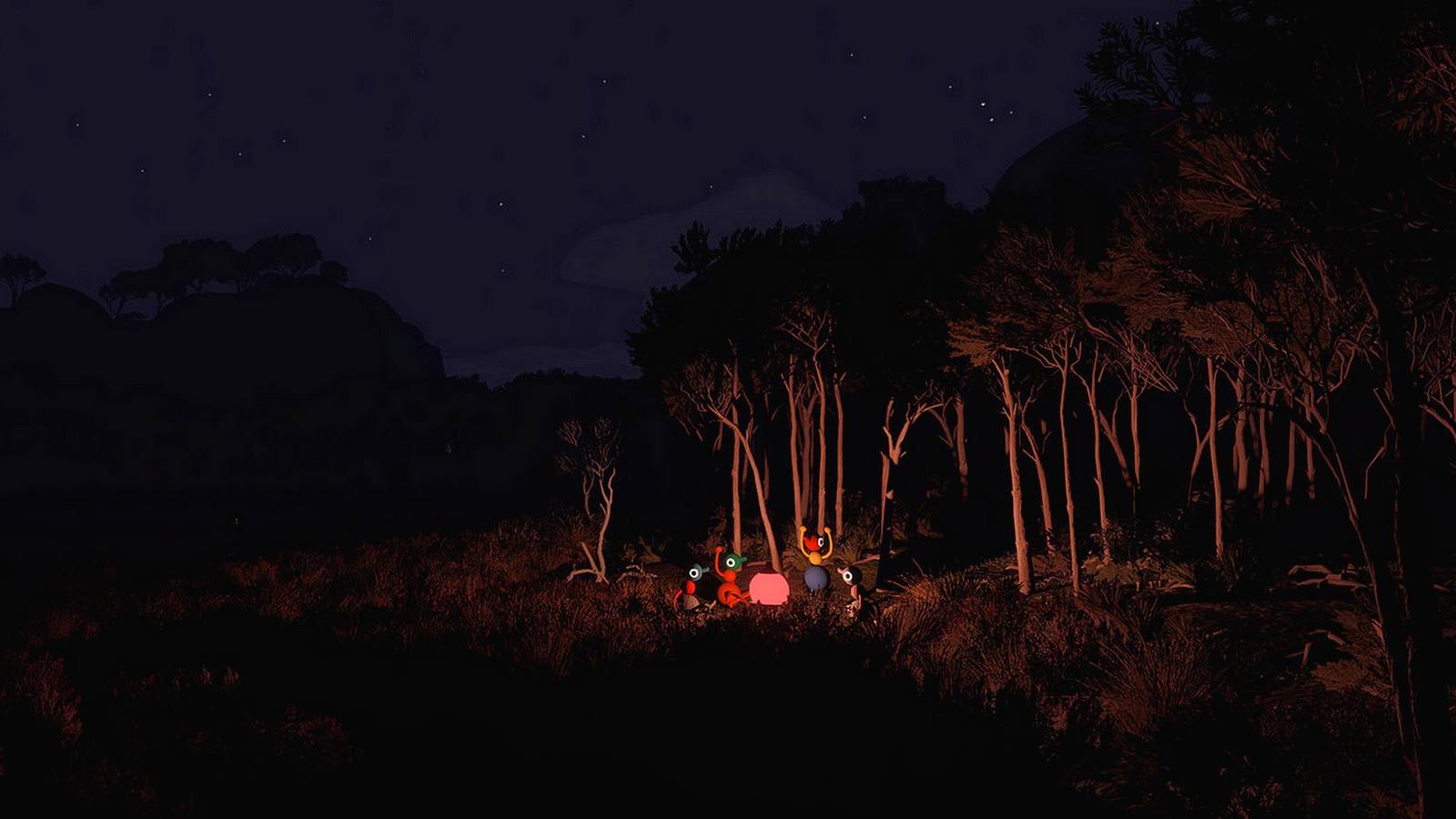
Big Walk: Complete Guide To Tools Published Aug 7, 2026, 3:22 PM EDT Gabrielle is a staff writer for TheGamer who began working in gaming journalism in May 2022, immediately after graduating cum laude with her Bachelors in English. A lifelong lover of in-depth RPGs and cozy simulation games alike, she enjoys having married her passions for both writing and video games in her work. She's spent her life chasing Platinum trophies and completionist collections, even before a company started paying her to do it on the internet. The point of a walk and talk game like Big Walk is to send you and your friends on a vast adventure at your own pace, allowing you ample opportunities to solve puzzles together as you uncover every corner of a beautiful Australian Outback-inspired island. But as you go, you'll unlock a handful of tools in Big Walk that make the game a little easier in some way. Whether it's a flashlight that allows you to explore at night, a walkie-talkie to stay in touch, or just the radio for some musical vibes, here's how you can get every tool. When you first begin playing Big Walk, you'll need to work through an introductory area outside the starting building that teaches you everything you'll need to know about the basics of exploring and solving puzzles around the world in the game. Once you customize your characters and leave the starting area, though, you'll have access to the broader parts of the island, and as you explore it with your friends, you'll come across a handful of tools that help you on your adventure in some way. There are three major types of tools in Big Walk: Navigation Tools are helpful ways to make exploring the world around you easier in some way. Inventory Tools are good ways to bring extra items along with you on your next outing. Communication Tools make it easier to communicate with your group across distances. These items will be well concealed around the map of the island and will often come as a reward for curious exploration outside of puzzle areas, or even as prizes for solving every puzzle related to the colored towers around the area. Check out the table below for more information about each of the tools in Big Walk! Every Tool In Big Walk And How To Use It Item Name What It Does Where to Find It Navigation Tools Binoculars Instead of waiting to find a telescope at one of the viewing platforms around the island, use the binoculars when they're in your hand to zoom in on your view and see what you can see from your current vantage point. Every control panel tower Compass Used in relation to the map, you'll use the compass to give more precise directions to the team as you explore the island. It's easier to tell someone to go in a cardinal direction than it is to give a vague hint about where they ought to move! Inside the Map Room on a table Flashlight Turn the item on and off to provide a consistent light source that allows for nearly seamless nighttime exploration. On the left of the red bridge from the starting area, just past the part of the drawbridge that drops when you complete the tutorial Map Though you'll find a large room with a more detailed map as the prize for solving the puzzles related to the XX Tower in Big Walk, you'll also be able to use a smaller hand-held map to find your way around the island while you're out on the go. While not as detailed, you'll still see plenty of important markers on the paper map, as well as an overview of the island that will show you where to find the colored structures related to the tower puzzles. Inside the Map Room on a table Inventory Tools Backpacks Hidden in round blue buildings around the map of the island are a series of different colored backpacks. When you grab one, you can stick it onto the middle section of one of your friends, and they'll be able to carry an additional item with them without using one of their hands to do it. Backpacks can accommodate almost any item in the game. Various spots around the map Waist Bags Much like backpacks, you'll find these belts in the blue, circular buildings around the map. These can also help carry an additional item, but you're limited to only smaller items like the map or a walkie-talkie. Communication Tools Flare Gun Like the rocket you found back in the initial starting area, flares allow you to shoot light directly upward into the sky, which will give your current position away to anyone who can see the explosion. It can help your groupmates triangulate one another before you discover more precise ways to communicate your location! Near most puzzle solution areas Laser Pointer By holding the laser pointer and clicking to interact with the item, you'll be able to turn on a small beam of light that allows you to point more precisely to a location. See something interesting out on the horizon but aren't quite sure how to explain where or what it is to your friends? Don't just point at it - laser point at it! Inside the Map Room on a table Megaphone Hold the device up to your character's face and speak directly into it to amplify your speaking voice around the area, providing a better range for your end of proximity chat. It's helpful when you know friends are someplace nearby but don't know quite where. On a stack of yellow shapes north of the Yellow Tower In the woods due east of the Green Tower Radio While the music is always lovely to have on hand to accompany your group on their Big Walk, the radio can also function as a communication tool, since the music allows your teammates to follow the sound directly back to you if they get separated. Turn it on from the receiver from which you take the radio, and you'll have some relaxing tunes following your group anywhere you go. Just past the Flashlight location along the red bridge from the starting area Walkie-Talkie When you've got more than one walkie-talkie, you'll be able to speak directly to teammates from anywhere on the map, even if you're outside the range for proximity chat. You can affix it to a belt On a platform below the Red Tower The red tunnel below the Red Tower White Board You'll find a series of white boards on which you can leave a text chat message for anyone who happens to pass by after you. Need to leave a hint for someone coming after you? Spell it out before you leave. On the wall in the Map Room Before you unlock the flashlight, you can pick up the round lights in the wild and kick them around to provide light for a small area around the object. It's still helpful afterward, too, since every person on your team would need their own flashlight and there only seems to be one of them in the game so far that we've found. Additionally, you can use the telescopes on the reddish viewing platforms in various spots around the mountains in addition to the binoculars (or before you've managed to get your hands on that particular tool). Use them with the laser pointer to search more precisely for where you'll need to go from there.
All Tools And How To Use Them In Big Walk
Full Article
Original Source
Read the full article at Thegamer →KhanList aggregates and links to publicly available news content. We do not host full articles from third-party sources. Always verify important information with original sources.