
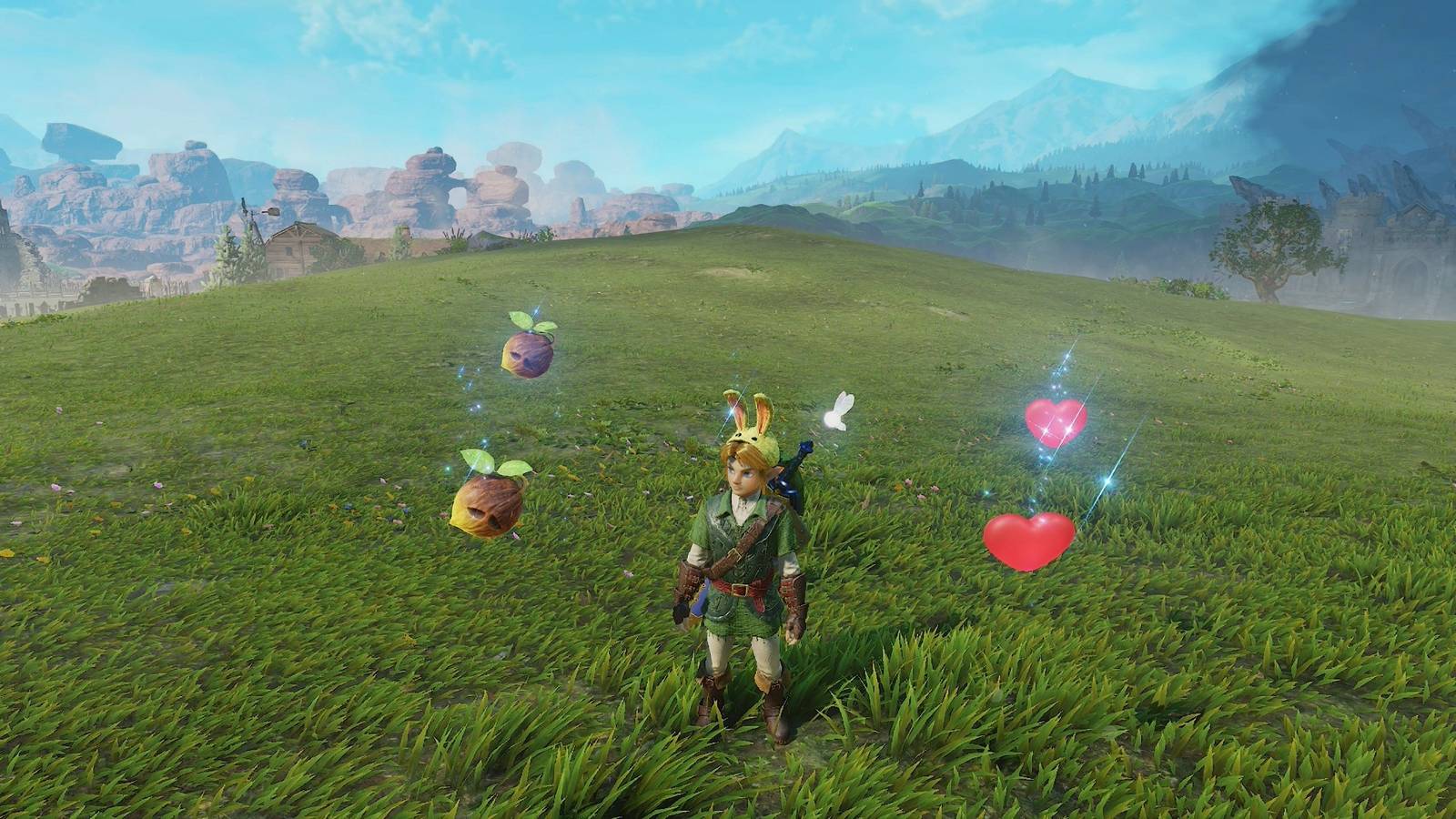
Published Nov 9, 2026, 12:57 PM EST Scan your amiibo for some loot Image: Nintendo EPD/Nintendo via Polygon Being a Nintendo Switch 2 game, of course, The Legend of Zelda: Ocarina of Time remake has amiibo functionality. After you progress in the game, you can toggle the amiibo option in your settings, allowing you to scan in your various Zelda franchise amiibo for some rewards. All Zelda amiibo are usable with the Ocarina of Time remake, including ones of Zelda characters from the Super Smash Bros. line of amiibo. Scanning non-Zelda amiibo will just yield a note saying that this amiibo doesn't work with the game, so put your Splatoon amiibos away. Below, we list the rewards and drops you can get from scanning amiibo in the Ocarina of Time remake. All obtainable amiibo rewards and drops in Zelda Ocarina of Time You can only scan each unique amiibo once per day. If you scanned in an Urbosa amiibo, you can't scan it again to get rewards until the next day. Almost all the Zelda amiibo reward the same thing: random items that you have unlocked already. This can include hearts, magic potions, bombs, Deku nuts, Business Scrub seeds, and arrows. For example, if you scan the amiibo before you've unlocked the Fairy Bow in the Forest Temple, you won't earn any arrows from your scans. Image: Nintendo EPD/Nintendo via Polygon While this isn't really anything groundbreaking, this can help you if you're in a pinch and need more bombs, hearts, or arrows, so don't sleep on your amiibo if you find yourself far from a shop during your playthrough. The Young Link and Young Zelda amiibo (the ones fashioned after the remake designs) will not be released until 2027. When you do get your hands on them and scan them, you'll get some funny masks that look like the original young Link and young Zelda designs, polygons and all. These masks are likely just cosmetics, but if they're similar to the other masks in the game, wearing them may get some specific reactions from NPCs. Image: Nintendo EPD/Nintendo via Polygon The Zelda Notes feature in the Nintendo Switch app will also log all the amiibo you scan. If you scan any amiibo five times, you'll "be able to scan it an extra time," according to the app. Graphic: Julia Lee/Polygon | Source images: Nintendo EPD/Nintendo via Polygon How to use amiibo in Zelda Ocarina of Time First, you'll need to turn on the amiibo feature in your settings. Press the Plus button, scroll over to "system" and then select "options." The amiibo toggle is the first one on the list, so just press A to enable it. If you can't enable it yet, progress more in the game. With that on, to scan amiibo, you just need to do the following: Press and hold R. Scroll all the way to the right side to select the amiibo function. Press ZR. Press the amiibo against the right stick on the Joy-Con or Nintendo Switch logo on your Pro Controller. You can also manually "equip" the amiibo option from the "items" screen, the way you would your other equipment, if you'd prefer to do that. The Legend of Zelda: Ocarina of Time remake is a little bit different than the original game, so if you need guides to help you through, we don’t blame you. We have walkthroughs for all the dungeons, from the Deku Tree to Ganondorf's Castle. We also have guides for the sillier, in-between parts of the game, like when you have to find Richard (the dog) or Cuccos. For those going for 100% completion, we also have guides on where to find every Piece of Heart, every Gold Skulltula token, and where to plant every Magic Bean.
All amiibo rewards and drops in Ocarina of Time
Full Article
Original Source
Read the full article at Polygon →KhanList aggregates and links to publicly available news content. We do not host full articles from third-party sources. Always verify important information with original sources.