
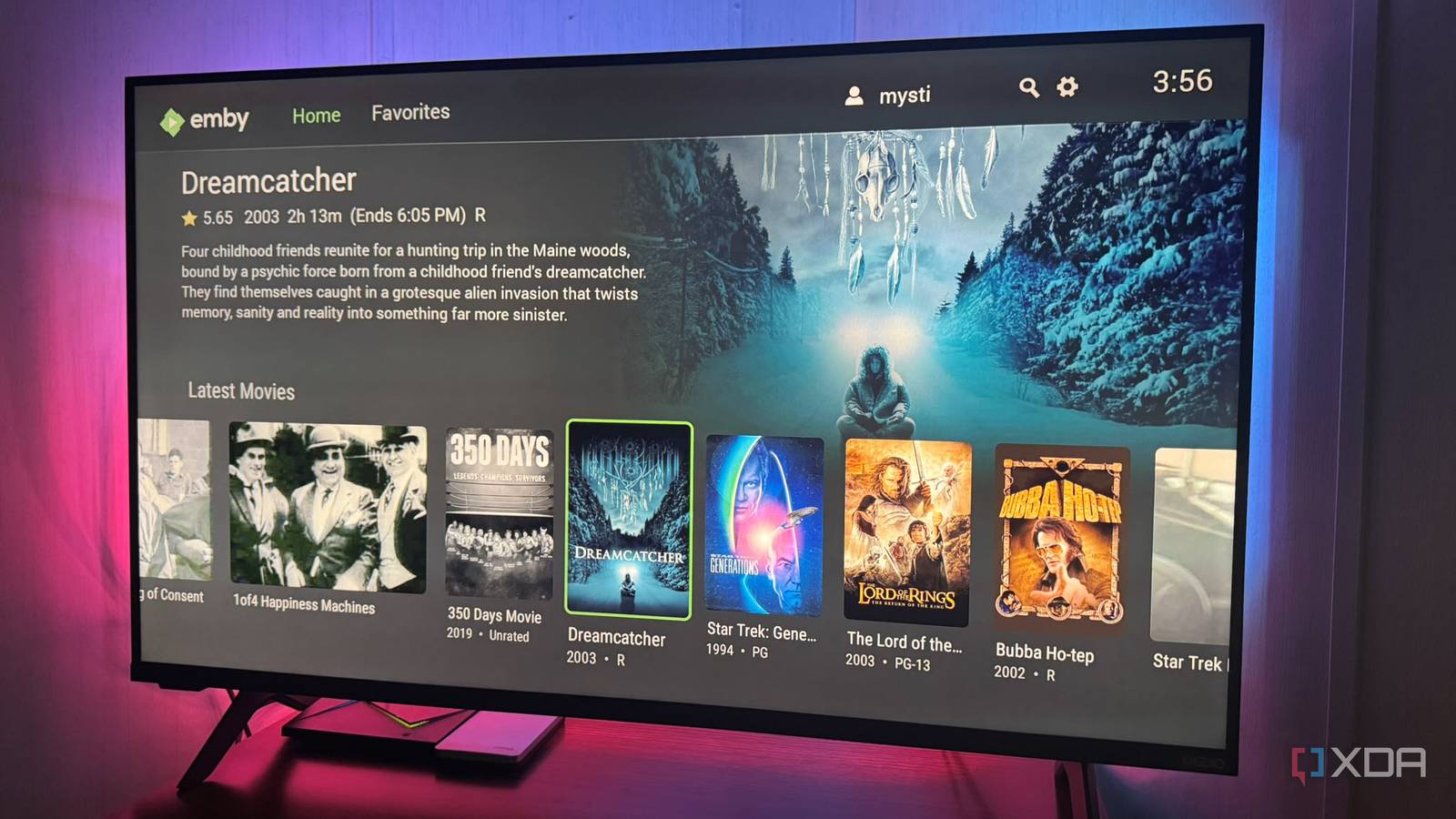
Published Sep 14, 2026, 11:30 AM EDT Based in rural Minnesota, Brian Burgess worked in IT for 10 years before finding his passion for writing about consumer technology. Brian earned his degree in computer and network technology in 2000. He held various IT positions, including help desk support, router installations for IBM, database administration, and other associate network administration roles. He's been a personal technology journalist for 18 years and has written thousands of articles about Microsoft products and services, Android, iOS, streaming, and more. He has written for notable tech sites including XDA, InformationWeek, How-To Geek, Byte, groovyPost, and others. When he is away from the keyboard, you will hear him playing guitar, working outdoors, and watching Star Trek. Since Jellyfin's release, I've used it faithfully, but I want to try something different. I've also used Plex for years, and I run Jellyfin and Plex together since Plex paywalls everything. So I decided to try an underdog platform called Emby. Since I'm coming from Jellyfin, I was initially concerned about how my self-hosted media setup would work. Once I got acclimated to where everything was, I was pleasantly surprised by how easy it was to use and how great the experience was when accessing my media. However, even Emby has paywalled features, but most users won't need them anyway. I'm now a Jellyfin-to-Emby convert Adjusting to control locations has taken me some time I've slowly moved away from Jellyfin to Emby. When I first started with Emby, I thought it would take a lot of time to get acclimated to the self-hosting media platform. However, once I figured out where things are, I discovered it's a lot like Jellyfin. Finding the controls was challenging at first, but the overall structure is similar to Jellyfin. When you launch the Emby server, a taskbar shortcut lets you restart and configure it. However, you need to stop or restart it from the dashboard. Once in the dashboard, adding movies from my media library is similar to Jellyfin. Select New Library and choose the type of content you're adding, i.e., movies, music videos, TV Shows, or audiobooks. Browse the directory where the media file lives, choose Library Settings, and click Ok. Then rescan the folder if any associated artwork or other metadata is missing. Other control settings are available that most Jellyfin users are accustomed to, and they are in the left sidebar. For instance, you can change network settings, transcoding, schedule tasks, and more. I can access server logs, check devices connected to Emby, their status, make adjustments, and manage other server tasks. Emby Changing Emby's port This is important if you're also running Jellyfin Emby runs on the same 8096 port as Jellyfin. I found many conflicts when both servers run at the same time. Sure, I could stop Jellyfin every time I want to use Emby, but a better idea is to change its port. Go to Dashboard > Network and change the Local HTTP port number and the Local HTTPS port if you enabled Emby HTTPS. I dropped mine to port 8097 and HTTPS to 8021, then restarted the server, and it came up successfully with the new ports. After making the changes, I could find it by choosing the right port number. For example, I can now use https://192.168.0.131:8097 to dial into my Emby server. Keep in mind that if you have the server bookmarked, you'll need to change it to the new port number and allow TCP 8097 through Windows Firewall if running it on a PC. Where Emby falls short It has a Plex-like paywall for some vital functions As a Jellyfin-to-Emby convert, I am used to having everything, and Emby has some paywalled features, like Plex. It will let you know when you need an Emby Premiere subscription by showing a splash screen. It's mainly for server-side functionality like hardware-accelerated encoding and HDR tone mapping while transcoding. However, Emby Premiere also offers client-side features like Live TV, intro skipping (a feature I have a hard time paying for), downloading, and Cinema intros. You don't need it if you watch on devices that Direct Play files, or if the files are H.264 and HEVC in MP4/MKV containers. Also, if you don't care about live TV, offline downloads, or intro skipping, you don't need to pay for the Premiere version. I am so used to those features being free with Jellyfin that I was taken aback. Still, it's not a deal-breaker, and Emby Premiere is still cheaper than paying for Plex Pass. Adding Emby Premiere costs $5 per month, $54 per year, or $119 for a lifetime. Emby used to be open-source like Jellyfin, but it closed off the software under its own developer structure. Jellyfin actually began from Emby's last PGL-era code. You can tell because Emby's structure is a lot like Jellyfin's. But the server and clients are free to use, and most people can get by without having a Premiere account. Emby clients There's plenty for all devices Like other self-hosted media platforms, Emby has clients for virtually every platform. You can use the official Emby client or alternative apps like Moonfin and Infuse to connect to the Emby server. This gives you some choice about what you use on different devices. There aren't as many as Jellyfin, but many Jellyfin apps support Emby connectivity. The Emby client app allows local-only use, so you don't need to sign in to an Emby account to view your media — unlike Plex. Emby also offers an official integration for Koi. However, several Emby client features are behind the Premium paywall. I was fine paying for a month here and there to see if I really needed Premiere, and it turns out I do for my use case. Emby is a better Jellyfin (kind of) A lot of good things are happening with Emby, and I am glad I set up the server. However, I made a point of changing its port because I'm not quitting Jellyfin just yet. But using Emby is as simple as Jellyfin, and it does a great job displaying my media and letting me manage it. Premiere isn't a dealbreaker since the features that require Emby Premiere are done well.
After using Jellyfin for years, this lesser-known open-source alternative finally won me over
Full Article
Original Source
Read the full article at Xda-developers →KhanList aggregates and links to publicly available news content. We do not host full articles from third-party sources. Always verify important information with original sources.