
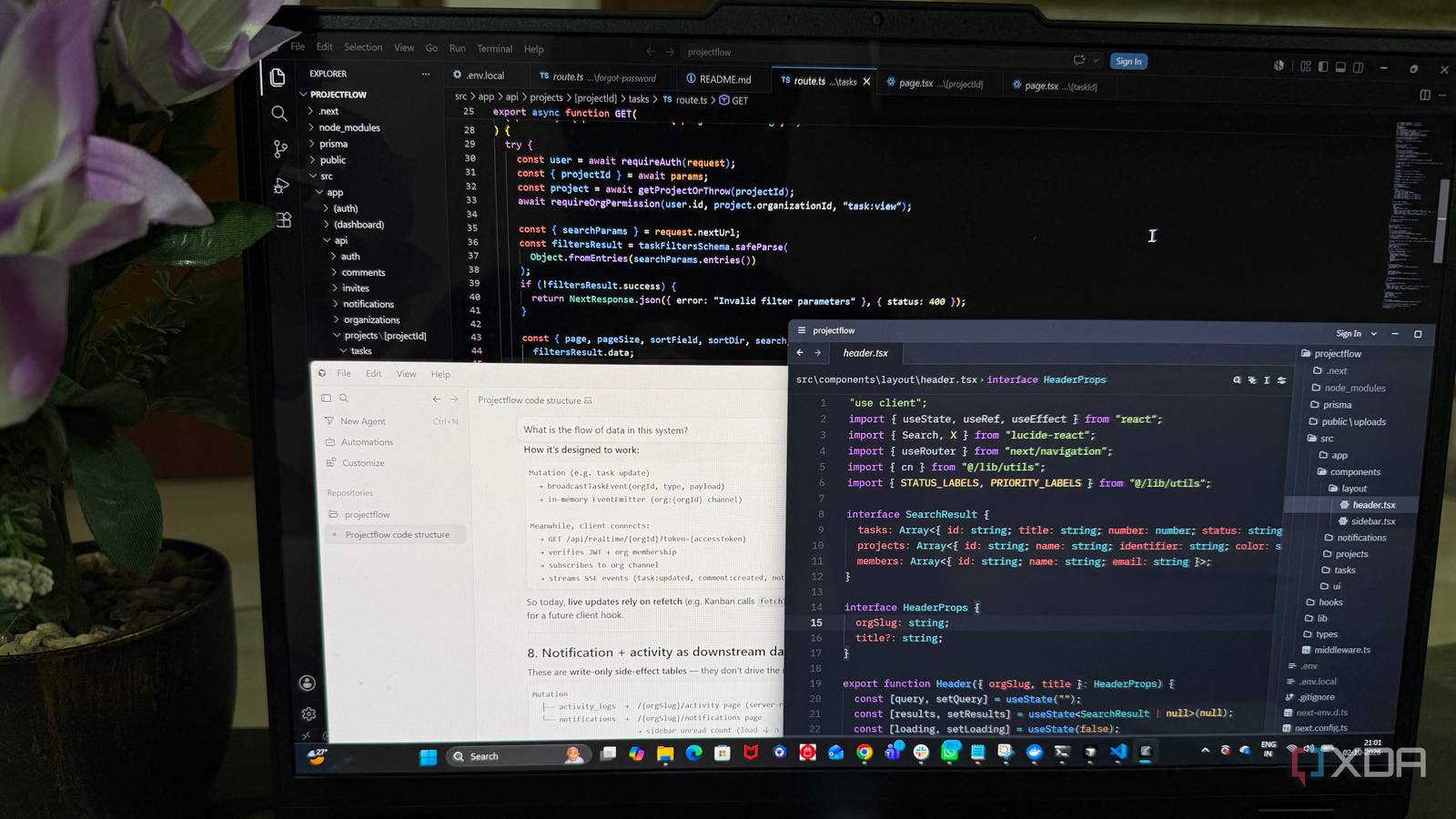
Published Oct 3, 2026, 12:31 PM EDT Beginning his professional journey in the tech industry in 2018, Yash spent over three years as a Software Engineer. After that, he shifted his focus to empowering readers through informative and engaging content on his tech blog – DiGiTAL BiRYANi. He has also published tech articles for MakeTechEasier. He loves to explore new tech gadgets and platforms. When he is not writing, you’ll find him exploring food. He is known as Digital Chef Yash among his readers because of his love for Technology and Food. I have spent years using VS Code, so switching between three different editors for a month was not something I expected to do. But I wanted to see whether newer options like Zed and Cursor could actually change the way I work. Instead of judging them after a quick test, I used each one for real coding tasks and paid attention to the small things that affect my day-to-day workflow. Some differences were obvious, while others only became clear after switching back and forth. By the end of the month, one editor stood out enough that I stopped thinking about switching again. VS Code still does almost everything right The editor that does almost everything VS Code is still the editor I can open and start using without thinking. I have spent years with it, so the layout, shortcuts, file explorer, terminal, and Git tools all feel natural to me. Even after trying other editors for a month, I still find myself falling back on the same familiar workflow. The biggest advantage is its enormous library of extensions. There is an extension for almost everything I might need, whether it is related to a language, framework, file format, debugging, productivity, or a small quality-of-life feature. That ecosystem makes VS Code incredibly flexible, especially when I want to customize the editor around a specific project. But that flexibility comes with a cost. VS Code can feel heavy, particularly compared with newer, more lightweight editors. When I have a larger project open with several extensions running, I notice that it takes longer to start and can feel less responsive than I want. It is not painfully slow, but after spending time with faster editors, the difference becomes much easier to notice. Still, I cannot ignore how complete VS Code feels. It handles almost every part of my regular workflow without requiring me to compromise. Even with its weight, the combination of familiarity, flexibility, and its massive extension library keeps VS Code firmly in the conversation. Cursor made AI feel like part of the editor AI finally felt built into coding The biggest change I noticed was how much less I needed to switch between my editor and an AI chatbot. Instead of opening another window whenever I got stuck, I could describe what I wanted directly inside my coding workflow and get help without breaking my focus. That became especially useful when I was working on repetitive changes or trying to understand unfamiliar code. I could explain the change in plain language and let the AI suggest the implementation. For smaller tasks, this often saved me from writing the same boilerplate or searching through documentation for something I already knew I could describe. I also liked how the AI could work within the context of my project. I didn't always need to explain every file or paste large chunks of code into a prompt. It could look at the surrounding code and give me suggestions that were more relevant to what I was actually working on. Zed made the other two feel heavier Less clutter, more room to work I noticed the difference after spending some time with Zed. It feels lighter in a way that is difficult to appreciate until I go back to something heavier. Opening a project, jumping between files, searching through code, and moving around the editor all feel quick and responsive. Going back to VS Code after using Zed made that difference much more obvious. VS Code is not suddenly slow, but it feels heavier by comparison. Cursor gave me a similar feeling, although for a different reason. Its AI features are genuinely useful, and I liked having them so closely integrated with my workflow. But there is also more happening around the editor, and sometimes I simply want a fast place to write and edit code without feeling like I am using an AI system for every task. Zed feels more focused on comparison. The interface stays out of my way, and I can move around a project without constantly thinking about the editor itself. At the same time, it is not ignoring AI. Its newer AI capabilities and support for AI agents give me access to those workflows when I actually need them. That balance is what stood out to me. Zed feels lightweight without feeling outdated. This is the editor I’m keeping A month of switching between these three editors gave me a much clearer idea of what I actually want from my setup. I don't need the editor with the longest feature list or the most aggressive AI approach. I want something that feels natural enough that I can stop thinking about the tool and concentrate on the work. That is where Zed fits for me. It has become the editor I reach for first, and I no longer feel the need to keep switching around to see if something else works better. I know VS Code will remain useful, and Cursor has its place when I want a more AI-focused workflow. But for my everyday coding, I'm sticking with Zed. Zed Zed is an open-source, high-performance code editor and modular development environment (IDE) designed for Windows, macOS, and Linux.
After a month with VS Code, Cursor, and Zed, I finally found the editor that gets out of the way
Full Article
Original Source
Read the full article at Xda-developers →KhanList aggregates and links to publicly available news content. We do not host full articles from third-party sources. Always verify important information with original sources.