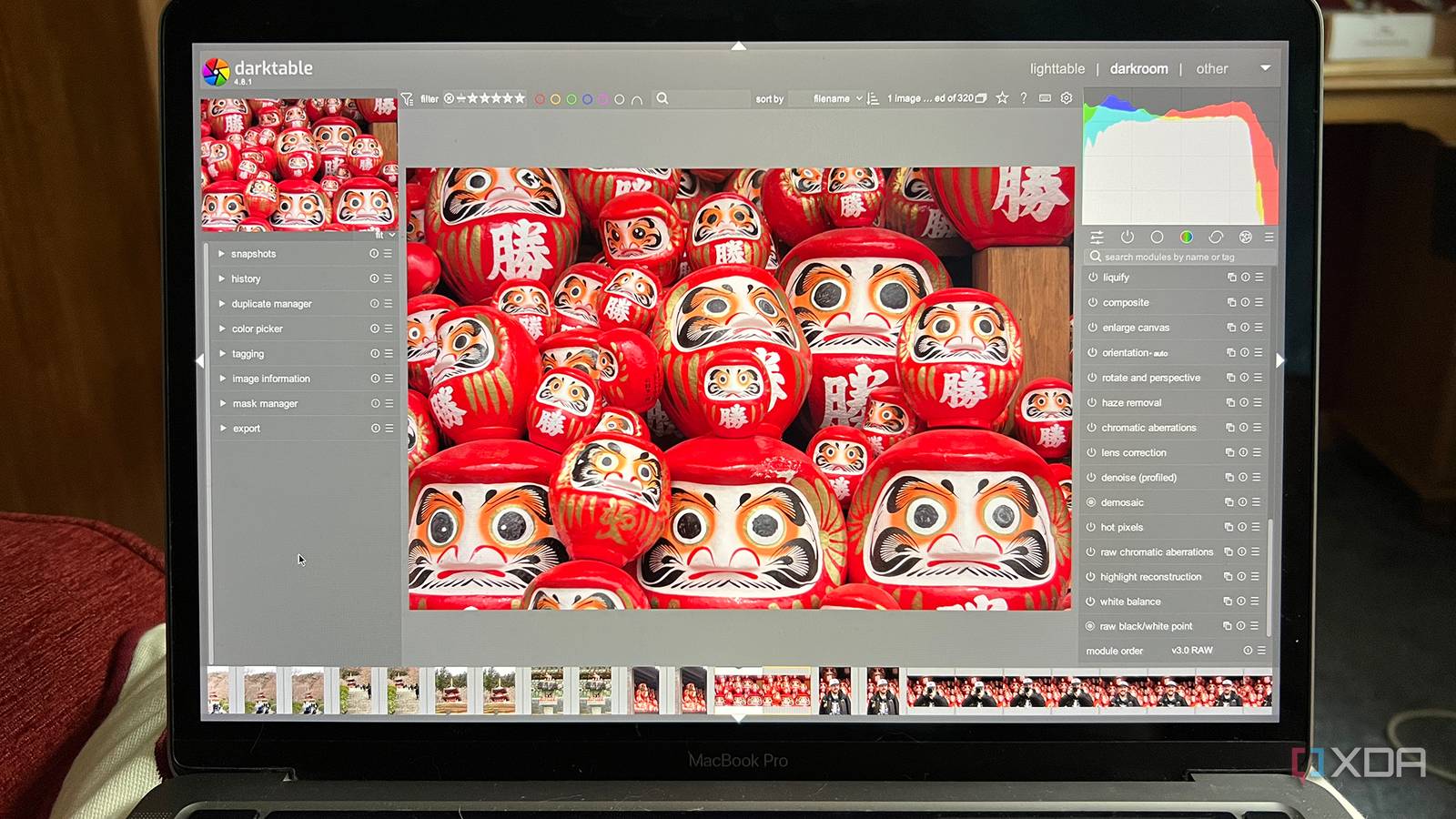
Published Jul 21, 2026, 6:00 PM EDT Beginning his professional journey in the tech industry in 2018, Yash spent over three years as a Software Engineer. After that, he shifted his focus to empowering readers through informative and engaging content on his tech blog – DiGiTAL BiRYANi. He has also published tech articles for MakeTechEasier. He loves to explore new tech gadgets and platforms. When he is not writing, you’ll find him exploring food. He is known as Digital Chef Yash among his readers because of his love for Technology and Food. Affinity becoming free is great news for anyone looking for professional creative software without paying for a subscription. It removes one of the biggest barriers that kept many people searching for alternatives. As someone who regularly edits images, works with graphics, and creates content for my blogs, I was excited to see how it would fit into my workflow. But the more I used it, the more I realized that productivity isn't always about using the most polished software. Sometimes it's about using the tools that naturally fit the way you work, and that's why I still find myself opening open-source apps more often than Affinity. Affinity being free makes it an incredible creative suite It's hard to argue with what you get for nothing When Affinity became free, I expected it to replace most of the creative apps on my PC. The biggest reason many people looked elsewhere was the cost, and once that disappeared, Affinity became an easy recommendation. It gives me powerful tools for photo editing, vector graphics, and page layout in one polished package without asking me to pay a subscription or juggle multiple applications. After spending some time with it, I understood why so many people consider it a professional alternative to Adobe's software. Everything feels consistent; the interface is modern, and moving between different types of creative work is straightforward. If someone asked me for a single creative suite to install today, Affinity would probably be my first suggestion. That said, I quickly realized that having an excellent all-in-one suite didn't automatically change the way I work. Even with Affinity installed, I kept opening several open-source apps out of habit because they still fit certain tasks better. Free and open source still mean very different things One thing I've learned after switching to open-source software is that "free" and "open source" aren't the same thing. Affinity doesn't cost anything today, and that's great, but it's still software controlled by a single company. Its future depends on decisions that are completely outside my control, whether that's pricing, licensing, supported platforms, or development priorities. With open-source apps, I feel like I'm investing time into tools that belong to a much broader community. Even if the original developers move on, anyone can continue the project, fix bugs, or add features. That gives me more confidence to build long-term workflows around them. I'm not saying Affinity is likely to change course or become a bad product. It's simply that I've become more comfortable relying on software that isn't tied to one company's roadmap. After years of moving toward open-source tools, that mindset has become just as important to me as the features themselves. Open-source apps tend to do one thing really well I don't always need an entire creative suite As good as Affinity is, I rarely need everything it offers for a single task. Most of my creative work is much simpler. I might need to crop a screenshot, edit an image for a blog post, clean up an SVG, or make a quick illustration. In those situations, I prefer an open-source app that's built around that specific job. I've found that many open-source creative tools focus on doing one thing exceptionally well instead of trying to cover every part of the creative workflow. That makes them feel quicker to launch and easier to use because I'm not navigating features I'll never touch for that task. I already know where everything is, so I can finish my work and move on. Over time, I've stopped looking for one application that does everything. Instead, I've built a small collection of specialized tools that I know well. For the way I work, that approach feels faster and more practical than relying on a single creative suite every time. I prefer these open-source apps Right app for each job The open-source apps I keep coming back to each have a clear purpose in my workflow. For image editing, I almost always open GIMP because it's quick for resizing images, cropping screenshots, and making small adjustments before publishing a blog. When I need to work with SVG files or simple vector graphics, Inkscape is still my first choice because it feels built for that kind of work. For digital drawing or sketching ideas, I prefer Krita. Its interface stays focused on illustration instead of trying to be an all-purpose design application. If I'm editing RAW photos, Darktable has become my go-to option because it gives me the controls I need without locking me into a specific ecosystem. None of these apps replaces Affinity on its own, and that's the point. Together, they cover almost everything I need. I don't think about which app is technically the most powerful anymore. I simply open the one that fits the task, finish my work, and move on. Affinity is excellent, but I still choose open source Affinity deserves the praise it gets, especially now that it's free. I'll continue recommending it to people who want a polished creative suite. For me, though, my workflow has evolved around open-source tools that feel familiar and dependable. They let me work the way I want without making me adapt to a single ecosystem. At this point, it's less about finding the "best" software and more about using the tools that help me get my work done with the least friction.
Affinity is free, but I still keep reaching for open-source apps instead
Full Article
Original Source
Read the full article at Xda-developers →KhanList aggregates and links to publicly available news content. We do not host full articles from third-party sources. Always verify important information with original sources.